How to Use a Commercial Generator: 30-Minute AI Tutorial
Step-by-step guide to using a commercial generator: write a script, train an AI clone, generate variants, and export 9:16 + 1:1 + 16:9 in under 30 minutes.
- A modern commercial generator turns a 50-word script into a finished 9:16, 1:1, and 16:9 commercial in under 30 minutes
- Step 1 (offer + audience) is the load-bearing input that decides whether the ad converts
- Scripts capped at 130 words for 60 seconds, 95 for 45, 65 for 30 are the realistic spoken-word ceiling
- Hook variant testing (3 hooks, same body, same CTA) is the move that separates working ad sets from wasted spend
- Aspect-ratio export covers Meta Reels, TikTok, LinkedIn feed, and YouTube in one production pass
- Argil is used as the worked example because the clone-based commercial generator handles training, generation, captions, and b-rolls in a single pipeline
What you can build in 30 minutes with a commercial generator
By the end of this tutorial you will have a 30-60 second commercial in 9:16 and 1:1, ready to push into Meta Ads Manager or LinkedIn. You will also have 2 hook variants of that same commercial, set up as an A/B test on a $20 to $50 daily budget.
The time budget breaks down cleanly: 5 minutes to write the script, 10 minutes to train an AI clone the first time you do this, 10 minutes to generate and review, 5 minutes to export. That puts the first ad inside 30 minutes and every variant after that under 10 minutes, because the clone training is a one-time cost.
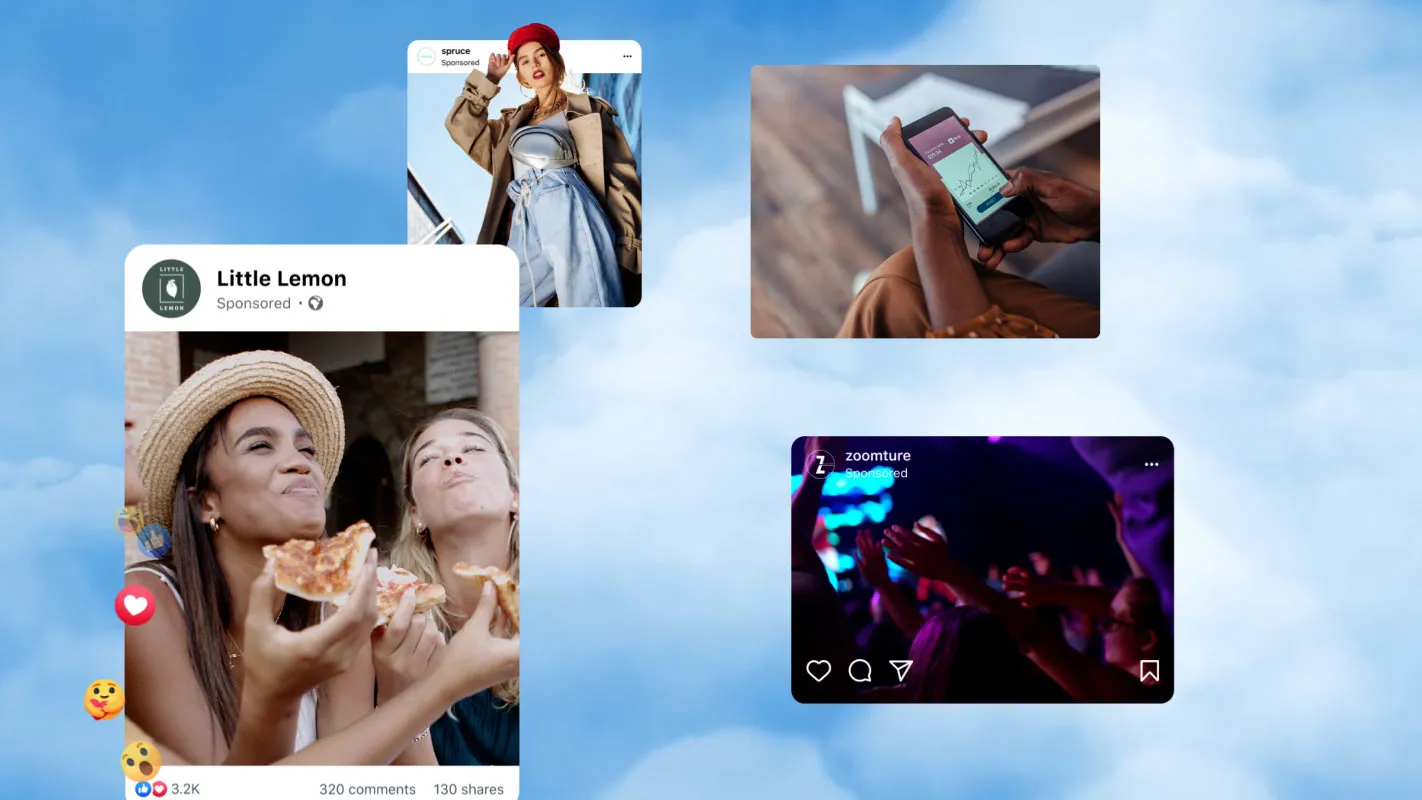
You’ll have a 30 to 60 second ad in 9:16 and 1:1, plus 2 hook variants to A/B test. Image source: Meta
The worked example throughout this tutorial is Argil. The reason is narrow: it ships a clone-based commercial generator with the captions, b-rolls, and aspect-ratio exports built into one pipeline, so you do not need a separate editor. Argil's Classic plan starts at $39 per month and includes 1,600 credits plus access to 100+ stock avatars, which is enough room to produce 10 to 15 commercials a month at average length (verified May 2026).
Before opening any tool, you need 4 things ready:
- A phone or webcam set up at eye level
- A quiet room with even lighting (a window at 45 degrees to your face works)
- A 60-second test script you have read out loud against a stopwatch
- An Argil account on the Classic plan or above
If you have those, you can run this tutorial straight through.
Step 1: Define your offer and audience before opening the commercial generator
A commercial generator can produce 100 ads in an hour. None of them will convert if the offer is vague or the audience is wrong. The script is where the work pays off, and the script lives or dies on offer clarity.
Write your offer in one sentence using this exact structure: "I help [audience] [achieve outcome] in [timeframe] without [common pain]." Example: "I help SMB founders ship 5 paid-ad variants per week without hiring a video editor." If you cannot fit your offer into that sentence, the commercial cannot fix it.
Now name the audience by job title and trigger event. Trigger events outperform demographic targeting in ad creative because the ad reaches the buyer in the exact moment the pain is sharpest. A "marketing manager" is a demographic. "A marketing manager who just hired their first growth lead" is a trigger event. A few more triggers that hit harder than the demographic version:
- A founder who just launched their Shopify store
- A real estate agent who just got their first listing
- A coach who just raised prices
Finally, list the top 3 objections the audience holds against your offer. The hook in Step 2 will neutralize one of them in the first 3 seconds. Without that, the hook is a slogan.
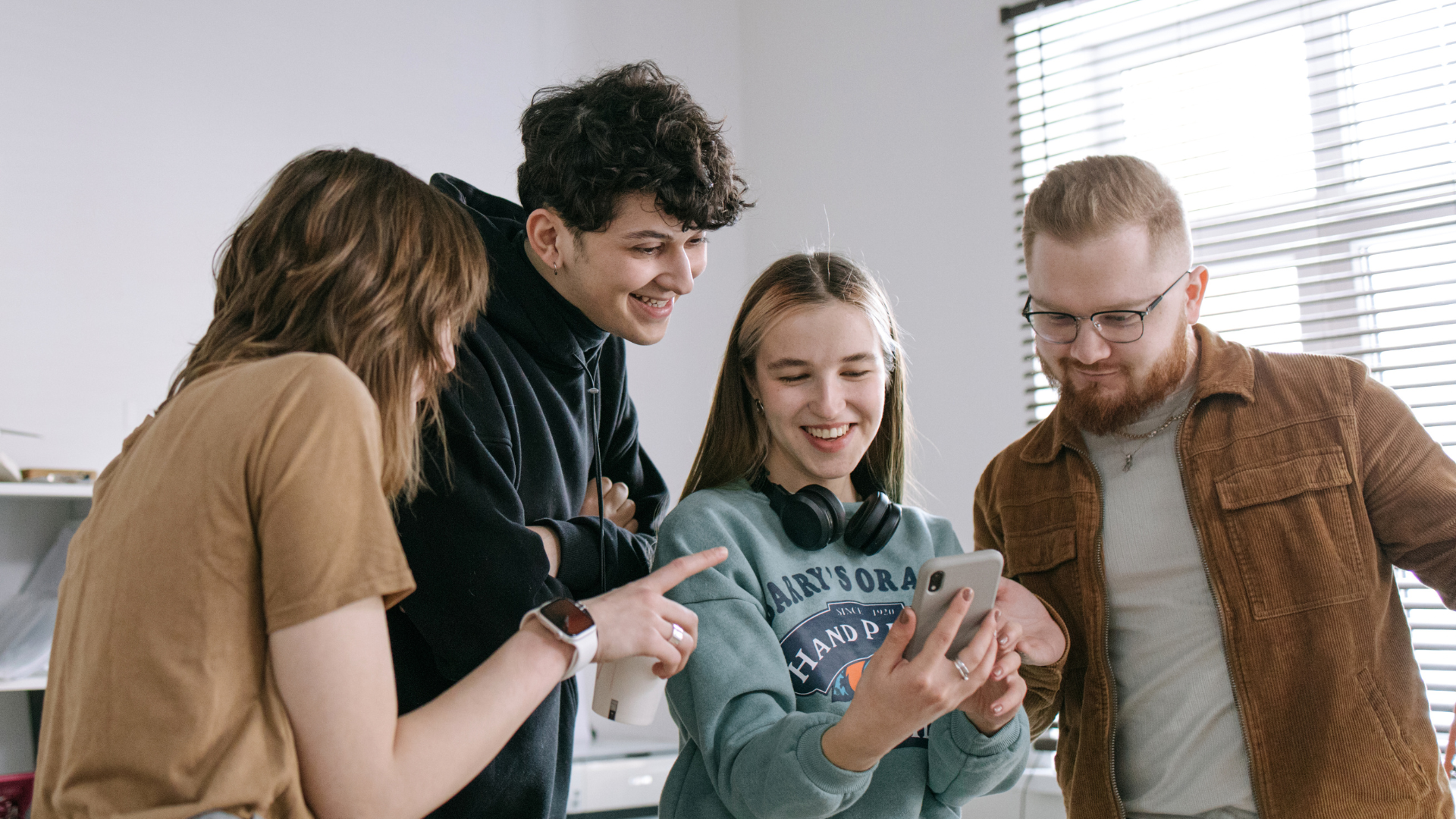
A generator can make 100 ads an hour, but none will convert without a clear offer and the right audience.
The output of Step 1 is small but load-bearing:
- One offer sentence
- One audience description (job title plus trigger)
- 3 objections, ranked
Write these in a doc before opening any tool. Skip this step and the rest of the tutorial produces a polished-looking ad that misses the buyer.
Step 2: Write a script that fits a 30-60 second commercial
AI tools generate exactly what you write. A bad script produces a polished-looking bad ad, which is worse than no ad because it costs money to test. The 3-second hook rule decides everything: if you lose attention in the first 3 seconds, the rest of the script is wasted.
Use a 4-block structure to time-budget the script: Hook (3-5 seconds), Pain (5-10 seconds), Mechanism or Offer (10-25 seconds), CTA (3-5 seconds). The hook is the variable that decides paid-social performance, so write 3 hook variants, not 1.
Hook patterns that work in 2026:
- A question hook that names the pain ("Why is your ad spend doubling but your sales flat?")
- A contrarian hook that takes a stance ("Stop hiring video editors.")
- A pattern-interrupt hook that opens with a specific number ("I shot 12 commercials this week. Here is what I learned.")
Cap the script at the realistic spoken-word rate for natural delivery. That works out to:
- 130 words for 60 seconds
- 95 words for 45 seconds
- 65 words for 30 seconds
Most first scripts run long. Read yours out loud against a stopwatch before you generate anything. If you go over, cut from the Pain block first, then the Mechanism block. Never cut the Hook or the CTA.
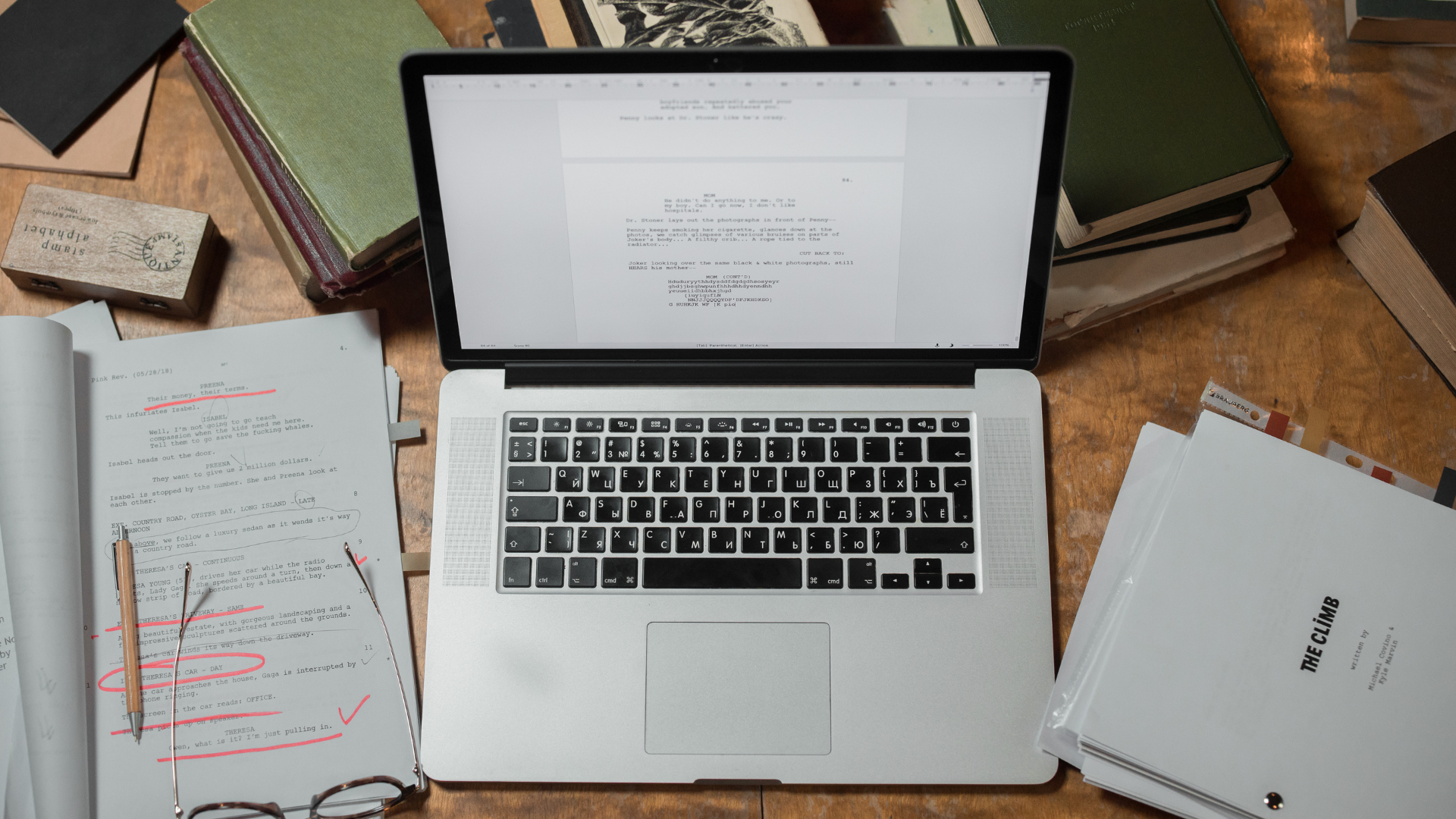
AI tools only amplify your script, and a weak one just creates an expensive bad ad. The first 3 seconds decide everything.
Here is a 50-word commercial template you can paste and edit, written in the 4-block structure for a fictional SMB SaaS:
Hook: Stop hiring a video editor for $3,000 a month. Pain: Editors take 5 days per ad. You need 10 ads a week. Mechanism: I shoot once, my AI clone does the rest. Offer: 30 ads, 5 languages, in one afternoon. CTA: Try the demo at example.com.
That script lands at 49 words and times to roughly 22 to 24 seconds. Stretch the Mechanism block by 1 to 2 sentences if you want to push toward 45 seconds.
Step 3: Choose and set up your commercial generator
For this tutorial we are using Argil because the workflow rewards founder-on-camera commercials, which is the highest-converting format for SMBs. If you are not going to be the face of your brand, this is the moment to pause. Faceless brands waste money on clone-based tools. For faceless paid ads, look at Creatify ($33 per month Starter, verified May 2026) or HeyGen for stock avatars. Then come back to this tutorial when you have a UGC-style script approach.
Assuming you are the founder, sign up for Argil's Classic plan at $39 per month. Classic includes 1,600 credits and 10 avatar styles, which is enough room for 10 to 15 commercials per month at average length. Upgrade to Pro at $149 per month when your variant cadence picks up, usually around the 3-week mark when you start running 5 hooks per week instead of 2.
In the Argil dashboard, click "Create avatar" to start the clone training flow. The platform will walk you through a 2-minute recording protocol covered in Step 4. If you do not see "Create avatar" in the sidebar, you are still on the free tier, which does not include custom clones. Upgrade first.
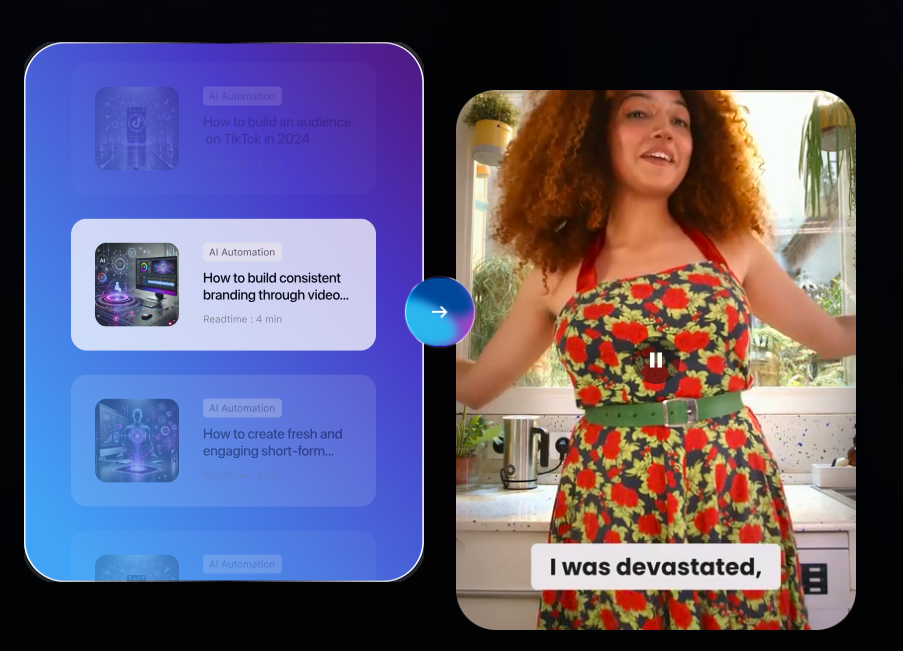
This setup uses Argil because it works best for founder-style commercials, which tend to convert well for SMBs.
This is also the moment to verify your script lands inside the credit budget. The Classic plan's 1,600 credits cover roughly 50 to 80 minutes of video generation depending on resolution, which is more than enough for a single 60-second commercial plus 2 variants. If you are on Pro, you have 6,000 credits, which clears 200+ minutes per month.
Step 4: Train your AI clone (the one-time setup)
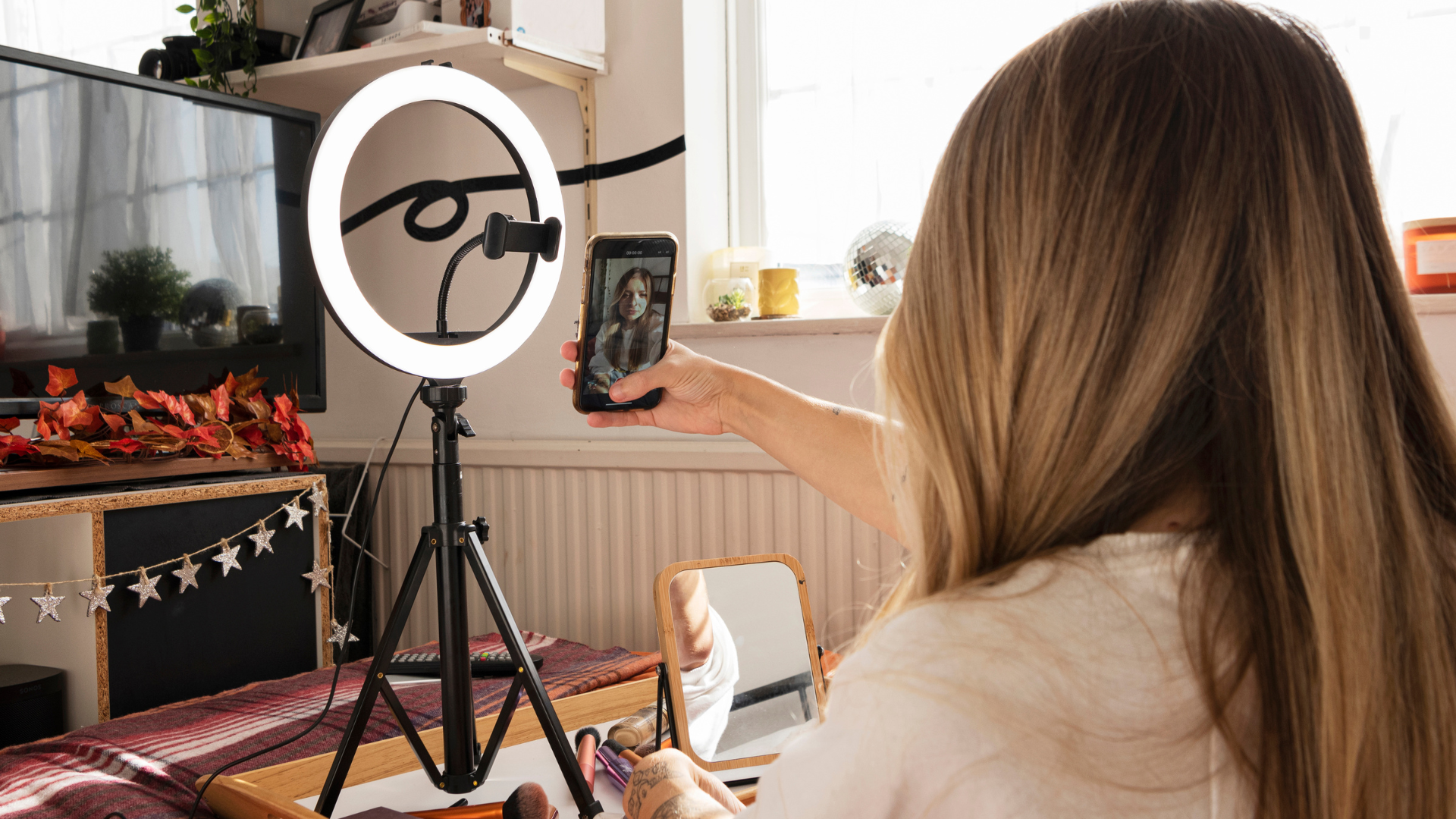
Clone fidelity is locked at training. Bad lighting, a noisy room, or a flat delivery in the 2-minute training video will haunt every commercial generated afterward. The most common failure mode is a clone trained at the kitchen table at 8pm under a single overhead bulb, which is why so many AI-generated ads hit that uncanny look.
Set up the recording environment first:
- Eye-level camera (phone propped on a stack of books works)
- Window light at 45 degrees to your face, or a softbox
- Plain or low-contrast background (no busy posters or moving people behind you)
- AirPods or a lav mic for clean audio (built-in laptop mics are the most common reason clone voices sound bad)
Argil provides the 2-minute training script. Read it as written. Vary your tone, use hand gestures naturally, look at the camera 80% of the time, and smile at least twice. The clone learns expression from how you actually deliver, so a monotone training video locks the clone into monotone delivery, which is unusable for paid social.
Upload the training video, wait 5 to 10 minutes for clone generation, then preview the test render Argil produces. If you see likeness drift (eyes off, mouth movement misaligned, skin tone shifted), re-record before continuing. The temptation to ship anyway is the most expensive mistake at this stage. Every bad commercial in Step 5 will trace back to this preview.
If the test render looks 90% or more like you on a 30-second test script, move on. If not, fix the lighting first and re-record. Two takes in good light will save you four takes in bad light. For a deeper walkthrough of clone training mechanics, the custom matches clone guide covers the technical side.
Step 5: Generate variants and add b-rolls inside the commercial generator
A single ad does almost nothing for paid social. Generating 5 to 10 variants from one script is what makes the commercial generator worth its monthly fee. Meta's own creative best-practice guidance recommends 4+ creative variants per ad set to avoid creative fatigue (Meta for Business, 2024), and the math gets steeper above 8 variants per week.
Paste the script from Step 2 into Argil. Generate version 1 with hook variant A. Then duplicate the project and swap the hook for variant B, then C. The body and CTA stay constant, so the test isolates exactly which hook holds attention.
Enable auto-captions on every export. Roughly 85% of social-media video is watched without sound (Verizon Media / Publicis study, cited by Digiday, 2019), which means a commercial without captions loses the message before the hook lands. Pick a caption style that matches the brand: bold and bottom-aligned for DTC, clean and center-aligned for B2B SaaS.
Add b-rolls last. Argil's b-roll suggester recommends stock footage based on script keywords. Use the suggestions for generic context shots like a meeting, an office, a phone screen, or a dashboard. Override and upload your own footage the moment the script references a branded screen, a product demo, or a customer screenshot, because the suggester cannot fake product surfaces from a stock library.
Generate 9:16 first because it covers the highest-volume placements: Meta Reels, TikTok, YouTube Shorts, and Instagram Stories. Then re-export the same project as 1:1 for Meta feed and LinkedIn feed, and 16:9 for YouTube in-stream. Argil keeps captions and b-rolls aligned across all 3 ratios from a single project, which saves a re-encode step. For a deeper read on how aspect ratios map to placements, the aspect ratio guide covers the placement-by-placement breakdown.
By the end of Step 5, you will have 3 hook variants exported in 3 aspect ratios. That works out to 9 finished commercials from one 50-word script, which is what makes the per-ad cost defensible at $39 a month.
Step 6: Export, A/B test, and read the results
The test result is the only data that tells you which hook becomes the workhorse for the next 30 days of paid spend. Without it, you are guessing which hook to put $20 to $50 a day behind.
Export all 3 hook variants in 9:16 MP4 at 1080x1920, H.264 codec. These are the format defaults for Meta Ads Manager and TikTok Ads Manager, so saving them in this exact format avoids a re-encode at upload. If you exported 1:1 and 16:9 in Step 5, set them aside for now. The test is on 9:16 first.
Upload to Meta Ads Manager as 3 separate ads inside one ad set, with identical targeting and a $20 to $50 daily budget per ad. Let the test run 4 to 7 days before reading results. The most common mistake is killing a variant after 2 days because CTR looks weak. Meta needs the learning phase to converge, and the learning phase is roughly 50 conversion events per variant (Meta for Business, 2024).
Read 2 metrics first: click-through rate (CTR) and 3-second video plays. CPM matters less in this test because you are isolating which hook holds attention, not which audience is cheapest to reach. The decision rule is sharp:
- Pick the hook with 1.5x the next-best CTR
- Anything tighter than that is statistical noise; you need a bigger creative gap
Take the winning hook and regenerate 5 new variants in Argil with the same hook but new bodies and CTAs. That is the iteration loop: 1 winning hook becomes 5 new tests next week.
The same finished commercial cuts directly into 3 distribution channels:
- LinkedIn organic, using the 1:1 export as a feed post
- Email, using the first 5 seconds as an embedded GIF preview that links to the full video
- YouTube Shorts, using the 9:16 export as is
From one 50-word script and one trained clone, a single production session keeps 4 to 5 distribution channels stocked at the same time.
Common mistakes to avoid with a commercial generator
Most first-time commercial generator users fail in predictable places. Avoid these and your output beats most paid-ad creative on the platform.
- Skipping the audience definition step. The script writes itself once the audience is sharp, and no AI can save a vague audience.
- Treating the first export as the deliverable. Variant generation is where the cost-per-ad collapses, so running 1 ad alone is wasted setup work.
- Recording the clone training in bad light. Clone fidelity is locked at training, so cheap lighting compromises every commercial generated afterward.
- Writing scripts longer than 130 words for 60 seconds. Spoken delivery slows down what reads fast on the page. Test the script out loud against a stopwatch first.
- Forgetting to export multiple aspect ratios. 9:16 alone leaves the LinkedIn 1:1 placement and the YouTube 16:9 placement on the floor.
FAQ
How long does it take to make a commercial with a commercial generator?
The first commercial takes 25 to 45 minutes end-to-end: 5 minutes scripting, 10 to 15 minutes clone training (one-time only), 10 minutes generation and edit pass, 5 minutes export. Subsequent variants generated from the same clone take under 10 minutes each because the training and the script template are reusable assets.
Do I need video editing skills to use Argil?
No. Argil ships the editing pipeline with the platform, so captions, b-rolls, transitions, and music are added automatically based on the script. The only manual step is reviewing what the platform suggested and overriding the b-rolls if they do not match the brand. If you can use a Google Doc, you can use Argil.
How much does a commercial generator cost to start?
Argil's Classic plan is $39 per month with 1,600 credits, which produces roughly 10 to 15 commercials per month at average length. HeyGen, Captions, and Creatify start in the $10 to $40 per month range depending on tier (Captions Pro at $9.99 per month, Creatify Starter at $33 per month, HeyGen Creator at $29 per month, all verified May 2026). For most SMBs, the entry tier is enough to test the workflow for 30 days before deciding whether to upgrade.
Can I use the same clone for ads in multiple languages?
Yes. Argil supports script generation in 20+ languages from a single clone training. One 2-minute recording produces commercials in English, French, Spanish, German, and more without re-recording. For brands running ads across multiple regions, this removes the per-language production cost almost entirely.
What aspect ratios should I export for a paid-social commercial?
Export 9:16 (1080x1920) as the primary format because it covers Meta Reels, TikTok, YouTube Shorts, and Instagram Stories. Add 1:1 (1080x1080) for Meta feed and LinkedIn. Add 16:9 (1920x1080) only if you are running YouTube in-stream ads. Argil keeps captions and b-rolls aligned across all 3 ratios from one project, which is why exporting all 3 in one pass costs almost no extra time.
How do I A/B test commercials made with a commercial generator?
Generate 3 variants of the same script with different hooks (the body and CTA stay constant). Upload all 3 as separate ads inside one Meta ad set with identical targeting and a $20 to $50 daily budget per ad. After 4 to 7 days, the variant with 1.5x the next-best CTR is the winner. Take that hook into the next round and test 3 new bodies underneath it.
Will a commercial generator output match a studio-shot ad?
For paid-social formats (9:16 vertical, under 60 seconds), clone-based commercial generators in 2026 regularly match studio output on CPM and CTR. The fidelity gap shows up on long-form (over 90 seconds) and 4K cinematic formats. For Meta, TikTok, and LinkedIn paid ads, the difference is invisible to the buyer, and the iteration speed advantage outweighs any residual polish gap.
You now have the full workflow from offer definition through test results. The first commercial takes 30 minutes. Once the clone is trained, every commercial after that takes 10 minutes, which is the part that makes the monthly subscription pay for itself.
Related Articles
- How to create ads for TikTok video with AI: the complete 2026 guide
- How to create video content without being on camera: beginner-friendly guide
- How to brand an avatar that actually builds an audience in 2026
Use a commercial generator to produce paid-social-ready ads in under 30 minutes, then build cadence from there.