How Do You Record What a Webpage Does—and Turn It Into Repeatable Content?
Ever wondered how to record what a webpage does and repeat it? In this handy guide, we show you how to make the most of screen recorder tools and workflows.
Why Do You Need to Know How to Record What a Webpage Does and Repeat It?
If you've searched "how to record what a webpage does and repeat it," you're probably trying to figure out how to capture your screen for a tutorial, demo or guide that you can share with your team or audience.
Knowing how to record your screen can be useful for a number of situations, such as product walkthroughs, onboarding processes, UX demonstrations or bug reports, customer FAQs and education/explainer content.
Screen recording is valuable, and there are loads of tools that can help you do this. However, knowing how to record what a webpage does and repeat it could help you go one step further – saving you hours of content creation time every week. In this article, we’ll show you how.
The Simple Guide to Recording a Webpage
Basic screen recording is fairly straightforward with the right tools. If you literally need to record what a webpage does — capturing clicks, scrolls, animations or interactions —you can use any of these apps or web tools:
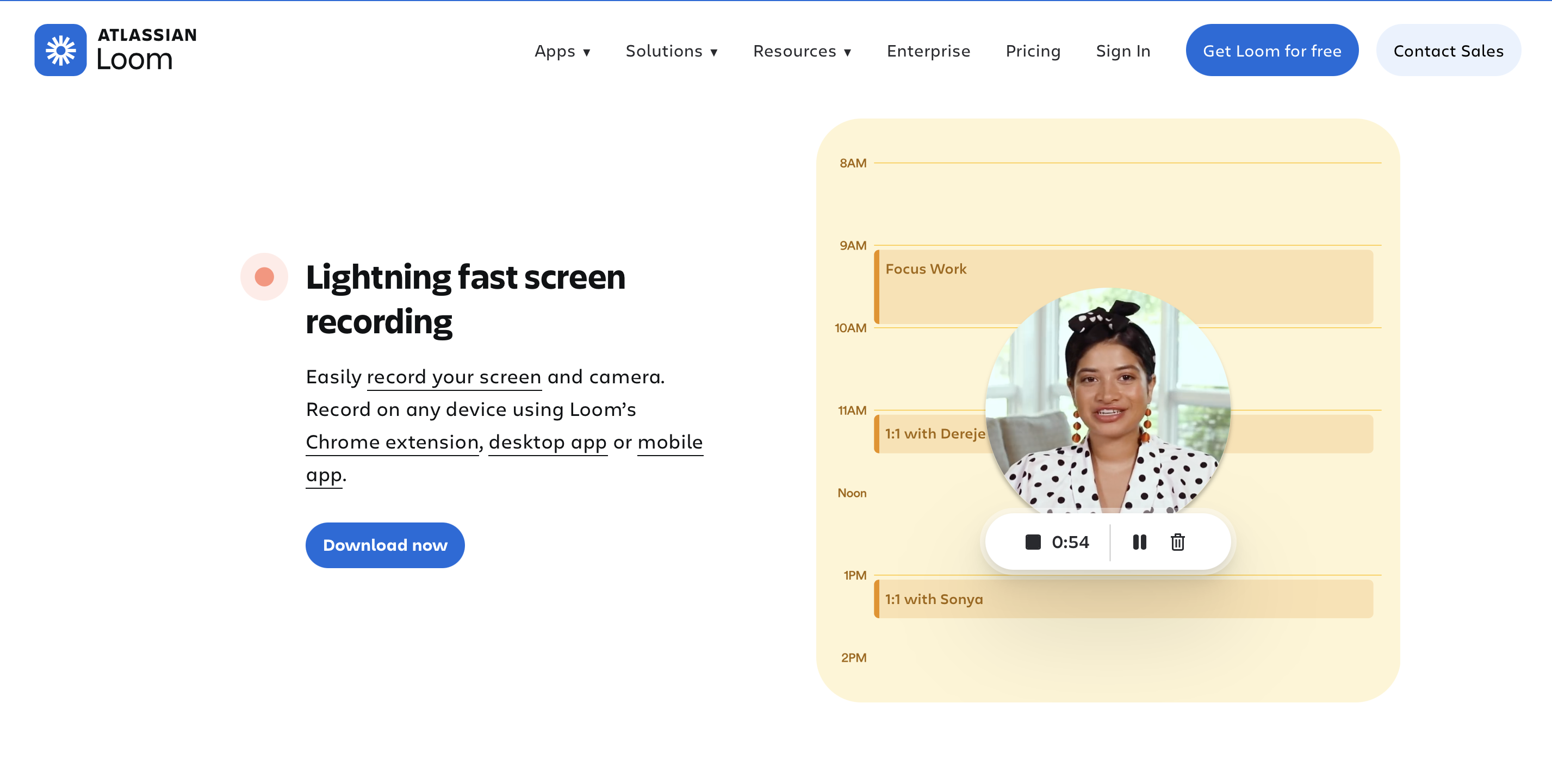
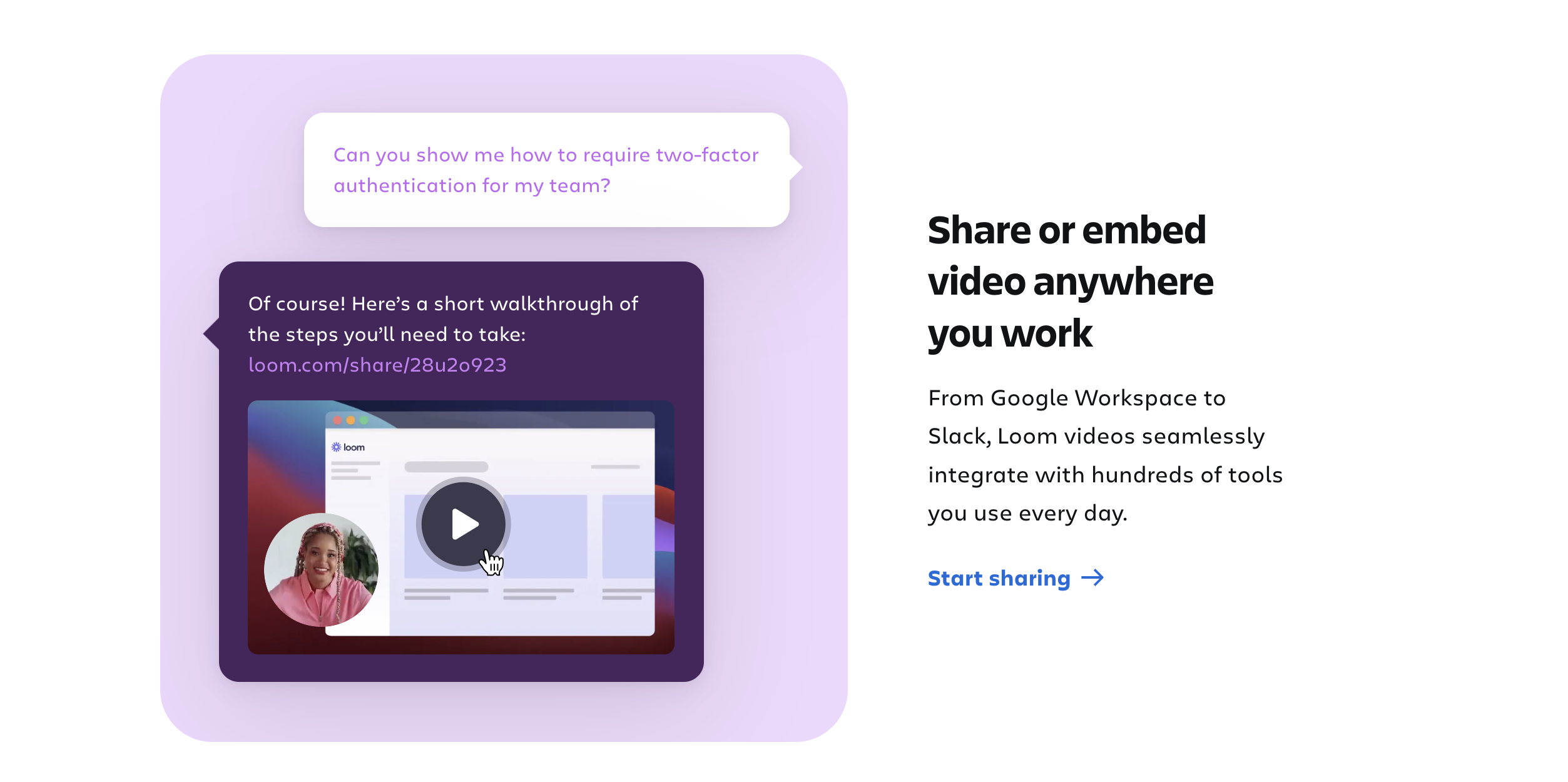
Loom is best for fast, shareable walkthroughs with built-in hosting. It’s super beginner-friendly and lets you share links instantly via email or a shareable link. It’s ideal for team communication or quick demos.
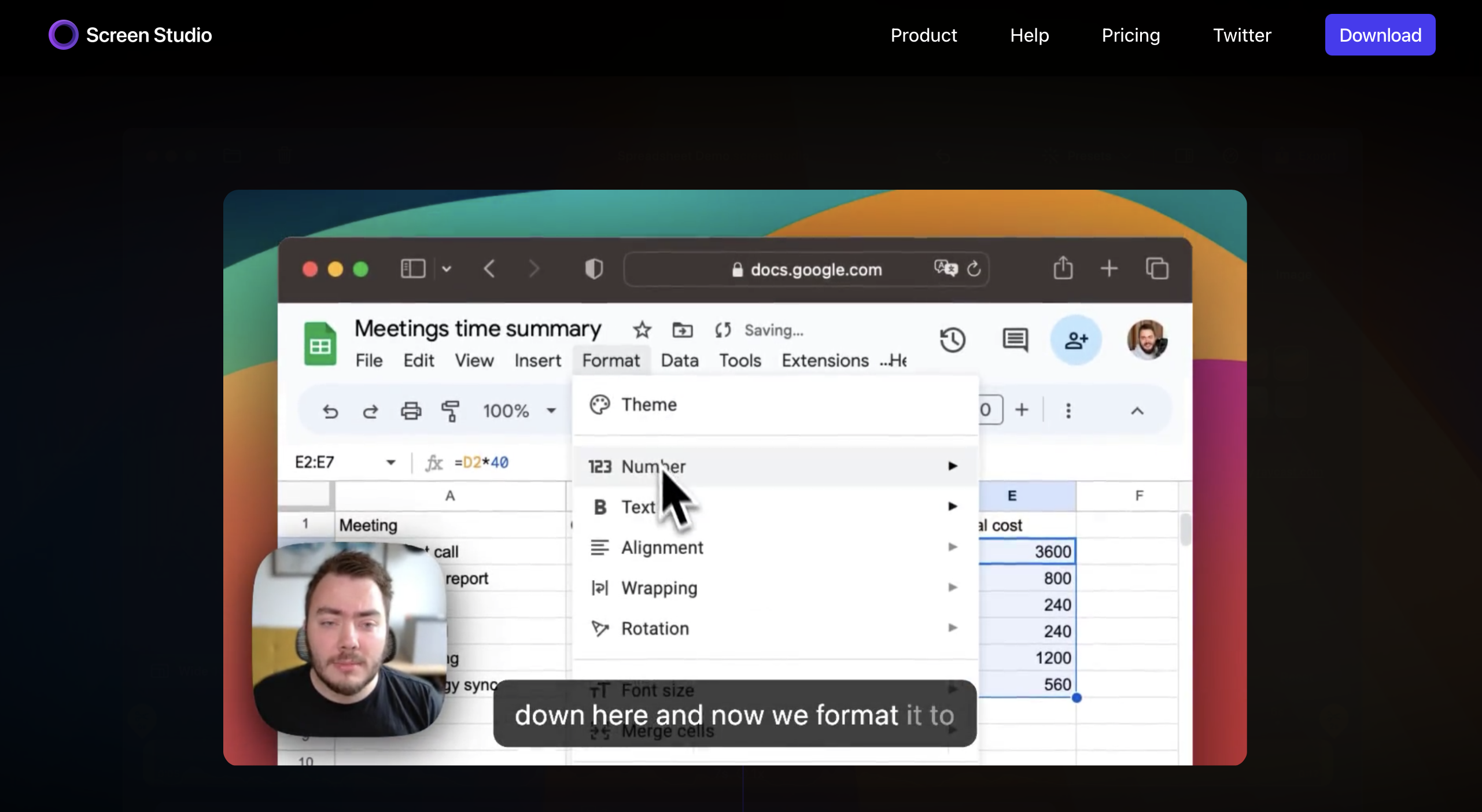
Screen Studio is the better option for polished, high-quality app demos with auto-zoom and cursor effects. It makes your recordings look professional but doesn’t require loads of effort. This option is better for marketing or sales content.
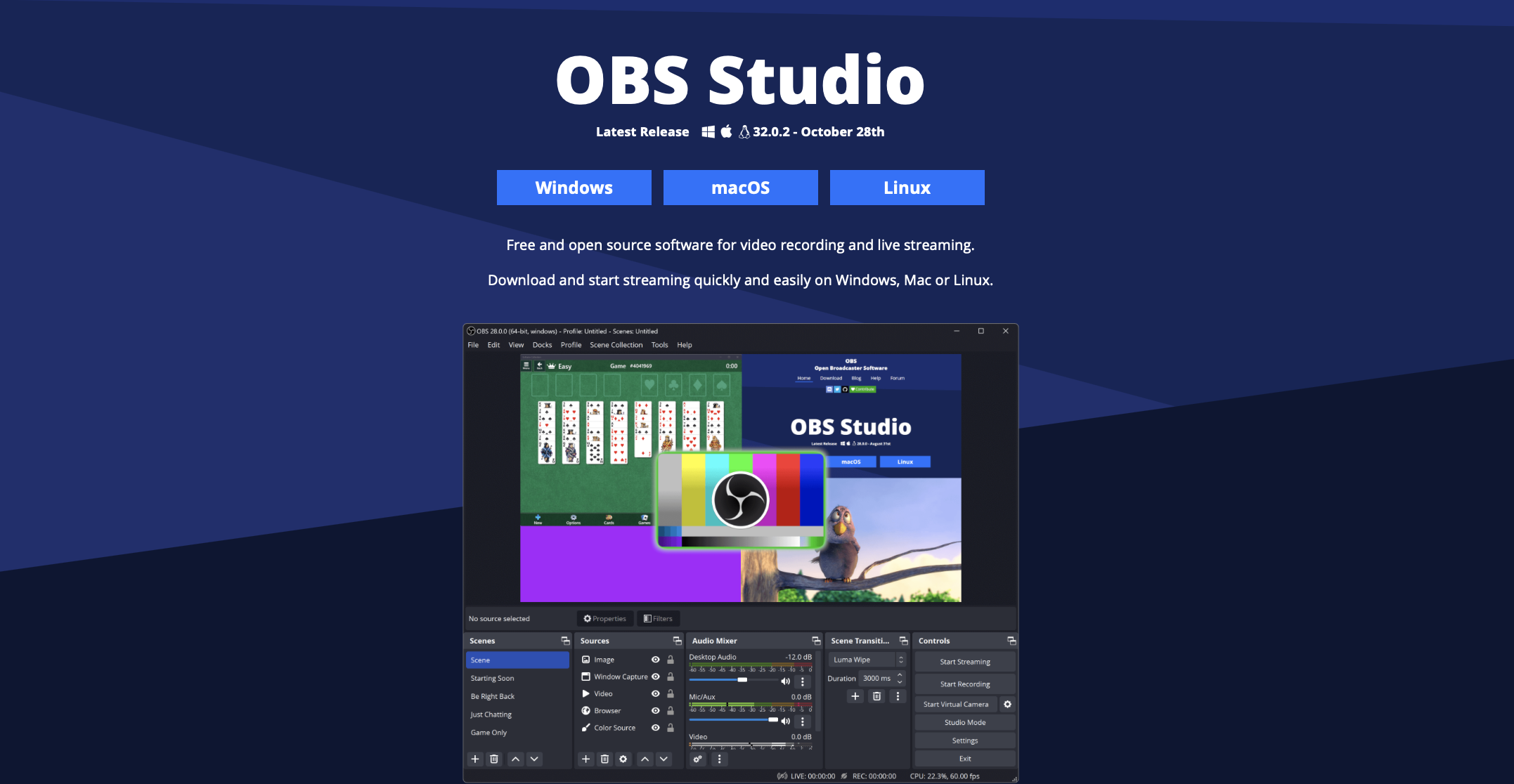
OBS Studio is free and powerful, but more technical for beginners. It’s an open source app that can be used on Windows, Mac or Linux by users who want total control and don't mind a bit of a learning curve.
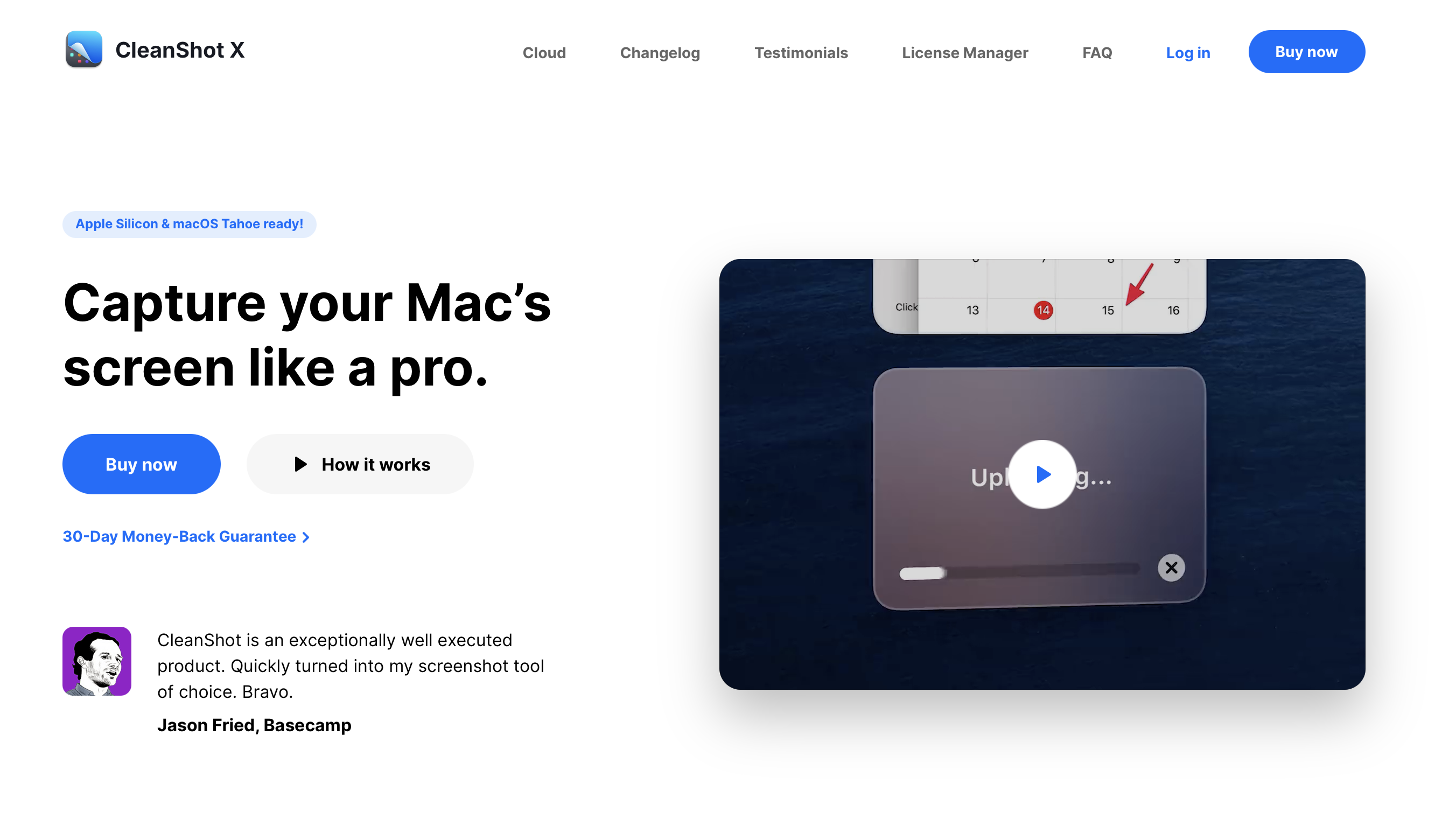
CleanShot X works great for Mac users who want beautiful, crisp recordings and screenshots with annotation options. It has a really clean interface and output and is easy to use.
You can also use browser extensions like the Loom Chrome extension or Awesome Screenshot if you just need something fast.
How to Record Your Desired Webpage
Here's the actual process for how to record what a webpage does and repeat it:
- Launch your recording tool and select the browser tab or app window you want to capture
- Perform the actions you want to show on screen, such as scrolling, clicking, hovering over elements and whatever else the viewer needs to see
- Narrate your video live or record audio separately for a cleaner delivery
- Use built-in features like click highlighting, zoom effects or blurring sensitive areas if needed
- Export in a common format like MP4 or WebM and optimize file size for easy sharing
Pro tip: Keep videos under 3 minutes for better retention and easier repurposing. Some free tools will have limits on how long your videos can be, such as Loom which has a five-minute cap.
Why Recording and Repurposing Content Is Important for Content Creators
Most creators don't reuse their highest-value content sources (blogs, newsletters, testimonials, case studies). They create something once, post it and move on. Originality is, of course, important, but with this method, you have to create something new from scratch every time, which isn’t realistic or necessary.
A better approach might be to “record” an asset once, such as a newsletter or blog post, then build automated systems that let you repeat it across multiple formats and platforms.
Streamline Your Repurposing Workflows with Argil + Make
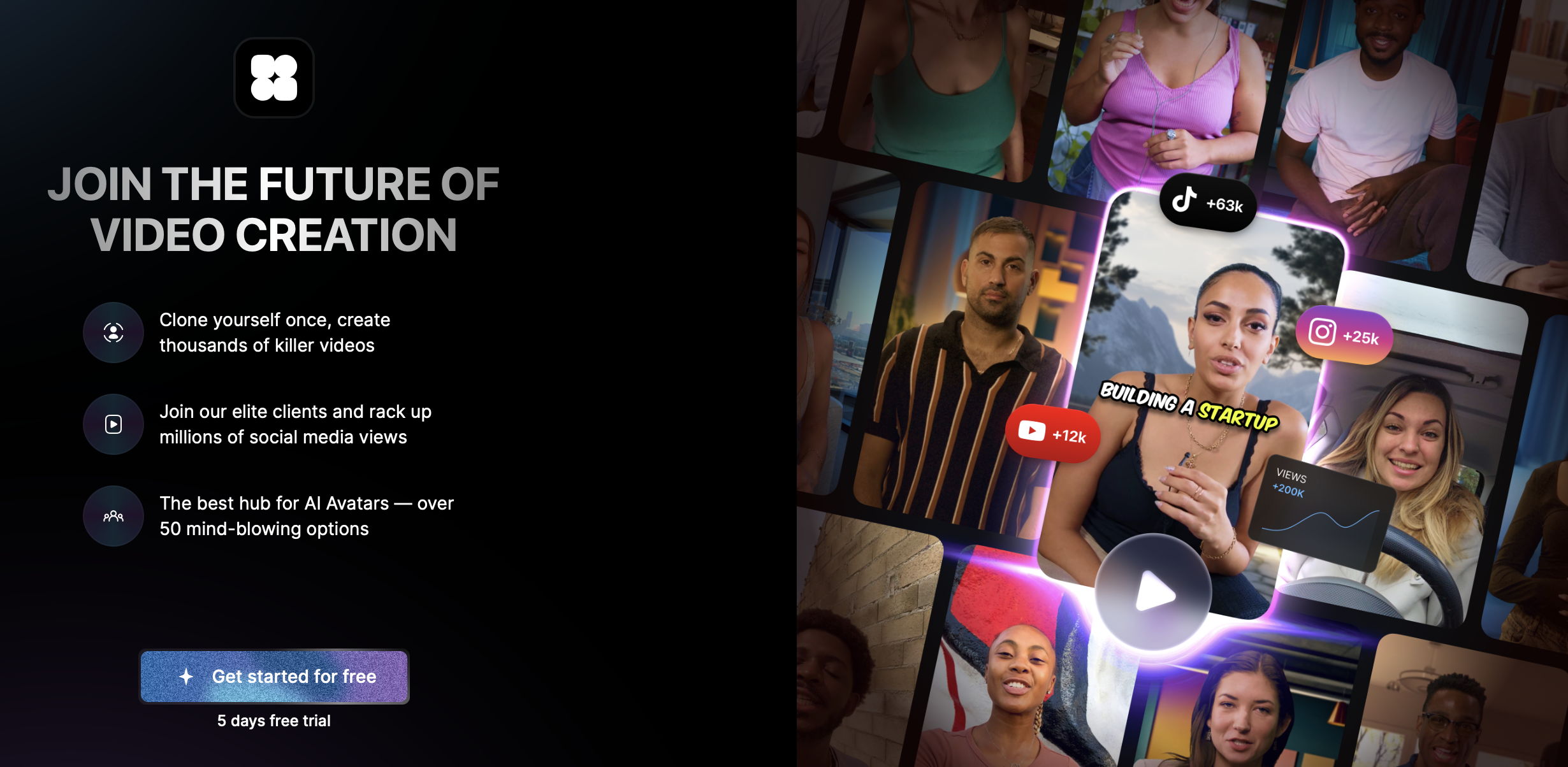
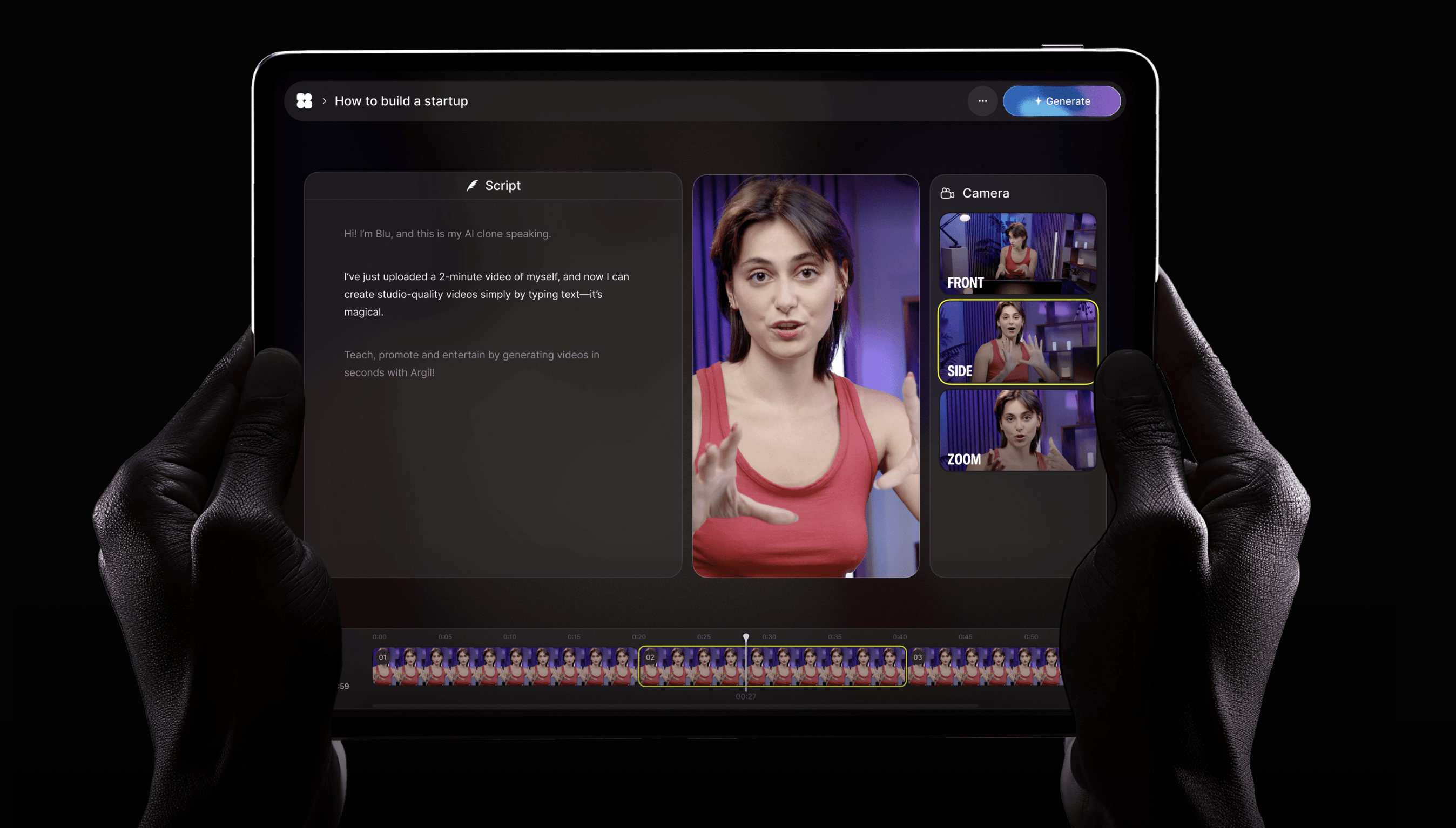
Argil lets you train an AI clone with a 2-minute video of yourself, filmed on your phone. After that, you can create videos of yourself just by writing scripts, with no camera needed.
Our platform automatically applies captions, transitions and B-roll in one click. Videos come pre-edited and easily customizable with Argil's AI assistant. Everything outputs in 9:16 format, perfect for Shorts, Reels and TikTok – and we’ll automatically resize where needed.
With this approach, you can reuse the same clone across different topics, languages, and platforms, helping you scale without the usual constraints of time, energy or equipment.
Argil x Make Integration
Make is a no-code automation platform that integrates natively with Argil so you can create and customize automated workflows. It connects to thousands of apps, including ChatGPT, HubSpot, Google and content scheduling platforms.
This means you can create entire pipelines to run while you sleep, work or go about your day. These automated workflows will allow you to create and test 10+ video variations every week, helping you iterate and grow faster without burning out or losing creative momentum!
How to Automate Video Content with Argil x Make
- Create an account on Make.com
- Connect your Argil account using this link
- Connect your Google Sheets or Notion account (wherever your content ideas are stored!)
- Use Make to trigger Argil to generate a new video when a content idea is added
- Connect Make to your Slack or comms app to get a notification when the video is ready
Use Case: Newsletter to Video Short
If you’ve been searching “how to record what a webpage does and repeat it,” you probably already have a piece of content in mind that you’d like to repurpose. But just for clarity, let’s show you how you might turn a successful newsletter into a video for social media:
With this workflow, you’d write their monthly newsletter like normal, using a tool like Google Docs or Notion that integrates with Argil x Make.
Make then detects the new input and automatically sends the content to Argil.
Argil auto-generates a video using the newsletter copy as the base for a script. It then generates a script based on the summary or highlighted points. An AI clone of you (or another avatar) can then appear in your video to perform your script. Argil adds captions, B-rolland transitions automatically.
Argil will do all of the re-sizing necessary, and that’s it! You have a fully polished short video that’s ready to publish!
Make distributes the video automatically to your platform of choice, such as YouTube Shorts, Instagram, TikTok or LinkedIn.
The Benefits of Automated Repurposing Workflows
With this workflow, your newsletter now drives traffic through video distribution channels as well as email lists. And you don’t have to create new content from scratch for TikTok or YouTube Shorts – what used to take 4-6 hours now takes 5 minutes, and it’s fully automated.
As a content creator, this empowers you to post consistently across 3-4 platforms, building your profiles organically with minimal new effort.
This unlocks the real potential of understanding how to record what a webpage does and repeat it. It’s not just about the literal screen recording, but being able to build repeatable content systems that save you time and help you grow.
Argil: Automate and Optimize Your Content Workflows for Faster Growth
You now know how to record what a webpage does and repeat it, and how the process can be used strategically to help you grow.
Start by using tools like Loom or Screen Studio for capturing screen interactions when you need simple tutorials or demos. But don’t stop there – use Argil to build an AI version of yourself that can deliver your message at scale without you being on camera constantly, and use Make to build repurposing workflows from static sources like blogs, PDFs or newsletters.
Sign up today to get started with Argil – you get your first 5 days completely free.