How Do You Convert a Tweet to MP4 in 2025? (Full Guide for Text & Video Tweets)
Want to turn your viral Tweets into videos for YouTube Shorts, TikTok or Instagram? Here’s a step-by-step guide to Tweet to MP4 conversion.

How Do You Convert a Tweet to MP4 Video?
There are plenty of reasons to convert a Tweet to MP4, especially if one of your Twitter/X posts has gone viral. Converting a text post into a video helps make your content go further, so you can also grow across short-form video platforms like TikTok, YouTube Shorts and Instagram Reels.
The good news is, it couldn’t be easier to convert tweets to MP4 in 2025 when you have the right tools. The process just depends on what you're working with: a tweet that already has video or GIF content, or one that's just text.
In this article, we’ll explore both processes and provide step-by-step instructions using various apps and tools.
Option 1: Converting GIFs or Video Tweet to MP4 (The Download Method)
If your post already includes a video or GIF, converting Tweet to MP4 is actually pretty straightforward. Twitter actually stores most media as MP4 files already, even GIFs, so you're basically just downloading what's there.
Download Tools for Twitter Videos
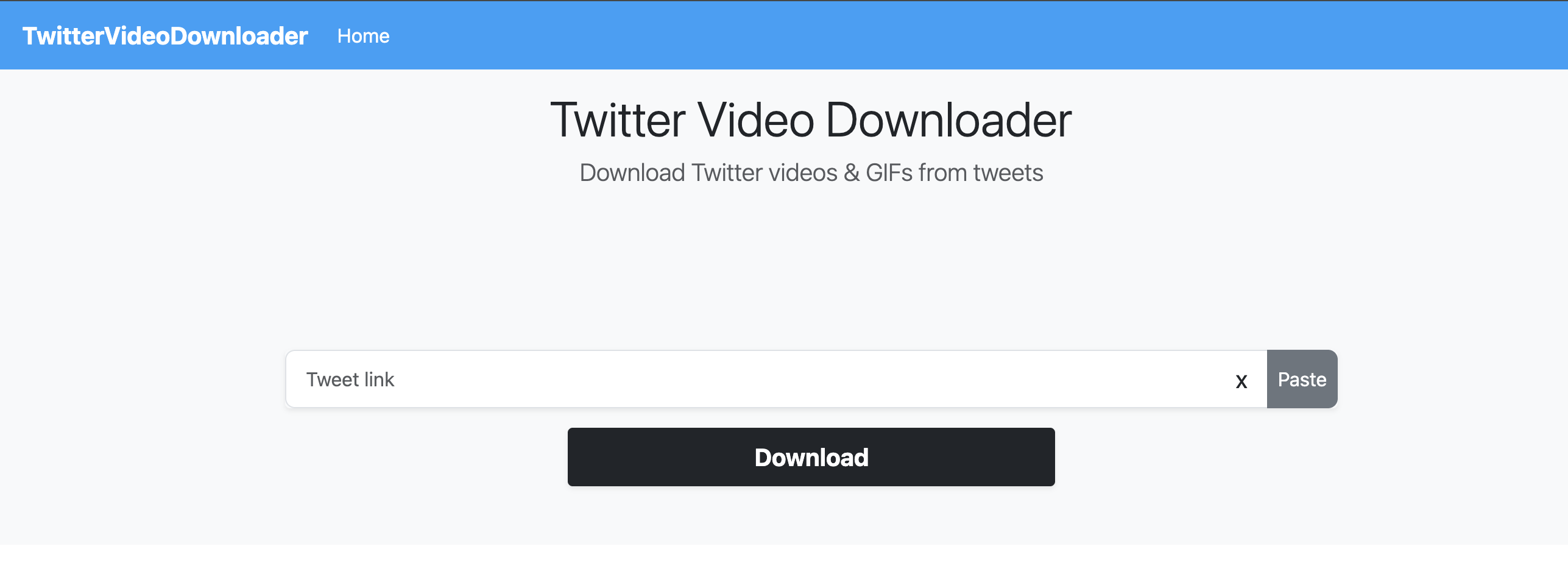
Tools like SaveTweetVid and TwitterVideoDownloader are ideal for downloading video content from Twitter. All you need to do is copy the Tweet URL, paste it into the site, pick MP4 as your format and hit download. The whole process takes about 20 seconds.
These tools usually offer HD downloads (720p or 1080p), providing better quality video than in times past. They also work on mobile browsers, not just desktop, allowing you to grab videos while you're scrolling on your phone.
Twitter actually converts all GIFs to MP4 format automatically, so converter sites take that MP4, remove the audio and re-loop it back into GIF format. That's why the file you download might technically be an MP4 even though it looks like a GIF.
We went way deeper on this in our post about How To Download Gifs from Twitter if you want the details.
While we’re here, it’s important to only repurpose content you have rights to or can properly credit. Stealing someone else’s content could infringe copyright law. You’ll get your content removed and may even face legal action.
Browser Extensions and Mobile Apps
If you're constantly converting Tweets to MP4, browser extensions like Twitter Media Downloader or Video Downloader Plus can make things easier. Once you’ve got these extensions installed, you’ll always have a download button right there in your feed – which is super handy if you're saving a bunch of videos at once.
For mobile, apps like Tweet2GIF or Video Downloader for X work directly from the Twitter share menu. You just hit share, pick the app and it saves to your phone. This option is great for creators who do everything on their phone anyway. Once you've got the MP4, you can use a video generation tool like Argil to add captions and edit your video in under 10 minutes.
We covered more tools like this in our guide on the 10 Best Twitter Video Tools for Creators.
Option 2: Convert a Text Tweet to MP4 Video Using Argil
What if the Tweet you want to convert to MP4 is just text? Like a funny observation or some insight that blew up or went viral? You can't download that as an MP4, but you can turn it into one… and it takes under ten minutes with Argil.
Argil: From Text to Video in Minutes
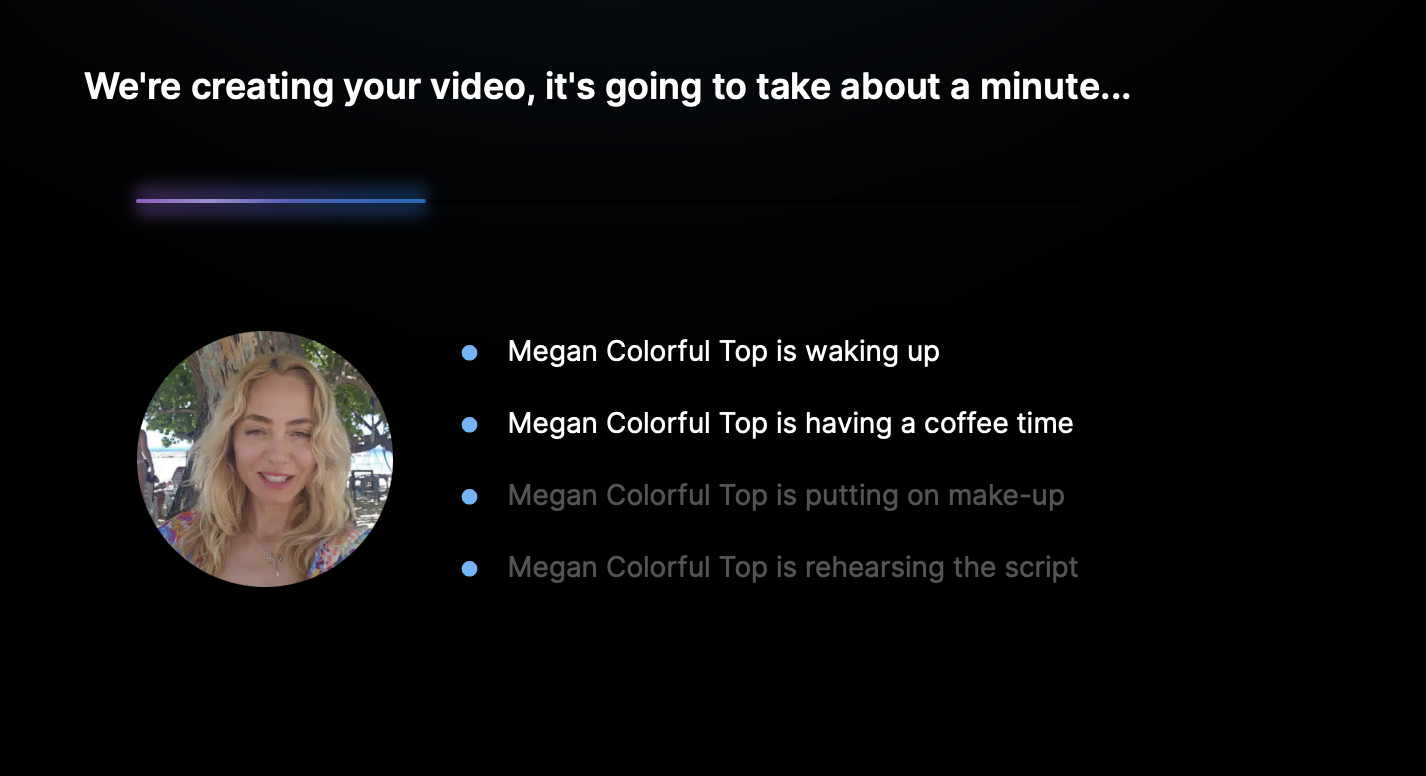
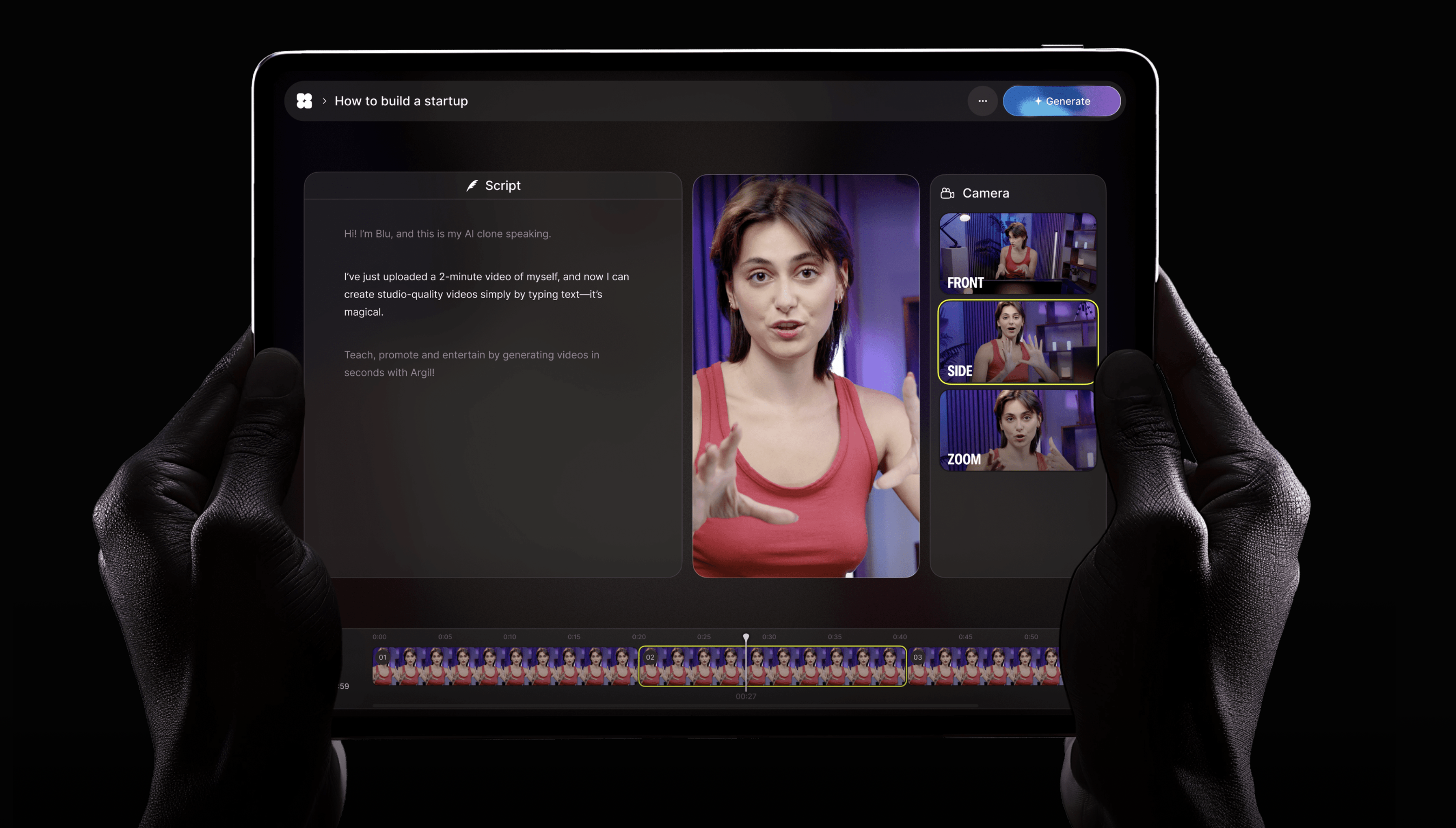
Using Argil’s text-to-video tool, it couldn’t be easier to convert Tweet to MP4. Just copy the Tweet text, paste it into Argil's script editor, and our tool will generate an entire video using your hyper-realistic AI avatar (basically a digital version of you that delivers whatever script you write).
With Argil, there’s no filming required, no messing with camera angles or lighting, or stressing over whether you look presentable. Your AI clone does everything, and you end up with a polished MP4 ready for TikTok, Reels or Shorts.
Argil adds captions, transitions and background music automatically, and everything comes out formatted for short-form content, so you're not stuck resizing or editing for different platforms. And because it's automated, you can push out different versions of the same idea to test what works.
You can also create videos in multiple languages, which is huge if you're trying to reach people outside your usual audience. One Tweet idea can become videos in Spanish, French, or whatever language you need.
Why Bother Converting Tweets to MP4?
You could technically film yourself reading a Tweet, but that takes forever. With Argil, you're converting a Tweet to MP4 at scale without touching a camera.
We all know that video performs better than text on social platforms. People scroll past text, but video makes them stop and take notice, especially when the editing, visuals and background music are compelling.
Text Tweets don't last. A post might go viral, get a ton of attention for a day and then disappear. But turn that Tweet to MP4 and post it as a Reel or Short and it can keep performing for weeks across different platforms with totally different audiences.
This kind of speed and ease of use gives creators who use Argil a competitive edge. You can take one good Tweet, turn it into a few videos with different hooks, test them everywhere and see what lands with your audience. What used to involve days of filming and editing can now be achieved in minutes.
Like we said in our article on the Best Twitter Video Tools, Argil is the only platform that really nails Tweet to MP4 conversion with AI clones. Other tools allow you to make videos, but they don't let you go from Tweet to finished MP4 with your face in the video without filming anything.
Convert Tweets to MP4 and Build a Content System
Once you start seeing Tweets as video material, everything changes. Got a tweet thread that did well? Turn it into a video series. Post one video a day for a week and you've got consistent content without reinventing the wheel every morning.
Or, you could repurpose the same Tweet in different languages. Now you're hitting audiences in different countries with the same work, achieving five times the reach.
You can also mess around with different vibes: make one serious version, one funny version, one super educational version. Then, you can post them all and see what your audience likes best.
Final Thoughts: Converting Tweets to MP4 Is Actually a Strategy
The smartest creators aren't just downloading videos or screenshotting tweets but converting ideas into actual video content.
With Argil, Tweet to MP4 conversion becomes the first step in a workflow you can repeat forever. You grab tweets, threads, replies and anything else that resonates and turn it into videos people actually watch. You can show your face without filming, post consistently, test different ideas, reach people all over the world – all without living in front of a camera.
MP4 is still the dominant format. It works on every platform, compresses well, gives you total flexibility with where you post and makes for an enjoyable viewing experience.
So next time you post a Tweet that could be video content, don't just allow its potential to dwindle. Convert it to MP4 and actually grow your audience using smart tools and strategies.
Sign up today to get started with Argil – you get your first 5 days completely free.