Is ByteDance Seedance AI V1 Pro I2V 480p Worth Using for AI Video Generation in 2026?
In this article, we’ll look at the Seedance video generator (bytedance/seedance-v1-pro-i2v-480p) and evaluate its performance for content creators in 2026.
What is bytedance/seedance-v1-pro-i2v-480p/ seedance ai AI?
Seedance AI is a video generation model developed by ByteDance, the same company behind TikTok and CapCut. It was first introduced publicly in 2025 alongside a technical paper explaining how the model was trained and why it performs differently from earlier AI video systems.
In this article, we’ll explore Seedance AI (specifically bytedance/seedance-v1-pro-i2v-480p) and examine whether it’s the right AI video model for fast, iterative video production.
What Does “bytedance/seedance-v1-pro-i2v-480p” Do?
The model name “bytedance/seedance-v1-pro-i2v-480p” typically refers to a specific configuration within ByteDance’s Seedance video generator. This is the 480p image-to-video version of the Seedance V1 Pro model as exposed through developer platforms and API integrations.
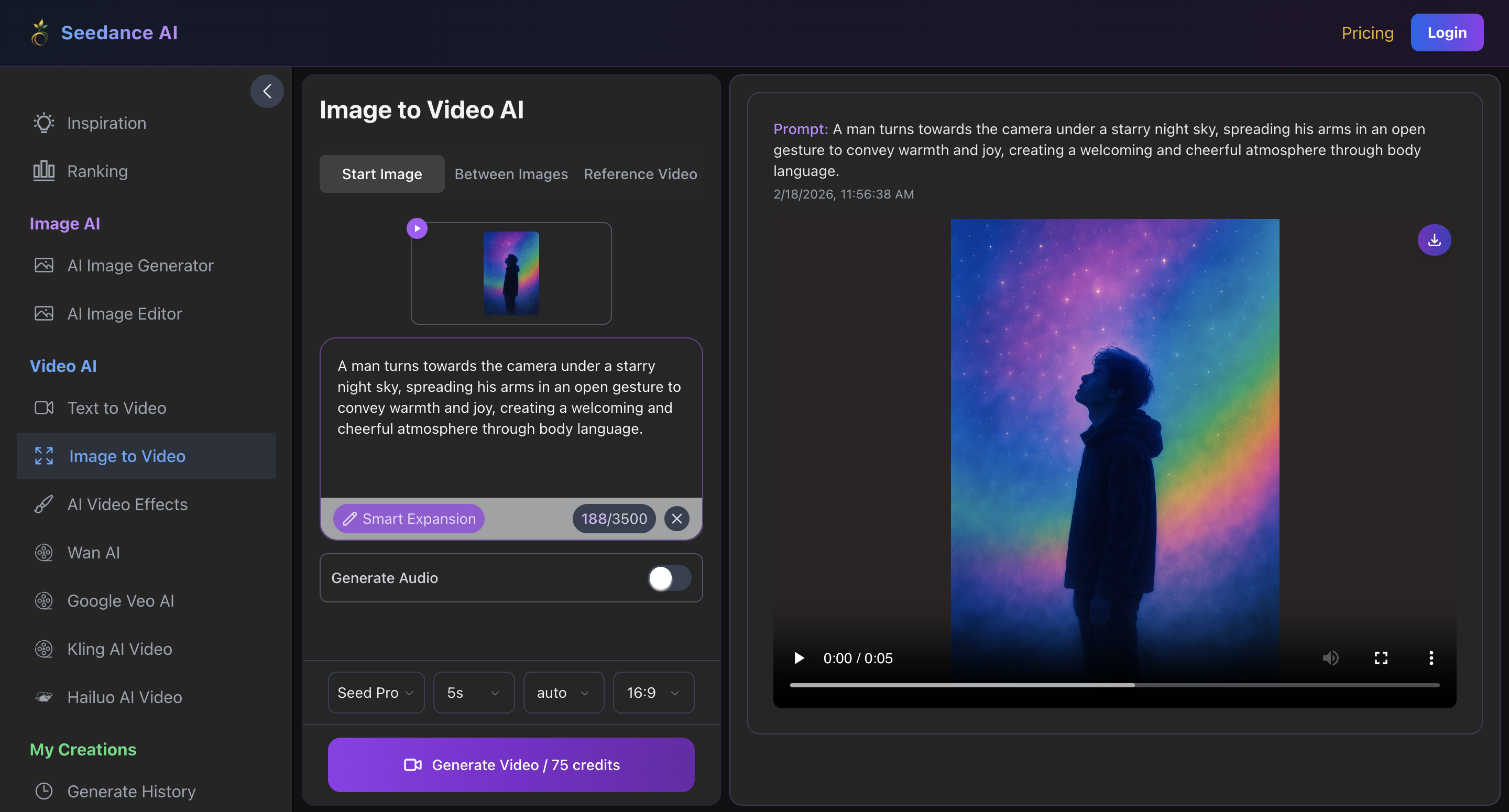
So, what does this mean and how does it work? In practical terms, Seedance video generator (bytedance/seedance-v1-pro-i2v-480p/ seedance ai) takes a single reference image and a motion-focused prompt, then produces a short animated clip, typically between five and ten seconds long – perfect for social platforms like YouTube Shorts and TikTok.
The goal of Seedance AI is not to invent entirely new scenes, but to animate existing images while preserving their composition, lighting and subject identity. This makes it useful for turning static assets into motion-ready video elements.
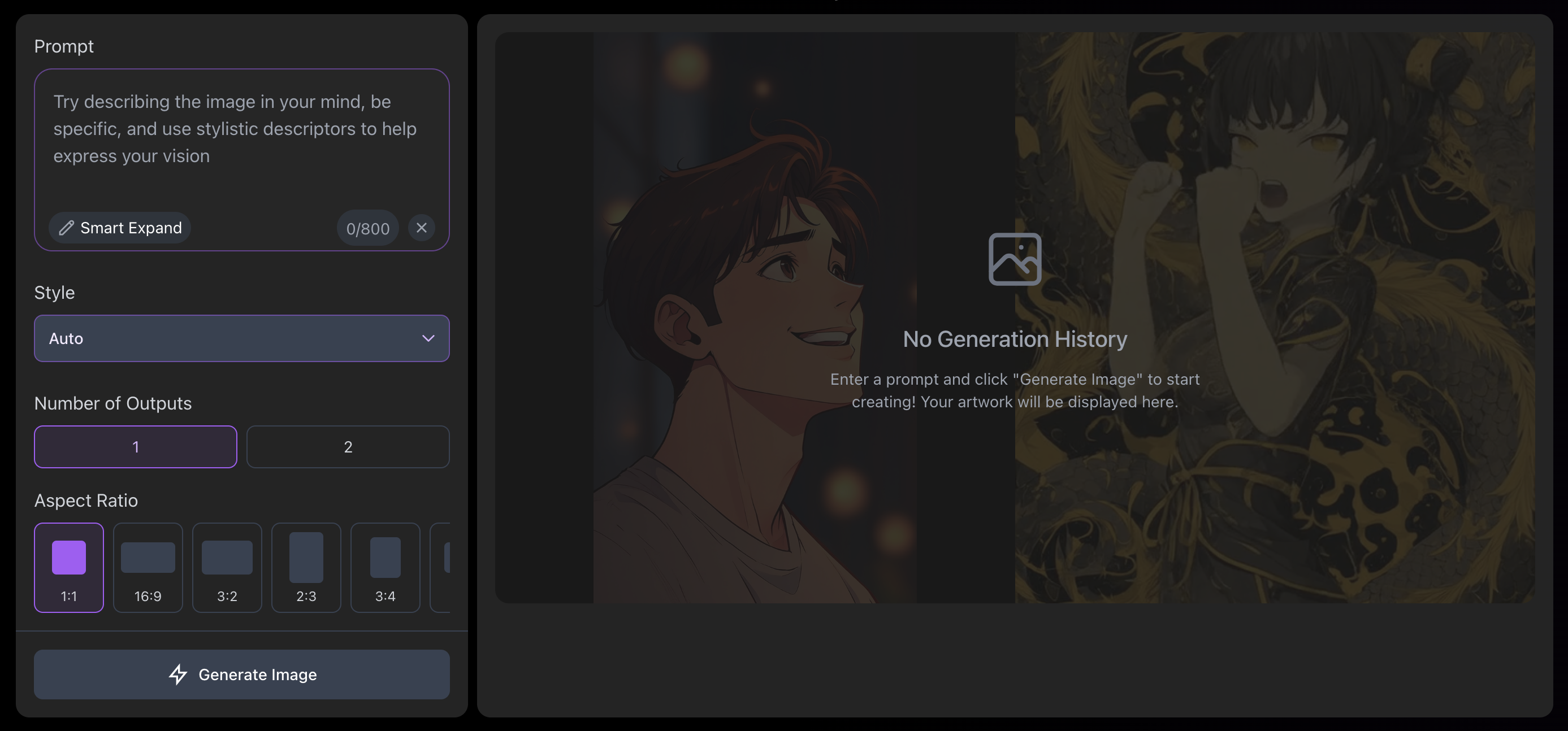
The 480p resolution (roughly 854×480 pixels) is what makes Seedance stand out. Compared to higher-resolution variants, it generates faster and costs less per run, making it attractive for experimentation and high-volume content teams.
The model also includes parameters that appeal to developers building pipelines. The optional “last_image” parameter helps maintain continuity between clips, which is useful when chaining multiple generations together.
The “camera_fixed option” also allows users to control whether motion happens within the scene or through simulated camera movement.
Seedance V1 Pro models were introduced as part of ByteDance’s broader push into generative video in 2025. The bytedance/seedance-v1-pro-i2v-480p/ seedance ai version remains popular in 2026 because it offers the best speed, cost efficiency and output volume for most early-stage video production workflows.
How Does the Seedance V1 Pro I2V 480p Model Compare to Other Variants?
Understanding where “bytedance/seedance-v1-pro-i2v-480p” fits requires looking at the wider Seedance model ecosystem. The differences between variants are less about capability and more about workflow priorities.
Seedance V1 Lite I2V 480p exists as the entry-level option. It prioritizes speed and cost above motion quality, making it suitable for bulk video generation where quantity is more important than quality. For teams generating hundreds of clips, the Lite version may be sufficient, but motion quality and consistency are noticeably lower.
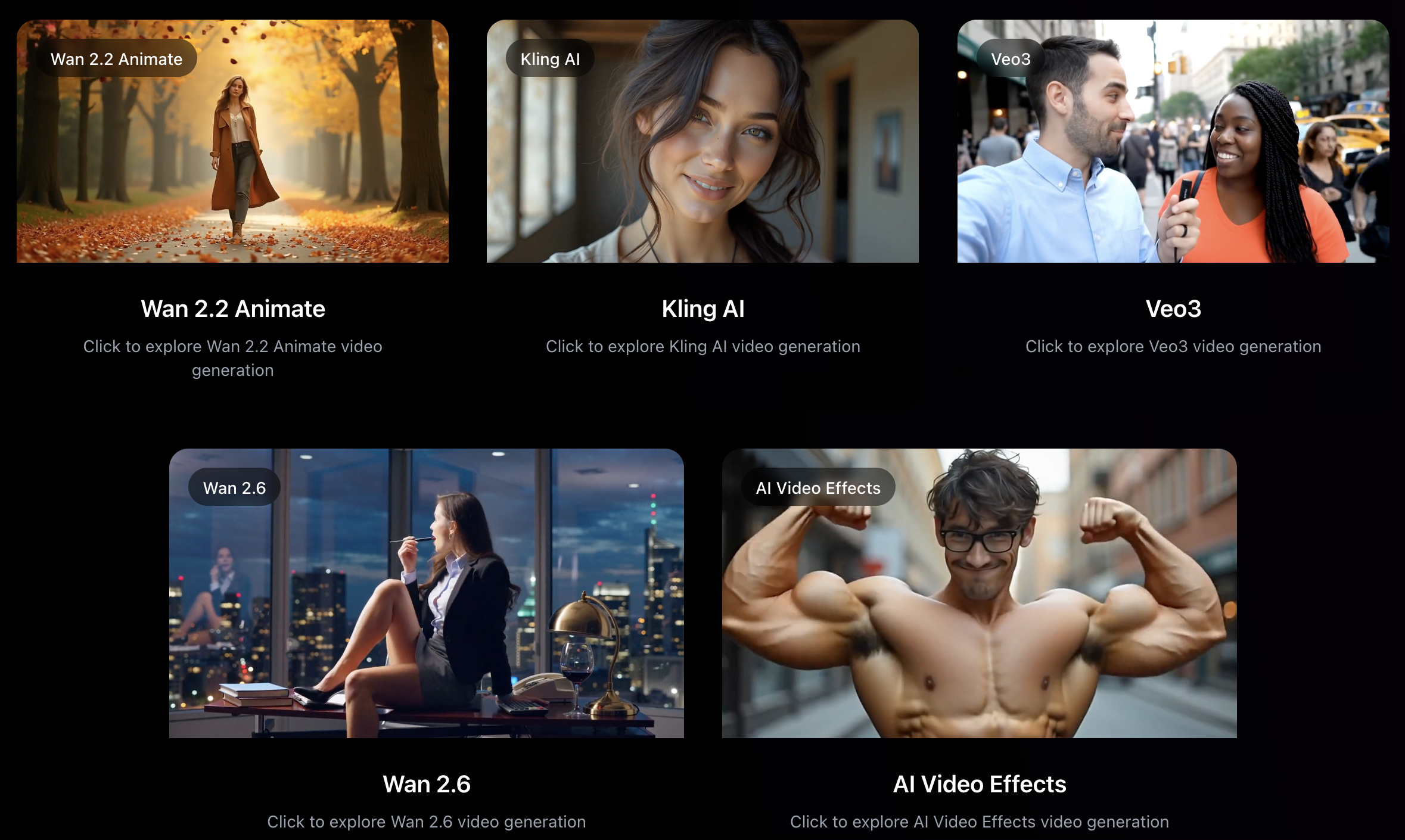
Seedance V1 Pro I2V 480p sits one level above that. It retains higher-quality motion generation and stronger prompt adherence while keeping generation time and pricing low. This makes it a common choice for rapid prototyping, iteration and early-stage creative testing.
The 720p Pro variant provides a middle ground. It produces noticeably sharper results while maintaining reasonable generation speed, making it suitable for draft social media assets or internal reviews where clarity matters but final production quality is not yet required.
Seedance V1 Pro I2V 1080p is designed for final output. Full HD resolution improves detail and perceived production quality, but generation time and cost increase accordingly. Most professional pipelines use lower-resolution variants for experimentation and switch to 1080p once a concept is validated.
Newer Seedance releases, including 2.0 variants, introduce multimodal capabilities and audio generation, but they also introduce new complexity and evolving legal considerations. For many developers in 2026, Seedance 1.0 remains the more stable and predictable video generator for production workflows.

Use Cases for the “bytedance/seedance-v1-pro-i2v-480p/ seedance ai” Version
The benefits of the Seedance video generator at 480p are all about speed and iteration rather than polish. This makes the model particularly effective in stages of production where learning quickly matters more than visual perfection, or when lots of testing is required.
Rapid prototyping is one of the most common use cases. Using Seedance 1.0, teams can generate multiple motion variations from a single image to test camera movement, pacing, or visual direction before committing to higher-resolution renders. Because each generation is cheap to make, experimentation becomes practical rather than risky.
High-volume social media testing is another strong fit. Platforms such as TikTok and Instagram compress uploaded video heavily, meaning the difference between 480p and higher-resolution sources is often less noticeable on mobile screens. For testing hooks or visual styles, 480p output is usually ideal.
Marketing teams can also use the model for batch video generation, creating multiple variations of product visuals or campaign assets to test performance before scaling winning concepts. Animated thumbnails, landing page visuals and email campaign assets are similarly well-suited to this resolution level.
For developers, the model is frequently used during pipeline development. Faster generation cycles allow teams to validate integrations, prompts, and output handling before routing production traffic through higher-cost endpoints.
In short, the “bytedance/seedance-v1-pro-i2v-480p” model performs best when speed and iteration matter more than final visual fidelity.
When Seedance Video Generator Is Not the Right Approach
Despite its strengths, building around a Seedance video generator model introduces trade-offs that are important to understand before committing to this workflow.
First, API-based video generation requires infrastructure. Even simple pipelines involve authentication, prompt management, file storage and post-production steps such as audio addition, formatting and editing.
For engineering teams, this is expected, but for creators or businesses focused on publishing content rather than building systems, it just adds more work.
Second, the 480p limitation matters for the final output. Many teams end up generating low-resolution drafts for testing and then regenerating assets at higher resolutions for deployment, effectively doubling parts of the workflow.
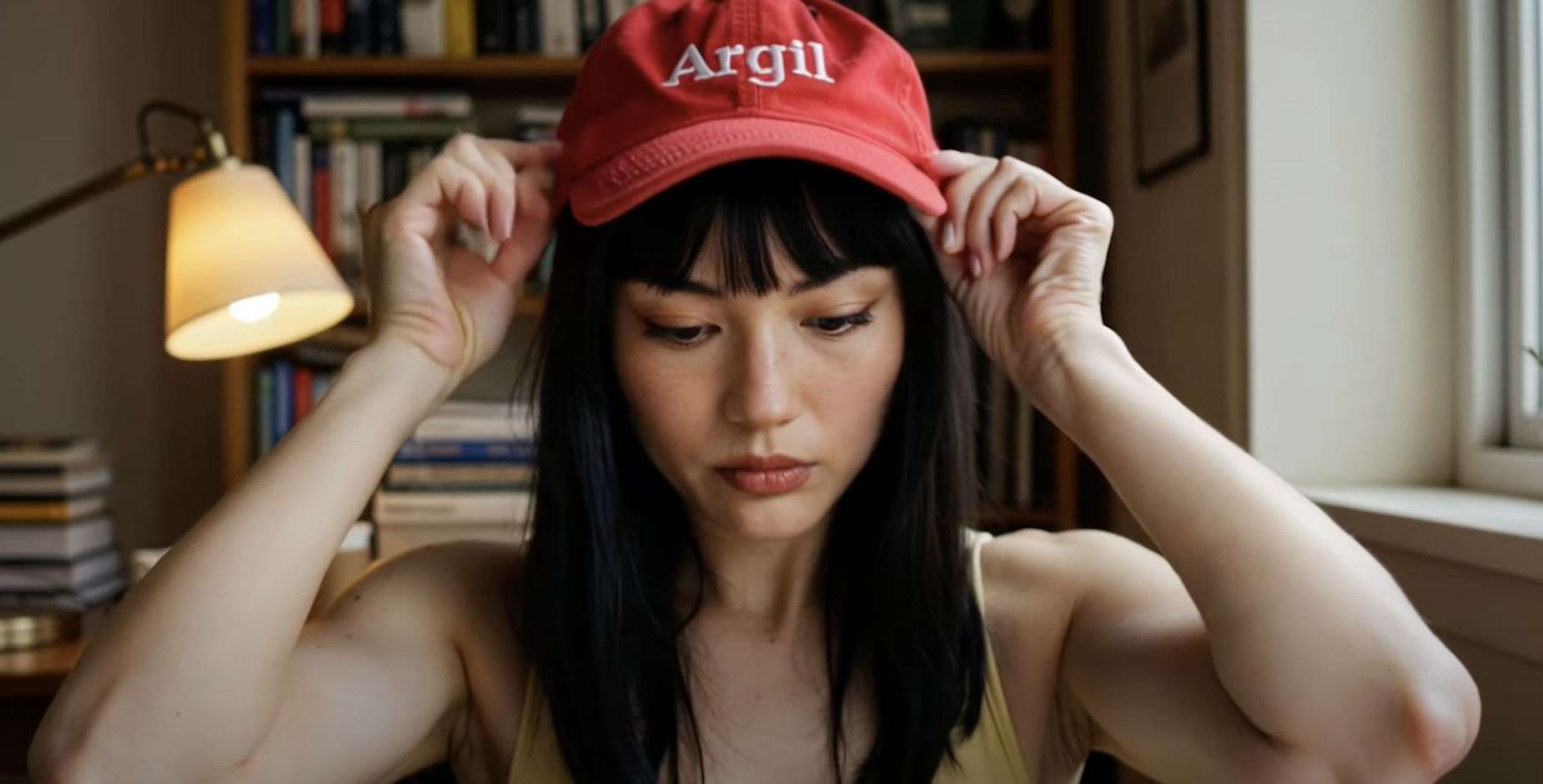
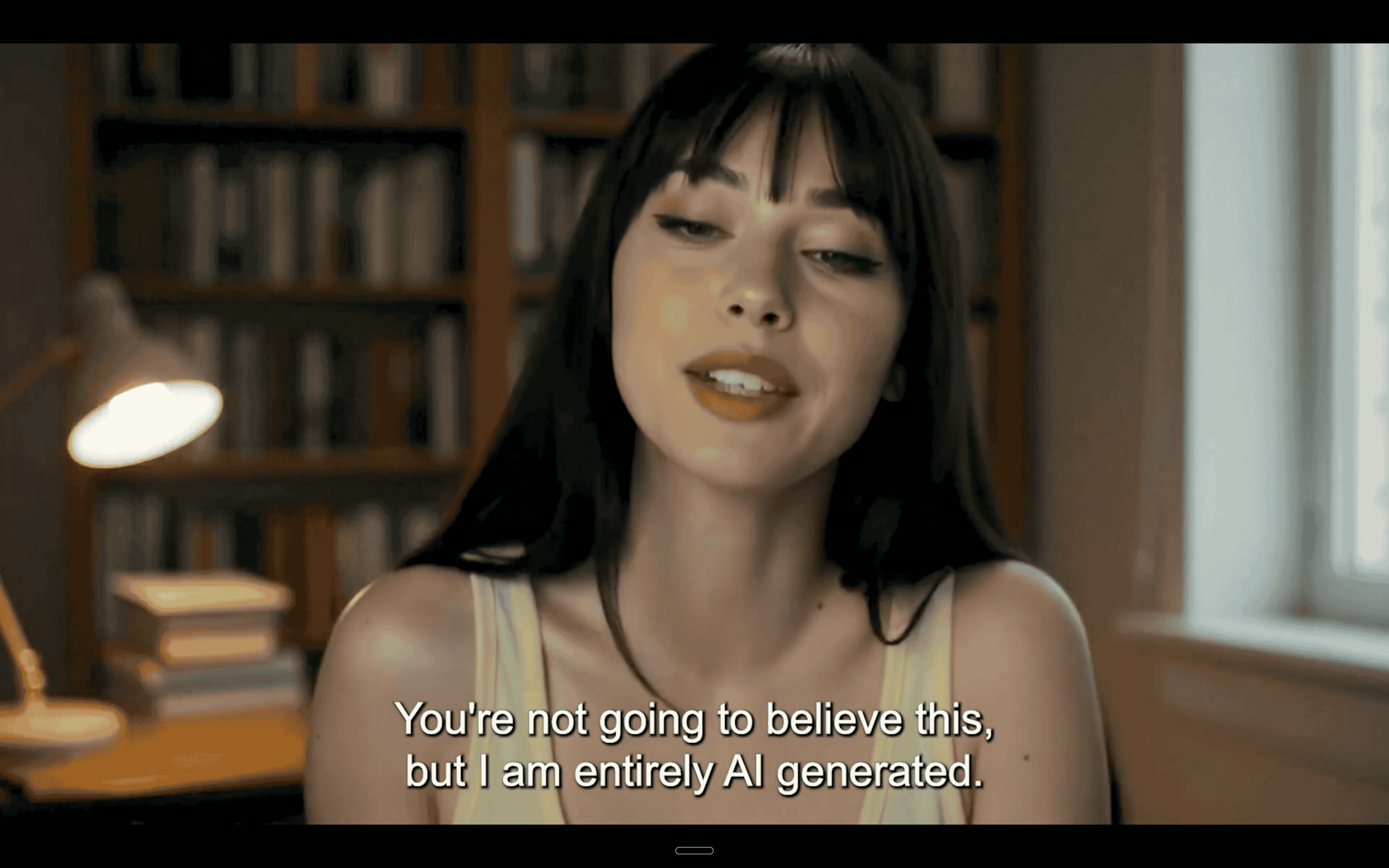
What’s important to remember is that Seedance generates scenes, not people. Every output is a new visual asset rather than a consistent on-camera presence. For creators, professionals and businesses whose content relies on trust and personal recognition, this can become a limitation rather than an advantage.
This is where AI avatar platforms like Argil come in. Instead of generating cinematic clips through API prompts, Argil allows users to create a digital version of themselves from a short training video and generate fully edited social media content directly from a script.
Captions, pacing, transitions and formatting are handled automatically, removing the need for separate tools or editing pipelines.
This makes a huge difference to the workflow. A Seedance pipeline typically involves generating clips, assembling them, adding audio, editing and exporting. An Argil workflow starts with a script and ends with a finished video ready to publish – and all in under 10 minutes.
For many teams, the two approaches are complementary rather than competitive. Seedance works well for visual assets and animated B-roll, while avatar platforms handle creator-led communication. The key is understanding which problem you are actually solving.
So rather than trying to figure out bytedance/seedance-v1-pro-i2v-480p/ seedance ai, try Argil’s video generator for free and create your own hyper-realistic AI avatar. Sign up today to get started.