
Is CapCut Getting Banned? What Actually Happened and 7 Alternatives Worth Switching To

- CapCut was pulled from US app stores in January 2025
- A new "CapCut US" app launched under US ownership
- Platform dependency remains a real risk for creators
- 7 CapCut alternatives compared with verified pricing
- AI-powered tools now replace manual editing workflows
- Argil turns scripts into fully edited short-form videos
Is CapCut Getting Banned? What Actually Happened and 7 Alternatives Worth Switching To
If you searched "is CapCut getting banned," you're not alone. Over 22,000 people search this exact phrase every month, and the confusion is justified. CapCut has been pulled from app stores, brought back, rebranded under new ownership, and wrapped up in one of the biggest tech regulatory battles in US history. The short answer: CapCut is available right now, but the full picture is much more complicated.
Here's what actually happened, why creators are still looking for alternatives, and which similar tools are worth your attention in 2026.
Is CapCut Getting Banned in 2026? Here's What We Know
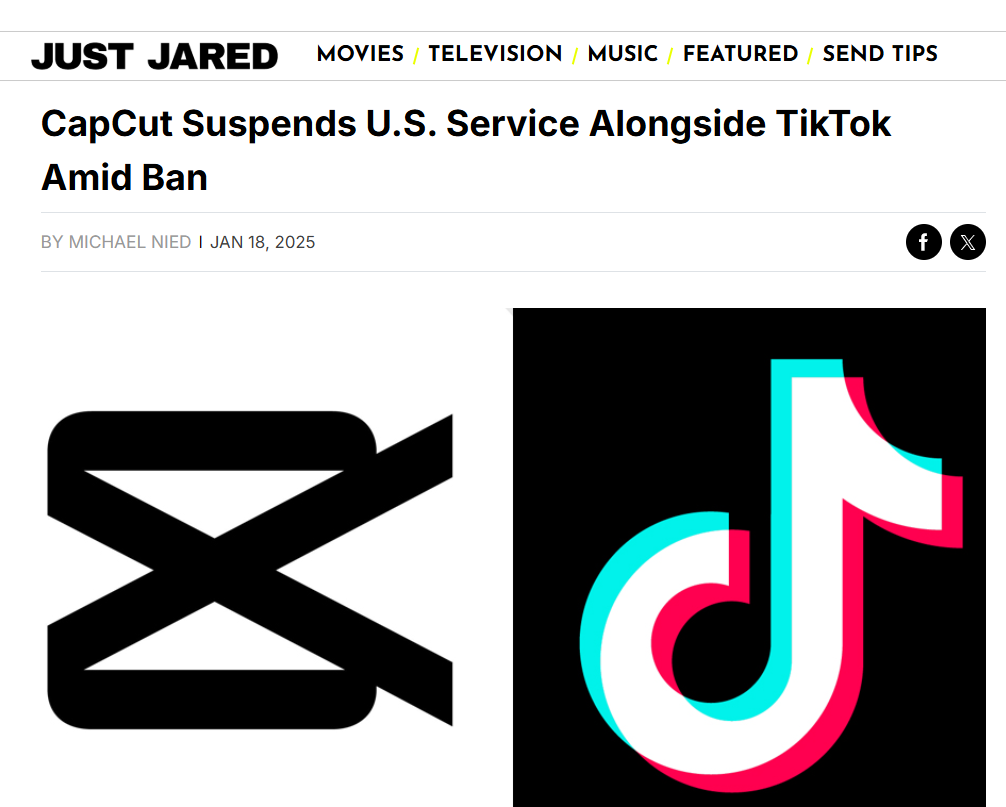
The CapCut ban story starts with TikTok. Both apps are owned by ByteDance, the Chinese tech company that became the target of the Protecting Americans from Foreign Adversary Controlled Applications Act (PAFACA), signed into law in April 2024.
On January 19, 2025, CapCut was pulled from US app stores alongside TikTok, Lemon8, and other ByteDance properties. The app went dark for American users. Over 200 million US TikTok users and the massive CapCut user base (north of 300 million monthly active users globally) were suddenly cut off.
The ban didn't stick, however. Within days, services were reinstated while ByteDance negotiated a deal with the US government. That deal closed on January 22, 2026, creating a US joint venture with Oracle, Silver Lake, and MGX holding a combined 50% stake. ByteDance retained 19.9%, and existing ByteDance investors hold the remaining 30.1%.
As part of the agreement, a dedicated "CapCut US" app launched in September 2025, replacing the global version for American users. Migration was mandatory and completed by March 2026.
So is CapCut getting banned? Not currently, but the January 2025 shutdown proved something creators already suspected: building your entire workflow around a single platform owned by a company under active regulatory scrutiny is a real risk. CapCut remains permanently banned in India, one of the original 59 Chinese apps blocked there in June 2020. Reuters reported in January 2021 that India's government decided to retain that ban across the full list of 59 apps after reviewing each company's compliance response, and the ban on CapCut has never been reversed since. The US situation, by contrast, required a multi-billion-dollar corporate restructuring to resolve.
Why Are Creators Looking for CapCut Alternatives?
The CapCut ban scare wasn't only a news cycle, because It forced creators to confront 3 problems with their editing setup and caused many to panic search “Is CapCut getting banned?” for months.
One of the biggest challenges creators face in 2026 is platform dependency. CapCut captured 42% of revenue in the mobile video editing category by October 2024, up from just 4% in early 2023. That kind of market concentration means a single regulatory decision can disrupt millions of workflows overnight. Creators who had saved projects and muscle memory locked into CapCut learned this the hard way during the January 2025 blackout.
The 2nd issue is pricing pressure. CapCut doubled its Pro subscription from $9.99 to $19.99 per month in May 2025. When a free tool becomes a $240/year commitment, the value equation changes and alternatives start looking more attractive.
The 3rd problem is the shift to AI-powered creation. CapCut added AI features over time, but its core remains a manual editor. You still need to film, cut, arrange, caption, and export. A growing category of AI video tools now handles most of that pipeline automatically, turning scripts or long-form content into finished short-form videos. For creators publishing daily or across multiple platforms, the time savings from AI-native tools can be measured in hours per week.
The Best CapCut Alternatives for Video Creators in 2026
Not every CapCut alternative solves the same problem. Some are better manual editors, while others replace the editing process entirely with AI. Here's what each tool actually does, what it costs, and where it falls short.
Argil
Argil takes a fundamentally different approach to video creation. Instead of editing footage frame by frame, you upload a 2-minute video of yourself, train an AI clone, and then generate fully edited short-form videos from scripts. The platform handles captions, b-rolls, transitions, and visual editing automatically.
This matters for the CapCut ban conversation because Argil removes the dependency on any single editing tool. Your content pipeline runs on scripts and your AI avatar, not on a specific app that might disappear from your app store tomorrow.
Pricing starts at $39/month for the Classic plan (1,600 credits, about 25 video minutes) and $149/month for Pro (6,000 credits, about 100 video minutes), with a Scale plan at $499/month for larger teams. A 5-day free trial lets you test the output quality before committing. For creators who want to compare AI video generators for commercial use, Argil consistently ranks high for avatar quality and editing automation.
The only limitation is that Argil is built for talking-head and script-based content. If you need to edit vlog footage or multi-camera shoots, this isn't the right tool. But for creators building a personal brand through consistent short-form content, it replaces both the editor and the camera.
DaVinci Resolve
DaVinci Resolve is the closest thing to a professional studio in a free download. Originally built for Hollywood color grading, it now includes a full editing suite, audio post-production (Fairlight), visual effects (Fusion), and AI-powered tools in the Studio version.
The free version exports up to 4K at 60fps with no watermarks and no time limits. DaVinci Resolve Studio costs $295 as a one-time purchase (no subscription) and adds features like AI-powered object masking, noise reduction, and multi-GPU rendering.
The tradeoff is complexity. DaVinci Resolve has a steep learning curve compared to CapCut, and the interface assumes some familiarity with professional editing concepts. Mobile support is limited to iPad. But if you want maximum control without a monthly bill, nothing else comes close.
Descript
Descript treats video editing like document editing. You edit your video by editing the transcript: delete a word from the text, and it's removed from the footage. This makes it exceptionally fast for cutting talking-head videos and podcasts.
AI features include filler word removal, Studio Sound (audio cleanup), and Underlord (AI assistant for generating summaries, and social clips). It's also one of the better tools for repurposing long-form content into short clips.
Pricing: Free (1 hour transcription, 720p exports), Hobbyist at $16/month, Creator at $24/month, Business at $50/month (all annual billing). The Creator tier is where most individual creators land, offering 30 hours of transcription and 4K exports.
The limitation is creative control. Descript is optimized for spoken-word content. If your videos rely heavily on visual effects or complex transitions, you'll hit the ceiling quickly.
Canva
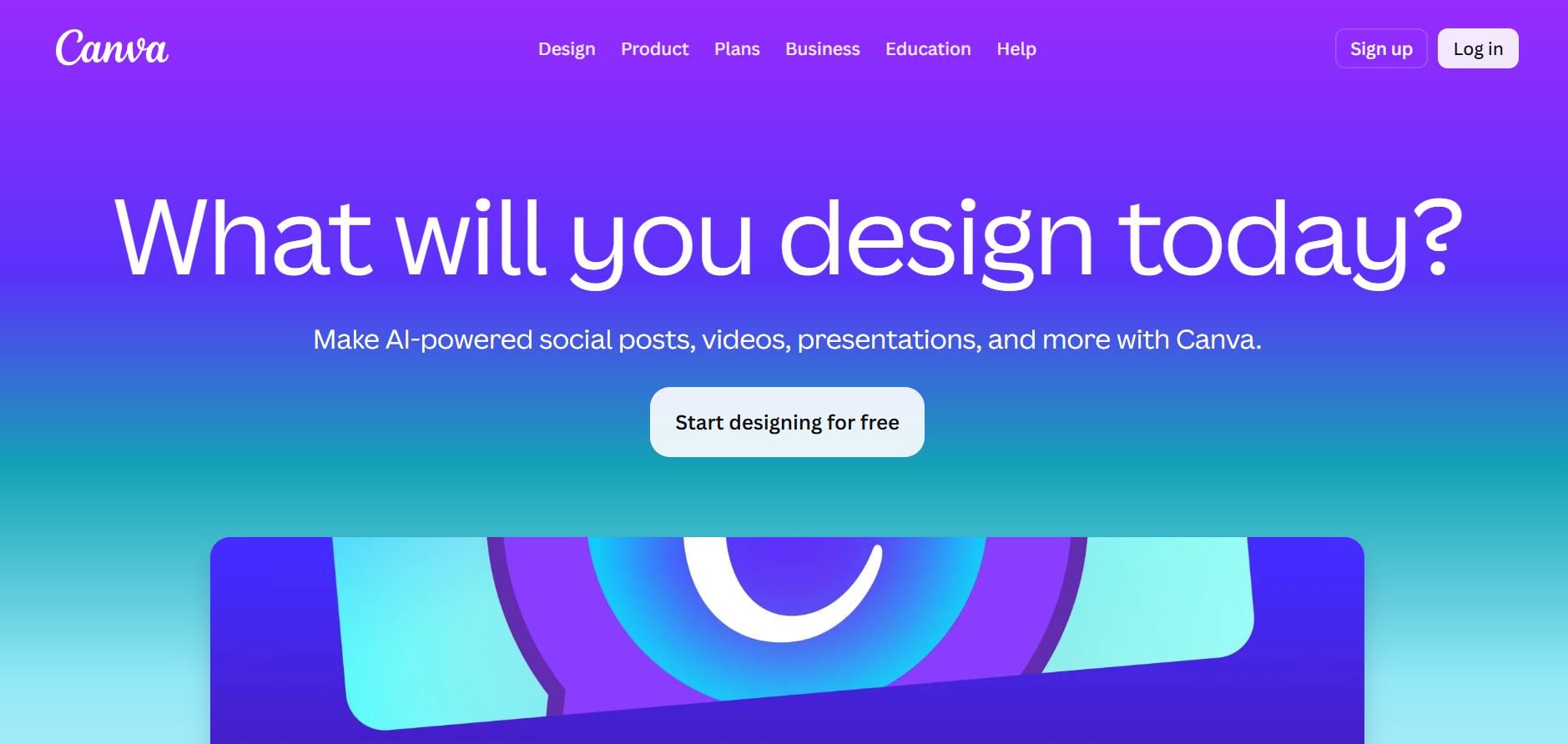
Canva added video editing to its design platform, and for creators already using it for thumbnails and carousels, the all-in-one approach is appealing. The video editor includes AI-powered features like auto-captions, background removal, and Magic Video for generating social clips.
The key advantage is ownership. Canva gives you full control over your exports with no content licensing claims, something that matters when your videos are commercial assets.
Free for basic editing. Canva Pro costs $18/month (or $144/year billed annually) and unlocks premium templates, 100GB storage, and AI features. The old flat rate Teams plan has been replaced by Canva Business, priced per seat at $25/user/month ($250/user/year annually).
The video editing itself is functional but basic compared to dedicated editors. Complex timeline work and precise audio mixing aren't Canva's strength. It works best when video is one piece of a broader content workflow that includes static visuals and presentations.
Clipchamp
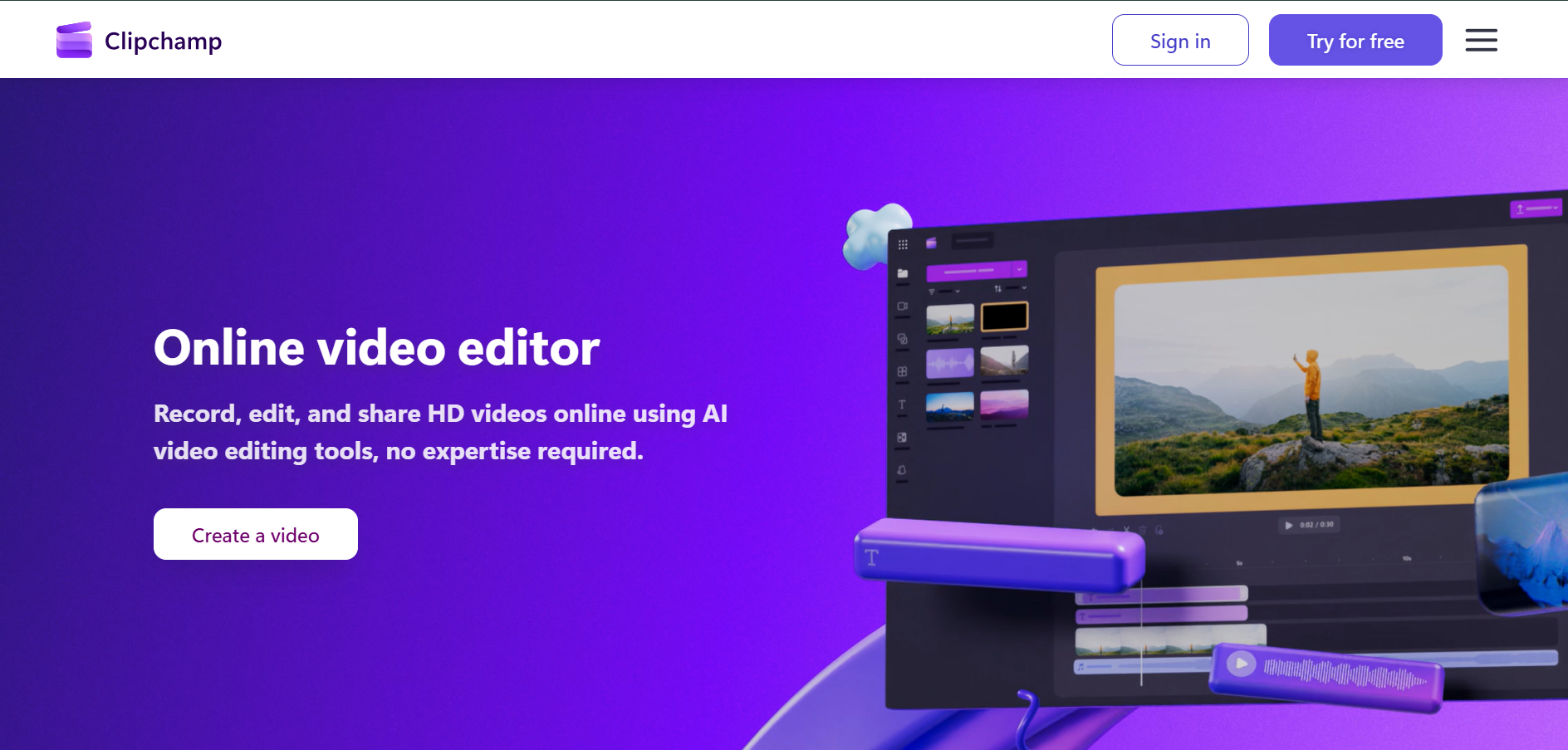
Microsoft acquired Clipchamp and built it into Windows and Microsoft 365. The free tier is surprisingly capable, with 1080p exports, no watermarks, AI subtitles, voiceovers, and silence removal. For Windows users, it's already installed.
Premium features (4K export, premium filters) come through a Microsoft 365 Personal subscription ($9.99/month) or the standalone Clipchamp Premium tier at $11.99/month. Business users can add it for $10/user/month.
Clipchamp is the most straightforward CapCut replacement for basic editing on desktop. The interface is clean, the learning curve is minimal, and the Microsoft ecosystem integration means your media library connects to OneDrive automatically. The downside: no mobile app parity with CapCut, and the effects library is smaller.
OpusClip
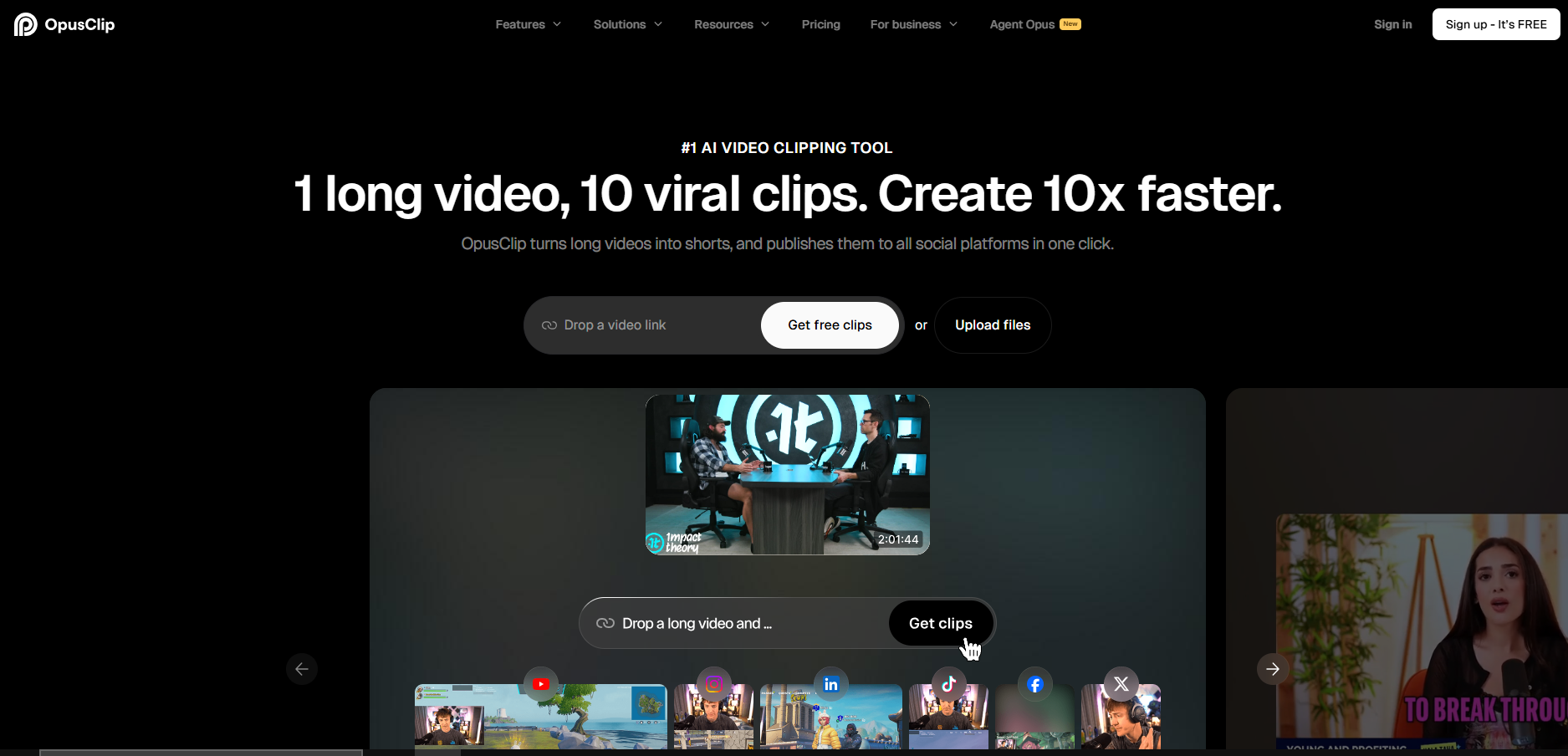
If you’re wondering “Is CapCut getting banned?” you’re probably looking for an alternative that does the same thing. But OpusClip doesn't compete with CapCut as an editor. Instead, it takes long-form video (YouTube videos, webinars, podcasts) and automatically clips the best moments into short-form content with captions, automatic resizing, and the right formatting for each platform. If you're looking for UGC video production tools, OpusClip handles the repurposing side well.
Free tier includes 60 credits/month (roughly 60 minutes of processing) with watermarks. Starter costs $15/month (150 credits), Pro is $29/month (300 credits).
The tool excels when you already have long-form footage and need to turn it into clips at scale. It doesn't help with original short-form creation, doesn't offer avatar-based generation, and the AI clip selection occasionally misses the best segments.
VEED.io
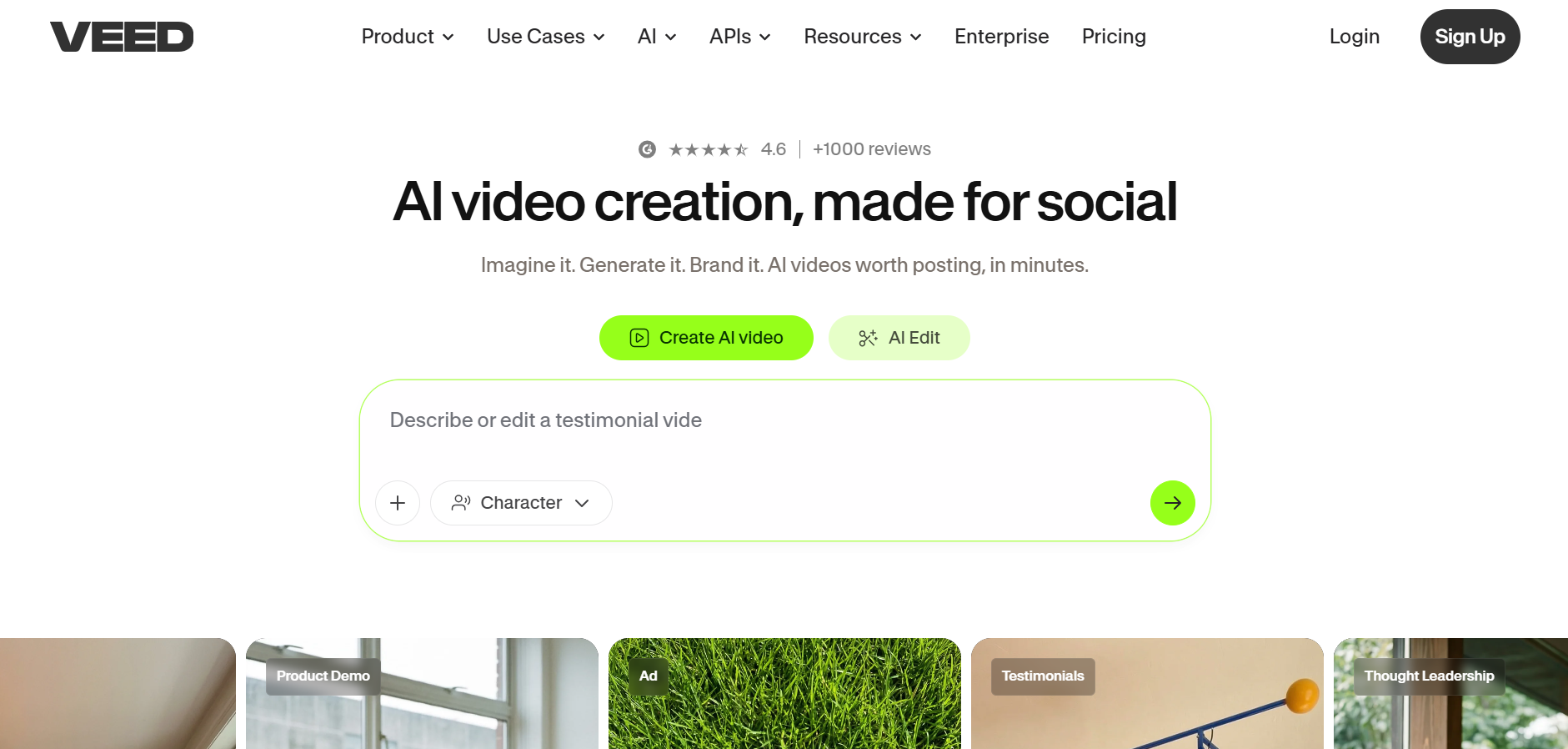
VEED is a browser-based video editor built for social content. It handles subtitles, translations, screen recording, and basic editing in a clean web interface. The collaboration features make it a solid choice for teams working on video together.
Free tier is limited (watermark, 720p, 10-minute videos). Lite removes watermarks at $9-$12/month. Pro adds 4K export and brand kits at $29/month.
VEED works well for quick social edits and subtitle-heavy content. It's not designed for complex editing, and the browser-based approach means performance depends on your internet connection and machine specs. But for creators who want to edit from any device without installing software, it fills a gap that CapCut's desktop app doesn't.
Filmora

Filmora from Wondershare sits in the middle ground between CapCut's simplicity and DaVinci Resolve's complexity. The interface is approachable, the effects library is large, and AI features like Smart Cutout and AI Copywriting speed up common tasks.
Filmora now prices from around $19.99/month, with annual Basic and Advanced plans running roughly $30 to $60/year, or a one time perpetual license around $99.99 (Windows) or $109.99 (Mac). A free plan with limited features is available, plus a 30-day trial of the paid tiers.
Filmora's strength is its balance. It handles most editing tasks competently without requiring professional expertise. The weakness is that it doesn't excel at anything specific. Creators who need advanced color work will outgrow it, and those who want AI-automated production will find the manual editing still takes significant time.
Which Alternative Should You Choose?
With everyone wondering “Is CapCut getting banned?” it’s natural to start looking for alternatives. The right CapCut replacement depends on what you're actually trying to accomplish, not just which features match on paper.
If you need a direct CapCut replacement with a similar interface, Clipchamp or Filmora will feel familiar. The learning curve is minimal, and the editing model is the same: import footage, arrange on a timeline, export.
If you need professional-grade control without a subscription, DaVinci Resolve is the answer. Nothing else at zero dollars comes close to its capabilities.
If you need to turn long-form content into short clips, OpusClip or Descript handles the repurposing workflow more efficiently than any manual editor, including CapCut.
If you want to stop editing manually and generate videos from scripts, Argil is the tool that eliminates the editing step entirely. Upload one training video, get an AI clone, and produce new content from text.
A 2-minute training video creates your AI clone, and every new piece of content starts as a script you write. Once you have your clone, the recurring filming and per-video editing work disappears. For creators who understand what UGC means in modern marketing, this approach scales personal brand content in a way that manual editing simply cannot match.
The CapCut ban taught creators that their production pipeline is only as stable as the platform it runs on. Whatever you choose, make sure your content workflow doesn't depend on a single tool that could disappear overnight.
FAQ
Is CapCut actually banned in the US right now?
No. CapCut was temporarily pulled from US app stores on January 19, 2025, alongside TikTok. Services were restored within days. A new "CapCut US" app launched in September 2025 under a US joint venture (Oracle, Silver Lake, MGX holding majority ownership), and all American users were migrated by March 2026.
Is CapCut banned anywhere in the world?
Yes. CapCut remains permanently banned in India, one of 59 Chinese apps India's government blocked in June 2020 and confirmed it would keep blocked after a 2021 review, as Reuters reported at the time. The app is available in most other countries, though the US now operates under a separate entity with different data handling than the global version.
Is CapCut still free to use?
CapCut offers a free tier, but with more limitations than before. The Pro subscription increased from $9.99 to $19.99/month in May 2025. Many advanced features, premium effects, and commercial-use assets now require the paid plan.
What happens to my CapCut projects if it gets banned again?
During the January 2025 shutdown, users lost access to cloud-synced projects and templates. Local exports remained available, but any work stored on CapCut's servers was inaccessible until service resumed. This is why keeping local copies of all exported content matters.
Can I use CapCut for commercial content?
Yes, but check the licensing terms for specific assets. Premium templates, music, and effects within CapCut may have usage restrictions. The CapCut US entity operates under different terms of service than the previous global version, so review the current agreement before using content commercially.
What's the best free alternative to CapCut?
DaVinci Resolve offers the most powerful free video editor available, with no watermarks, no time limits, and export quality up to 4K at 60fps. For simpler needs, Clipchamp provides free 1080p editing with AI subtitles built into Windows. Both are strong options depending on whether you need professional depth or quick accessibility.
Related Articles
- Best AI Video Generator for Commercial Use in 2026
- Best UGC Video Production Tool
- What Does UGC Mean in 2025?
CapCut ban status and video editing alternatives for creators in 2026