
The Ultimate Guide to Downloading YouTube Audio in 2026 (Legally & Easily)
What Is a YouTube Audio Downloader?
A YouTube audio downloader is a tool that lets you download just the audio from a YouTube video onto your computer or device.
Whether you’re grabbing a snippet from a favourite interview, trying to keep a lecture for offline study or collecting clips to repurpose for your own content, YouTube has become one of the world’s biggest audio libraries – so it’s not surprising that searches for a reliable YouTube audio downloader have exploded.
But with so many tools and so much grey area around copyright, it can be hard to know what’s actually allowed, what’s safe and which downloader won’t wreck your audio quality.
This guide clears all of that up and shows you how to use YouTube audio downloaders safely and legally, as well as how to build your content creation tech stack around these tools.
Why Do People Use YouTube Audio Downloaders?
There’s a simple reason people need YouTube audio downloaders: YouTube has become an archive for almost everything spoken or recorded. You can find a forgotten podcast from 2018, a niche tech talk, a TEDx-style keynote, a full audiobook, hours-long interviews and lectures uploaded by universities… pretty much everything you can think of is there!
Some creators also use YouTube audio downloders to repurpose their own videos, inserting the audio into short clips for socials, while marketers pull sound bites from expert interviews to use in internal training, social media posts and brand campaigns.
In the education sector, teachers and language learners might use a YouTube audio downloader to save lessons or pronunciation samples. Plus, plenty of people simply want offline access to their favourite creators without burning through mobile data.
With all this demand, it’s no wonder “YouTube audio downloader” is a popular search term.
Is It Legal to Use a YouTube Audio Downloader?
There’s no clear answer to whether it’s legal to use a YouTube Audio Downloader. Sometimes it’s legal, sometimes it isn’t, depending on what you’re downloading and how you intend to use the content.
YouTube’s Terms of Service technically don’t allow you to download anything unless YouTube itself provides a download button. That means that many downloader tools operate in a grey zone – they’re not illegal to use, but they aren’t endorsed by YouTube either.
However, using a YouTube audio downloader is legal if:
• You own the video
• You have permission from the creator
• The video is Creative Commons licensed
• The content is in the public domain
Lots of educators, researchers and creators use YouTube audio within these boundaries every day without issue.
Where you need to be careful is with music. Downloading copyrighted music for personal listening through an unofficial downloader is a violation in most countries, unless the download comes via an approved service like YouTube Music Premium.
“Fair use” can apply in cases of commentary, critique or parody – but it’s not a guarantee, and it doesn’t cover general personal use.
The safest best practice is to simply check the license of the audio before using a YouTube audio downloader, especially if it will appear in a project, video, podcast or anything public-facing or commercial.
Best YouTube Audio Downloader Tools for 2026 (Tested and Compared)
A good YouTube audio downloader extracts clean audio quickly. But not all tools are built the same, and your ideal choice depends on what you plan to do with the file.
Web-Based YouTube Audio Downloader Tools
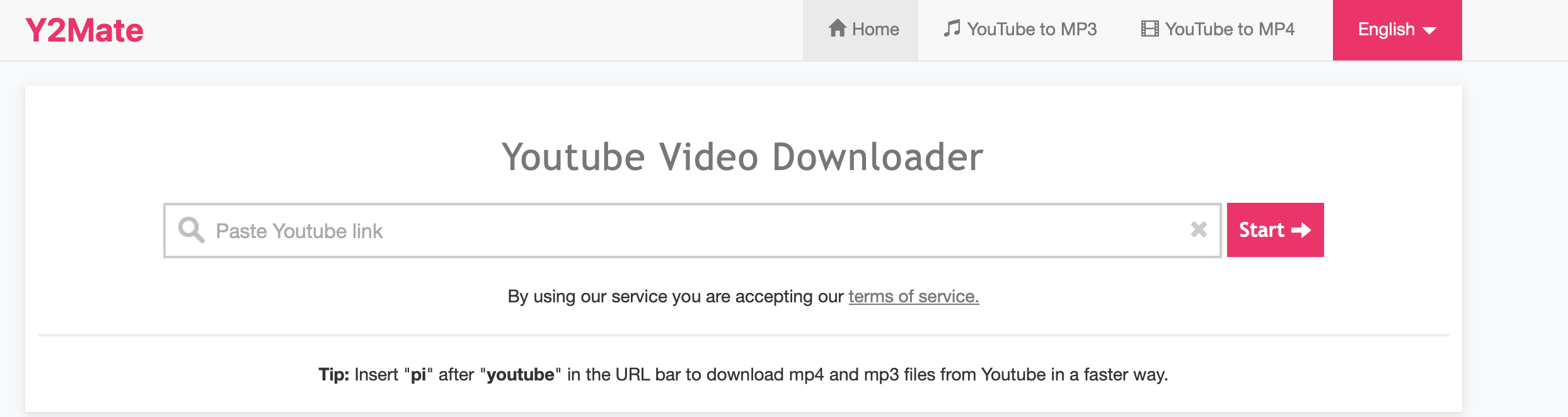
If you just need a quick MP3, online Youtube audio downloader tools like Y2Mate, SaveFrom.net (although not in the UK) and Loader.to are incredibly convenient. All you need to do is paste the link of the content you want to extract audio from, choose your file type and hit download.
Tools like these are great when you’re in a rush or working on a device where you can’t install software. They usually offer formats like MP3, M4A or AAC, which are perfect for basic listening or pulling a short clip to repurpose.
The trade-off, of course, is that you’ll get inundated with ads, pop-ups, limited quality controls and occasionally inconsistent audio. Because of this, web-based solutions are ideal for quick tasks but they’re not the best long-term solution for larger volumes.
Desktop YouTube Audio Downloader Software
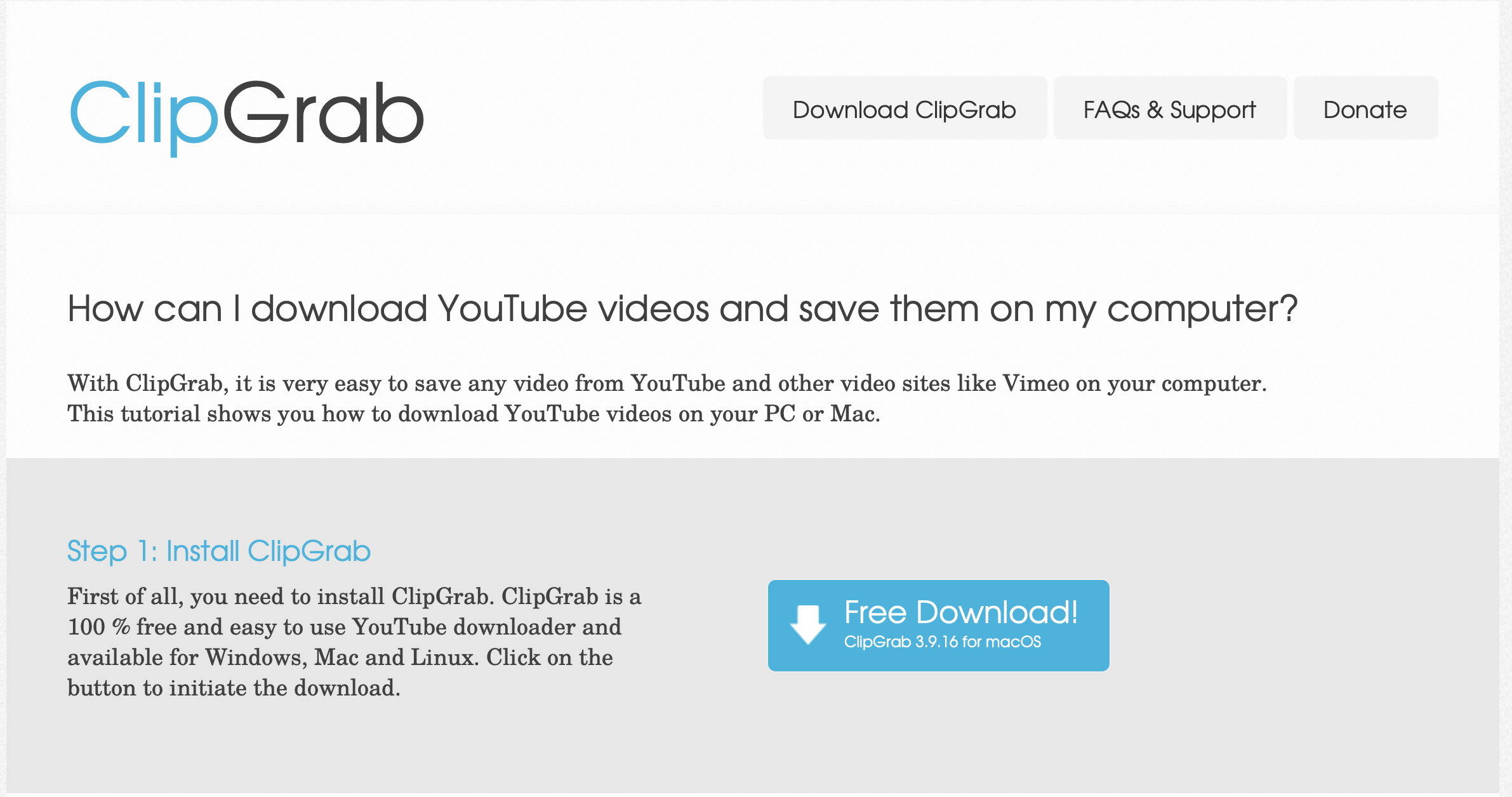
Tools like 4K Download, JDownloader and ClipGrab are far more powerful than web-based YouTube audio downloaders. They support a range of formats (including WAV and FLAC) and let you batch download dozens of videos at once. For creators working with long interviews, podcasts, webinars or speeches, this makes a huge difference.
Desktop tools also tend to be more stable than app-based Youtube audio downloaders and give you better control over metadata, trimming and output quality. They may require installation, but the added reliability and audio fidelity make them the preferred choice for professional workflows.
Mobile YouTube Audio Downloader Apps
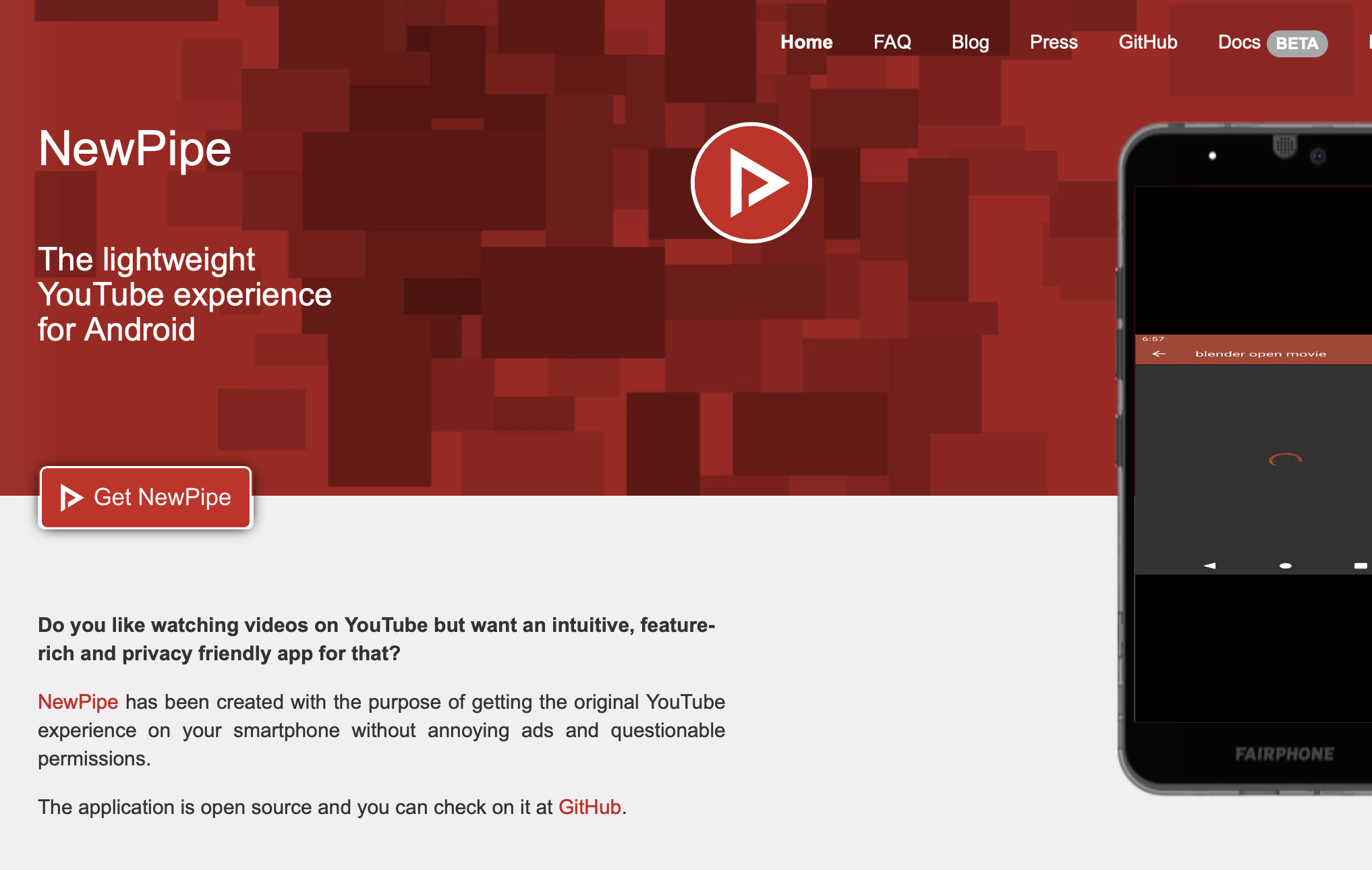
Because app stores are strict about anything that downloads YouTube content directly, mobile tools rely on clever workarounds. NewPipe on Android and Documents by Readdle on iOS are two of the more dependable Youtube audio downloader options. They’re useful when you’re travelling, commuting or building rough edits on your phone.
Just keep in mind that mobile apps sometimes break due to policy changes, and audio quality can be more limited, meaning they’re great for casual use but not always ideal for production-grade content.
What Formats Should You Download YouTube Audio In?
Audio format matters far more than most people realise, especially if you plan to transform the audio into video content, social clips or AI-generated assets later.
Here are the best formats for YouTube audio downloaders:
MP3
This is the most common format used by Youtube audio downloader tools. A compressed MP3 is perfect for quick downloads, casual listening or simple repurposing.
WAV
Uncompressed and high-quality, this is the format you want for video editing, audio mixing or feeding into AI tools like transcription or voice generation.
AAC
This is the format used by YouTube itself. It’s slightly better quality than MP3 at similar sizes and is great for mobile workflows.
If your goal is to edit, remix or build content with the audio files you download, WAV will give you the cleanest result. If you’re just trying to save something to listen to offline, MP3 is perfectly fine.
How to Download Audio from YouTube
Once you've chosen your YouTube audio downloader, here’s the simplest and safest way to handle the process:
- Confirm the content is legal to download (your own, licensed, Creative Commons or public domain)
- Copy the YouTube video URL
- Paste it into your chosen Youtube audio downloader tool
- Select your preferred format: WAV if you’re editing, MP3 if you’re just listening, AAC for mobile workflows
- Choose the audio quality (320kbps is ideal for clarity)
- Download and save the file
- Organise your audio by title, creator, licence and original link so you can credit it properly later
If you're downloading more than a couple of clips, using a desktop tool with batch downloading will save you hours of processing time.
Beyond YouTube Audio Downloaders: Try Argil Today
A YouTube audio downloader is incredibly useful when used responsibly. It gives you access to a huge amount of valuable audio, as long as you respect licences and stay within legal boundaries.
Casual listeners get offline access, learners stay organised and creators unlock a new layer of material to build content from.
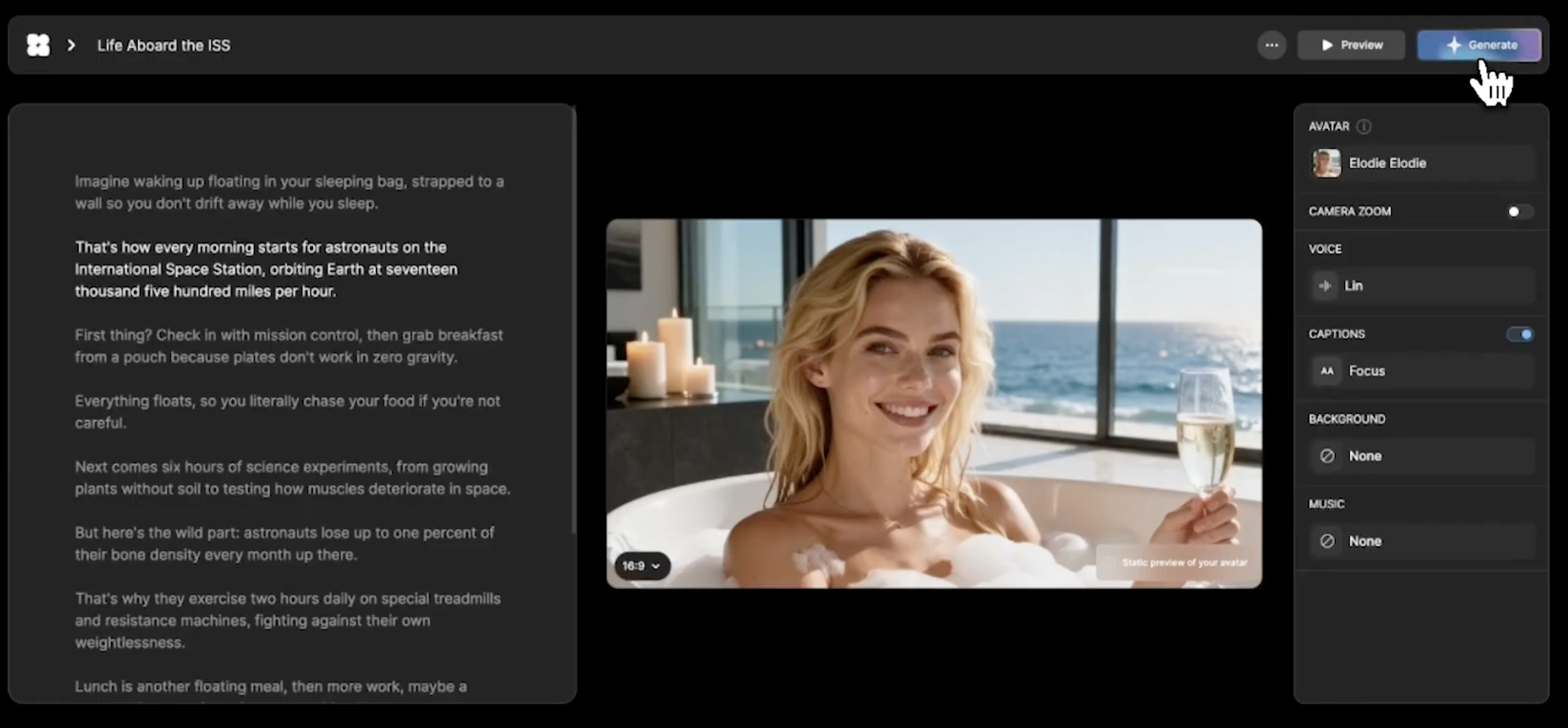
But the real advantage comes when you move beyond audio files. With AI becoming central to content creation, combining a trusted YouTube audio downloader with Argil’s repurposing tools is the most efficient way to repurpose audio clips into video content moving into 2026 and beyond. You download once, and then you generate unlimited variations of content from the same source using your hyper-realistic AI avatar and our automatic editing suite.
The whole process is ethical, scalable and far quicker than starting from scratch every time you want to create new content.
Sign up today to try our AI-powered video production tool for free.