
TikTok Transcript: 4 Free Ways to Get One (2026)
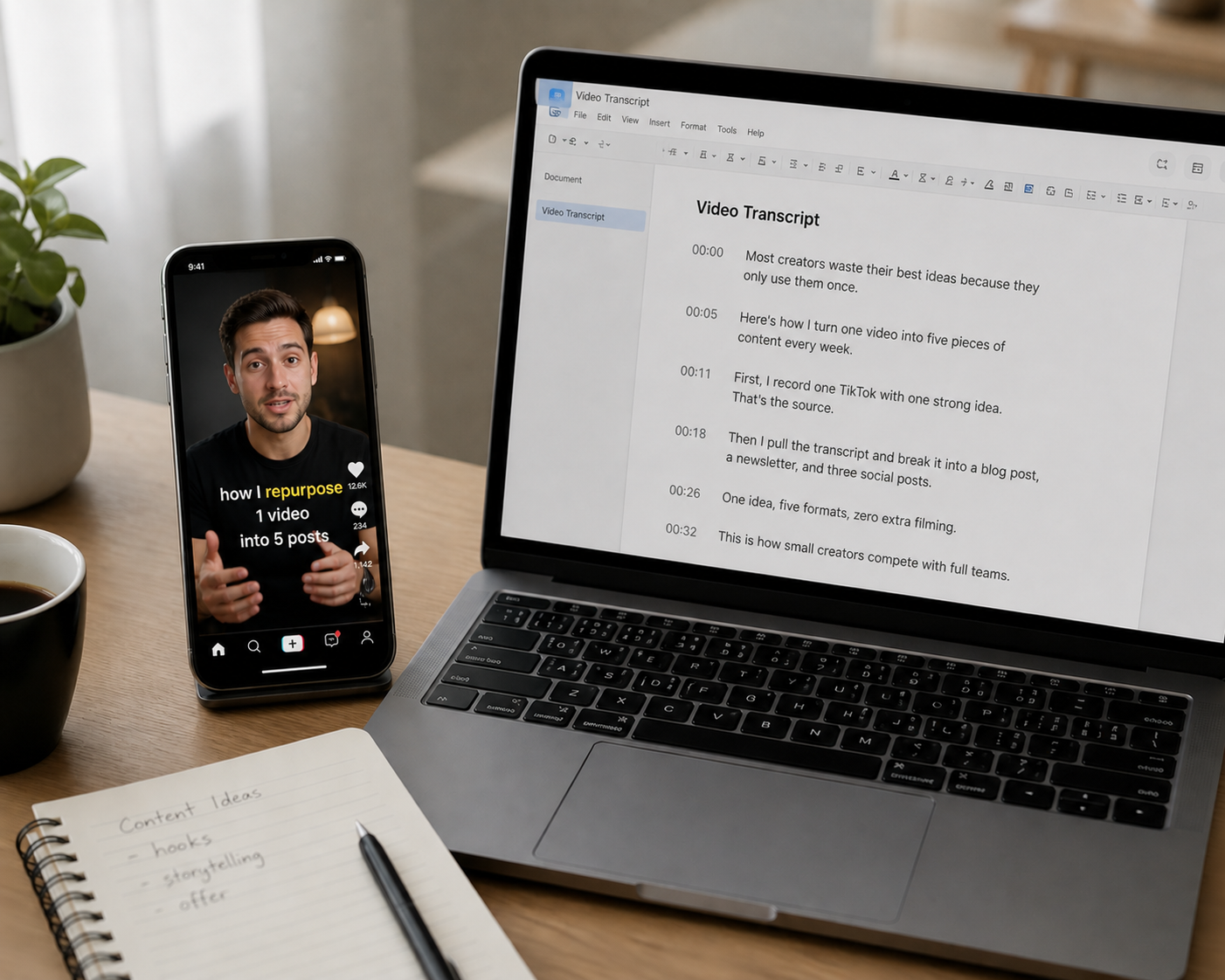
- 4 proven methods to get any TikTok transcript
- 8 free and paid TikTok transcript tools compared side by side
- Fix common transcript accuracy problems fast
- Repurpose one TikTok transcript into 5+ formats
- When to use free vs paid transcription services
- Turn TikTok transcripts into AI video with Argil
TikTok Transcript: 4 Free Ways to Get One (2026)
There are many reasons you might need a quick and easy TikTok transcript. Perhaps you've found a video that nails a point you want to reference or repurpose, or something vital for your studies.
No matter the reason, getting a TikTok transcript sounds like it should be simple, but the reality often isn't. TikTok doesn't readily provide clean transcription text like YouTube does, and there is no "copy transcript" button. This is why you need a workaround.
The fastest way to get a TikTok transcript is to paste the video's URL into a free tool like TokScript, SocialPlug, or Transcript365. Most return clean, copyable text in well under a minute, no download needed. For higher accuracy or bulk processing, a paid AI service like OpusClip, ElevenLabs, or Whisper is worth the extra step.
This guide covers 4 methods to pull a TikTok transcript from any video, compares 8 tools free and paid, and shows you how to turn that raw text into blog posts, newsletters, social threads, and… (drum roll) new video content.
Why You Might Need a TikTok Transcript
The most obvious reason you might need a TikTok transcript is for content repurposing. With 1.9 billion monthly active users, the platform generates an enormous volume of ideas, tutorials, and commentary every day. A transcript lets you capture those ideas in a format you can cite, reference, or reuse in your own commentary or response video.
Accessibility is also a factor. Around 80% of users aged 18 to 25 watch video with subtitles on most of the time, so when it comes to publishing your own content, providing a TikTok transcript makes your work available to deaf and hard-of-hearing audiences and to anyone watching on mute.
Researchers and journalists use transcripts to quote accurately. SEO teams use them to identify keyword patterns in competitor content. Marketers use them to study what hooks, phrases, and structures perform best in short-form video, then apply what works when they go viral on TikTok themselves. Whatever your reason, the process starts with getting the text out of the video, and unfortunately this can get a little complicated.
The 4 methods below, roughly in order of how much effort each one takes:
Method 1: Use TikTok's Built-In Captions
TikTok has an auto-caption feature, but it was designed for creators adding subtitles to their own videos, not for viewers pulling transcripts.
That said, you can still use it in limited ways.
How to Access Captions as a Viewer
- Open the TikTok video you want to transcribe.
- Tap the share icon on the right side of the screen.
- Look for a "Captions" toggle. If the creator enabled auto-captions, you can turn them on or off.
- To read the text, you will need to watch the video and read the captions as they appear. There is no built-in option to copy or export the full tiktok transcript as a text file.
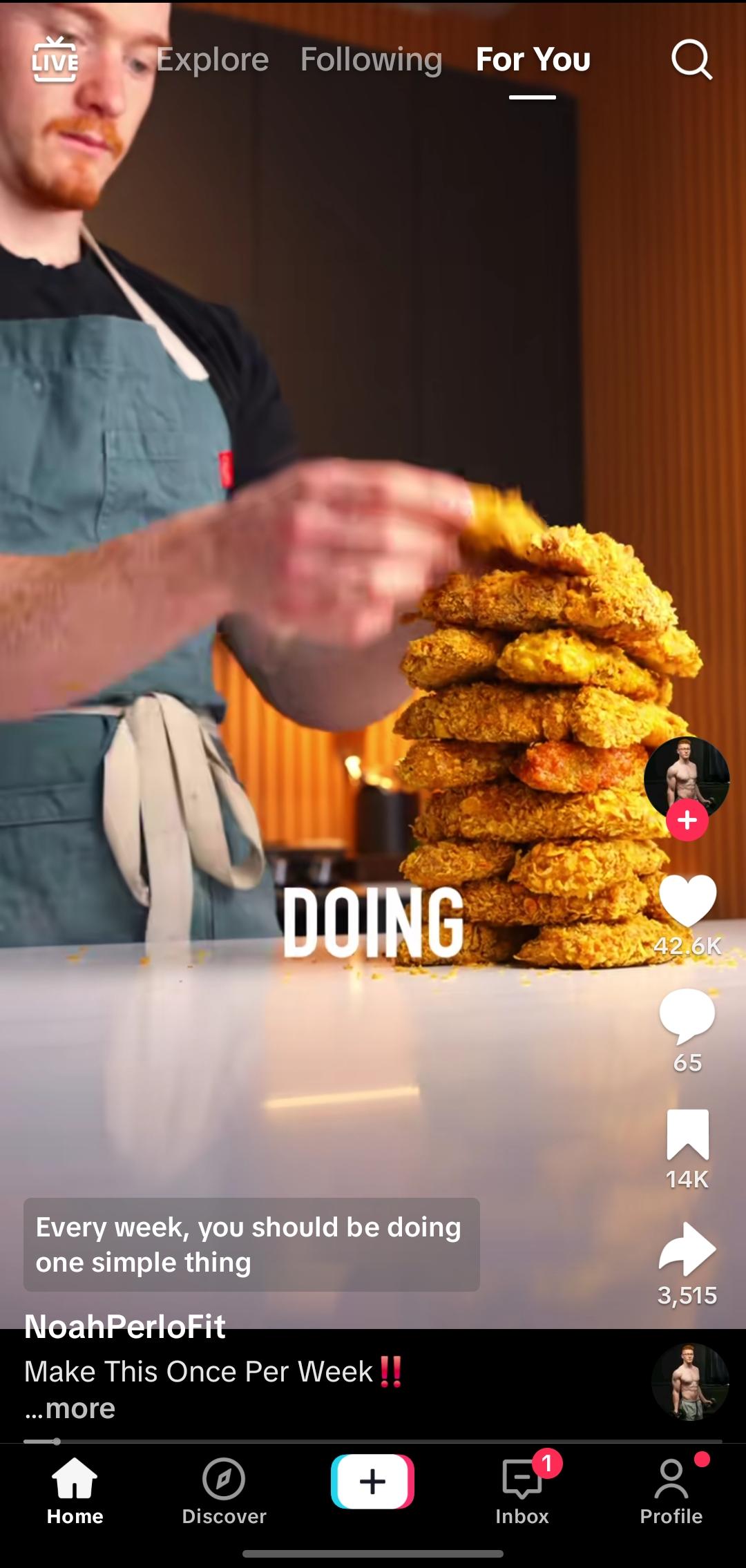
How Creators Add Auto-Captions
- Open TikTok and tap the "+" icon to create a new video.
- Record or upload your clip.
- On the editing screen, tap "Captions" in the right-side menu.
- TikTok generates captions automatically. You can edit individual words if the AI made errors.
- Post the video with captions enabled.
Limitations
This method has some clear downsides. You cannot copy the transcript text, and accuracy depends on audio quality, background music, and accents. Not every creator enables captions. And the feature does not support every language. For most use cases, you will need one of the methods below.
Method 2: Free Online TikTok Transcript Tools
This is the fastest path for most people. Paste a TikTok URL, wait a few seconds, and get your transcript. 8 tools handle this well, each with a different strength.
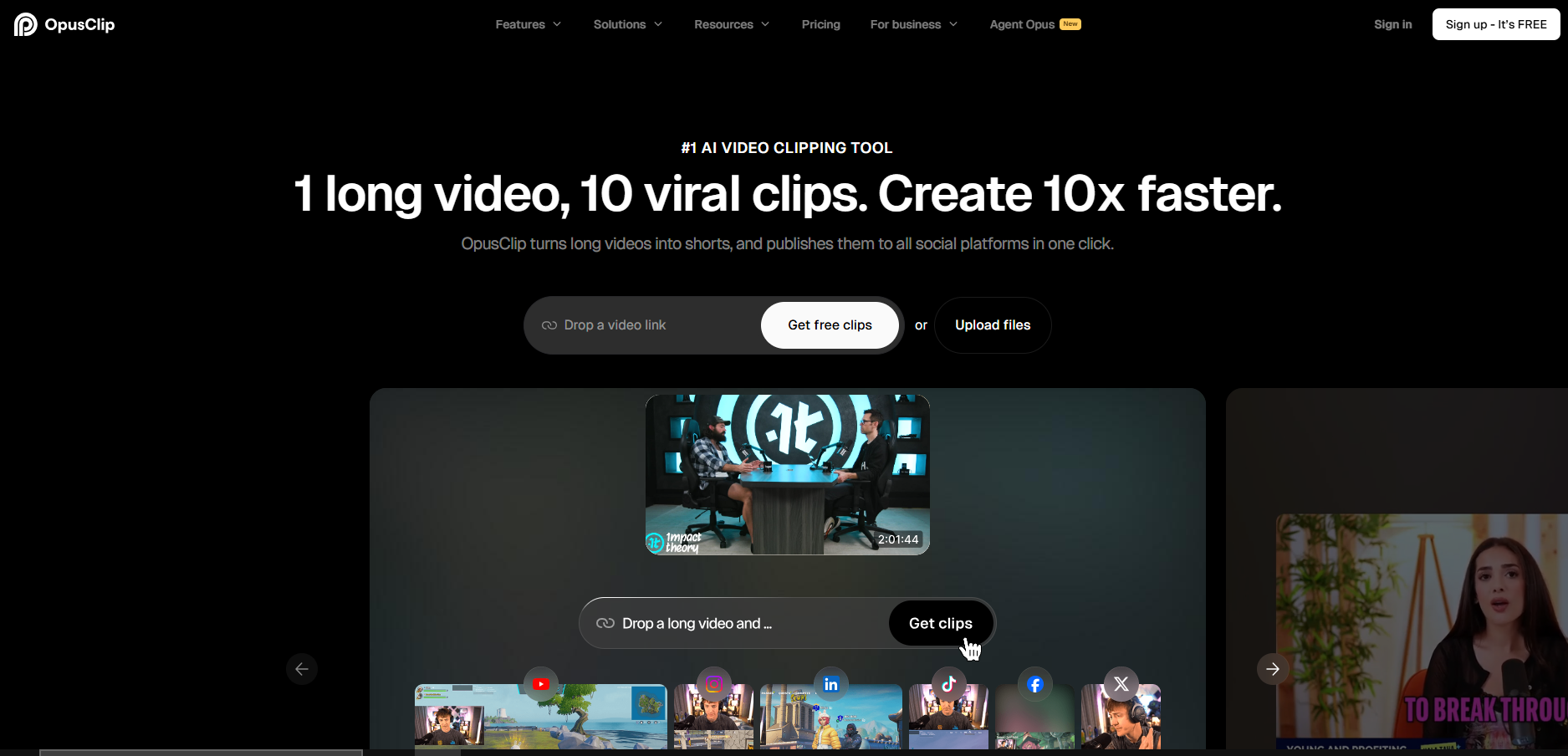
TokScript
TokScript is a straightforward paste-and-go tool. Drop in a TikTok, Instagram Reel, or YouTube Shorts URL and get the tiktok transcript back in seconds. It also supports batch processing of up to 100 videos at once, and stays free at that volume, no account required.
Submagic Transcript Generator
Submagic offers a free TikTok transcript generator that supports multiple languages and lets you edit the transcript directly in the browser. You can export as an SRT file for subtitles or copy the plain text. The free tier gives you 3 videos per month. Beyond that, you need a paid Submagic plan.
SocialPlug
SocialPlug runs a no-login, no-signup tiktok transcript tool. Paste the URL, get the text. There are no hidden fees or usage caps on the free tier, and the interface is bare-bones: no extras, just the transcript.
GetTheScript
GetTheScript covers TikTok, Instagram Reels, and YouTube Shorts from a single interface. It uses AI transcription to generate results quickly and delivers clean, readable output. The tool is free and does not require an account, and it's the only one on this list built around all three platforms at once instead of TikTok alone.
Transcript24
Transcript24 handles TikTok videos up to 10 minutes long and keeps the core tool free for everyday use. That ceiling matters more here than on most tools on this list, since it covers longer tutorials and multi-part interviews the others cut off early. The interface is simple: paste the link, get the text.
Transcript365
Transcript365 runs a no-login TikTok transcript tool as well: copy the video URL, paste it, and download the result as TXT, SRT, or VTT. Processing typically finishes in seconds, and Transcript365 publishes its own comparison against paid services like Otter.ai and Rev, worth a look before deciding whether to pay for anything at all.
ScrapeCreators
ScrapeCreators offers a free transcript tool with no signup required, plus a paid API for anyone pulling transcripts on a recurring basis instead of one at a time.
OpusClip (Opus Pro)
OpusClip's TikTok-to-text tool typically delivers 90 to 95% accuracy depending on audio quality. It adds timestamps and speaker detection, then lets you edit inline and export as TXT or SRT. It supports over 20 languages with automatic language detection. Processing time is fast. A typical 30-second TikTok takes about 10 to 15 seconds to transcribe.
Which Tool Should You Pick?
| Tool | Login required | Cost | Export formats | Best for |
|---|---|---|---|---|
| TokScript | No | Free | Text | Batch processing up to 100 videos |
| SocialPlug | No | Free | Text | No frills, no usage caps |
| GetTheScript | No | Free | Text | TikTok, Reels, and Shorts in one place |
| Transcript24 | No | Free | Text | Videos up to 10 minutes long |
| Transcript365 | No | Free | TXT, SRT, VTT | Subtitle-ready exports |
| ScrapeCreators | No | Free, paid API available | Text | Developers who need an API |
| Submagic | No | Free (3 videos/month), paid beyond | Text, SRT | Editing the transcript in the browser |
| OpusClip | No | Web app | TXT, SRT | Timestamps and speaker detection |
For quick, one-off transcripts with no signup, use TokScript or SocialPlug. For batch processing, TokScript handles volume best. If you need subtitle files (SRT or VTT format), Transcript365 or Submagic are the better options. For speaker-labeled transcripts with timestamps, OpusClip gives you the most detail, and ScrapeCreators is the one built for pulling transcripts through an API instead of by hand. For heavier production work, the paid AI services below (OpenAI Whisper, Otter.ai, ElevenLabs) go further on accuracy and format options.
All of these tools work the same basic way: they download the video audio, run it through speech recognition, and return the text. Accuracy across the board sits in the 85 to 95% range for clear English audio. Expect lower accuracy with heavy background music, multiple overlapping speakers, or strong accents.
Method 3: AI Transcription Services for Your TikTok Transcript
Free tools work fine for casual use. But if you are transcribing TikTok content regularly, paid AI transcription services offer better accuracy, more export options, and features like speaker diarization.
OpenAI Whisper
Whisper is an open-source speech recognition model from OpenAI. It supports 98 languages and achieves around 98% accuracy on clean audio, according to recent company reports. You can run it locally for free or access it through the OpenAI API for a small per-minute fee. The tradeoff is setup complexity. You need some technical comfort to run Whisper locally, though several free web interfaces have been built on top of it.
Otter.ai
Otter.ai is a popular transcription service with a generous free tier: 300 minutes per month with 30-minute individual recording limits. It offers real-time transcription, speaker identification, and searchable transcripts. For TikTok content, you would download the video first, then upload the audio file to Otter.
ElevenLabs
ElevenLabs offers a tiktok transcript generator that handles speaker labeling, timestamps, and audio event tagging (detecting things like laughter or applause). It supports 90+ languages and lets you export in TXT, PDF, DOCX, JSON, SRT, or VTT formats. If you need TikTok transcripts for professional content production, the format flexibility is a real advantage.
TikTok Transcripts Tools: When to Use Paid Over Free
For TikTok transcript tools, use paid services when you need consistently high accuracy across large volumes, when you are working with multilingual content, or when your workflow requires specific export formats like SRT with timestamps. For grabbing a quick transcript from a single TikTok, free tools are enough.
Method 4: Manual Transcription Tips
Sometimes the AI gets it wrong, whether that's background music drowning out the speaker, an accent too strong for automated tools, or technical jargon speech recognition can't parse. In those cases, manual transcription is the fallback.
Speedy Tips for Manual Transcription
Play the video at 0.5x speed. TikTok lets you adjust playback speed by long-pressing on the video. This makes it much easier to catch every word without constant pausing and rewinding.
Use a split-screen setup. Open TikTok on your phone and type on your laptop, or use TikTok's desktop site alongside a text editor. This removes the friction of switching between apps on the same device.
Transcribe in passes. On the 1st pass, get the rough content down without worrying about punctuation or exact wording. On the 2nd pass, clean up the text and fill in anything you missed.
For videos with specialized vocabulary, run an AI tool first, then manually correct the errors. This hybrid approach is faster than starting from scratch because the AI handles the easy parts and you only fix what it got wrong.
The Content Repurposing Workflow: From TikTok Transcript to New Content
Getting a TikTok transcript is step one. The real value comes from what you do with that text. A single transcript can become 5 or more pieces of content across different formats and platforms, the same logic behind these podcast repurposing strategies. This is where 1 video stops being 1 video and starts being a content system.
Transcript to Blog Post
Take the core argument from the transcript and expand it. A 60-second TikTok might cover a single idea in surface-level terms. A blog post lets you add context, examples, data, and depth. Pull the main points from the transcript, restructure them into a logical flow, and write around them. The same idea works in reverse too, repurposing blog content into short-form video.
This works especially well for "how-to" TikToks. The video gives you the outline. The blog post gives you the space to explain each step properly and rank for search terms the TikTok itself cannot target.
Transcript to Newsletter
Newsletters reward opinion and perspective. Take the transcript, extract the core take, and build a newsletter issue around it. Add your own commentary, link to related resources, and give your audience context they would not get from the 60-second clip. The transcript is your starting point, not your finished product.
Transcript to New Video Script
This is where the repurposing loop gets interesting. You pull a transcript from a TikTok, rework the script with a different angle or updated information, and create a new video from it. If you are using an AI TikTok video generator like Argil, you can paste that reworked script and generate a fully-edited video from your AI clone without touching a camera. Record one 2-minute training video, and Argil handles the rest: captions, b-roll, transitions, all from the script.
This is especially powerful for creators who want to test different hooks on the same content. Take a transcript, rewrite the opening 3 different ways, and produce 3 variations. See which one performs. Scale what works.
Transcript to Social Threads
A strong TikTok transcript often contains 3 to 5 distinct points compressed into a minute. Pull those points apart and turn each one into a standalone post for LinkedIn, X, or Threads. Add a line of context to each point so it works outside the video format. You can also stitch the points together as a numbered thread.
The Content Multiplication Framework
This system turns 1 tiktok transcript into a full week of content:
- Transcribe the TikTok using any method from this guide.
- Identify the core insight, the 1 sentence that carries the real weight.
- Expand that insight into a blog post or newsletter (long-form).
- Extract 3 to 5 standalone points for social posts (short-form).
- Rewrite the script with a new hook and turn it into a fresh video with AI (video).
- Pull a quotable line for an image post or carousel (visual).
46% of marketers identify content repurposing as their single best-performing content strategy. The transcript is what makes this workflow possible. Without the text, you are stuck rewatching and manually pulling ideas. With it, you can move fast.
Common TikTok Transcript Issues and How to Fix Them
Even the best AI tools produce errors. The most frequent problems, and how to fix each one:
-
Filler words: Spoken language is full of "um," "like," "you know," and "so." These make transcripts hard to read. Do a find-and-replace pass to clean them out, but keep the ones that serve a purpose in the speaker's rhythm if you are preserving voice.
-
Missing punctuation: Most free tools output a wall of text with minimal punctuation. Read through the transcript and add periods, commas, and paragraph breaks based on the speaker's natural pauses. This takes 5 minutes and makes the text usable.
-
Misheard words: AI transcription struggles with proper nouns, brand names, slang, and technical terms. If the tool writes "argyle" when the speaker said "Argil," you need to catch that manually. Scanning for words that look out of place is usually enough.
-
Speaker overlap: When 2 people talk over each other, transcription tools either pick 1 voice or produce garbled text. For interview-style TikToks, tools with speaker diarization (like OpusClip or ElevenLabs) handle this better. Otherwise, slow the video to 0.5x and transcribe the overlapping section manually.
-
Background music interference: TikTok videos frequently have music beds under the spoken audio. This drops accuracy significantly. If the music is too loud, download the video and use a tool like audio extraction software to isolate the vocal track before transcribing.
FAQ
Can you get a transcript directly from TikTok?
Not as a downloadable text file. TikTok offers auto-captions that display on screen, but there is no built-in feature to copy, export, or download a full tiktok transcript. You need a third-party tool or manual transcription.
Can I get a transcript from a private TikTok video?
Not with a paste-the-link tool. Free and paid transcript generators need a public video URL to pull the audio, so a private account or a video restricted to followers won't work through them. Your options are to download the video yourself (if you have access) and run it through a tool that accepts a file upload, like ElevenLabs or Otter.ai, or fall back to manual transcription.
Are free TikTok transcript tools accurate?
Most free tools deliver 85 to 95% accuracy on clear English audio. Accuracy drops with background music, heavy accents, overlapping speakers, or low audio quality. For professional use, review and edit the output before publishing.
What is the best free TikTok transcript tool?
It depends on your needs. TokScript and SocialPlug are best for quick, no-signup transcripts. OpusClip gives you timestamps and speaker labels. Transcript365 and Submagic work well if you need SRT or VTT subtitle files. For batch processing, TokScript supports up to 100 videos at once.
How long does it take to get a TikTok transcript?
With a free online tool, well under a minute for most videos: paste the URL and the text is usually back before you've finished reading this sentence. Manual transcription takes considerably longer, since you need to slow the video down, catch every word, and clean up punctuation afterward.
Can I transcribe a TikTok in a language other than English?
Yes. Several tools support multiple languages. ElevenLabs covers 90+ languages, OpusClip supports over 20, and OpenAI Whisper handles 98. For less common languages, accuracy will be lower, and you should expect to do more manual editing.
Is it legal to transcribe someone else's TikTok?
Transcribing for personal reference, research, or commentary generally falls under fair use in the United States. However, republishing someone else's content word-for-word without credit or permission raises copyright concerns. If you plan to repurpose a transcript commercially, credit the original creator or use it as inspiration rather than copying verbatim.
How do I turn a TikTok transcript into a new video?
Take the transcript, rewrite it with your own angle or updated information, and use the reworked script to produce a new video. Platforms like Argil let you paste a script and generate a fully-edited video from an AI clone of yourself, complete with captions, b-roll, and transitions. No camera setup needed for each new piece.