5 Best AI Image to Video Generators for Creators in 2026
Compare the top AI image-to-video generators for creators. Runway, Pika, Kling, HeyGen, and Argil reviewed with pricing, features, and use cases.
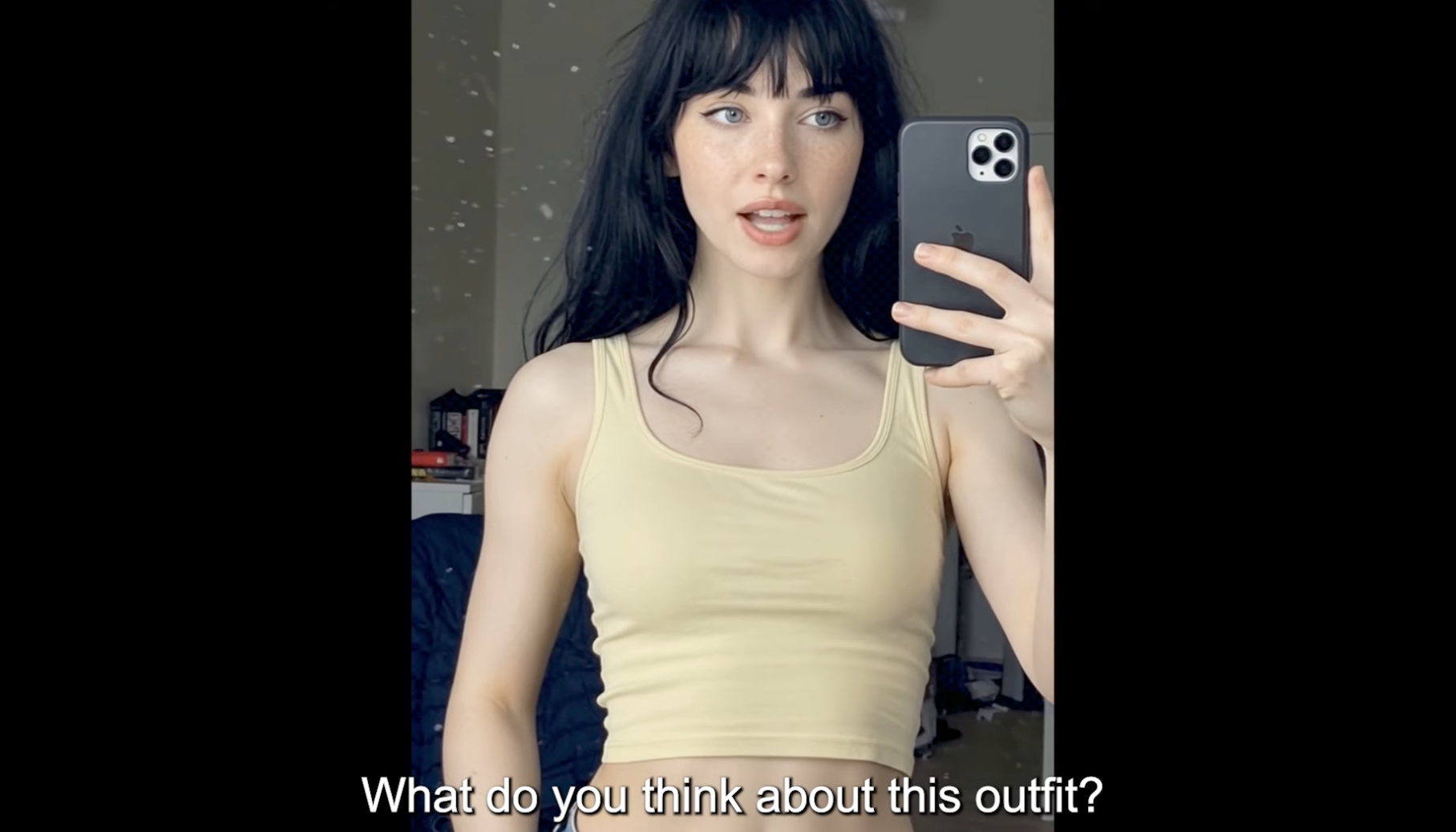
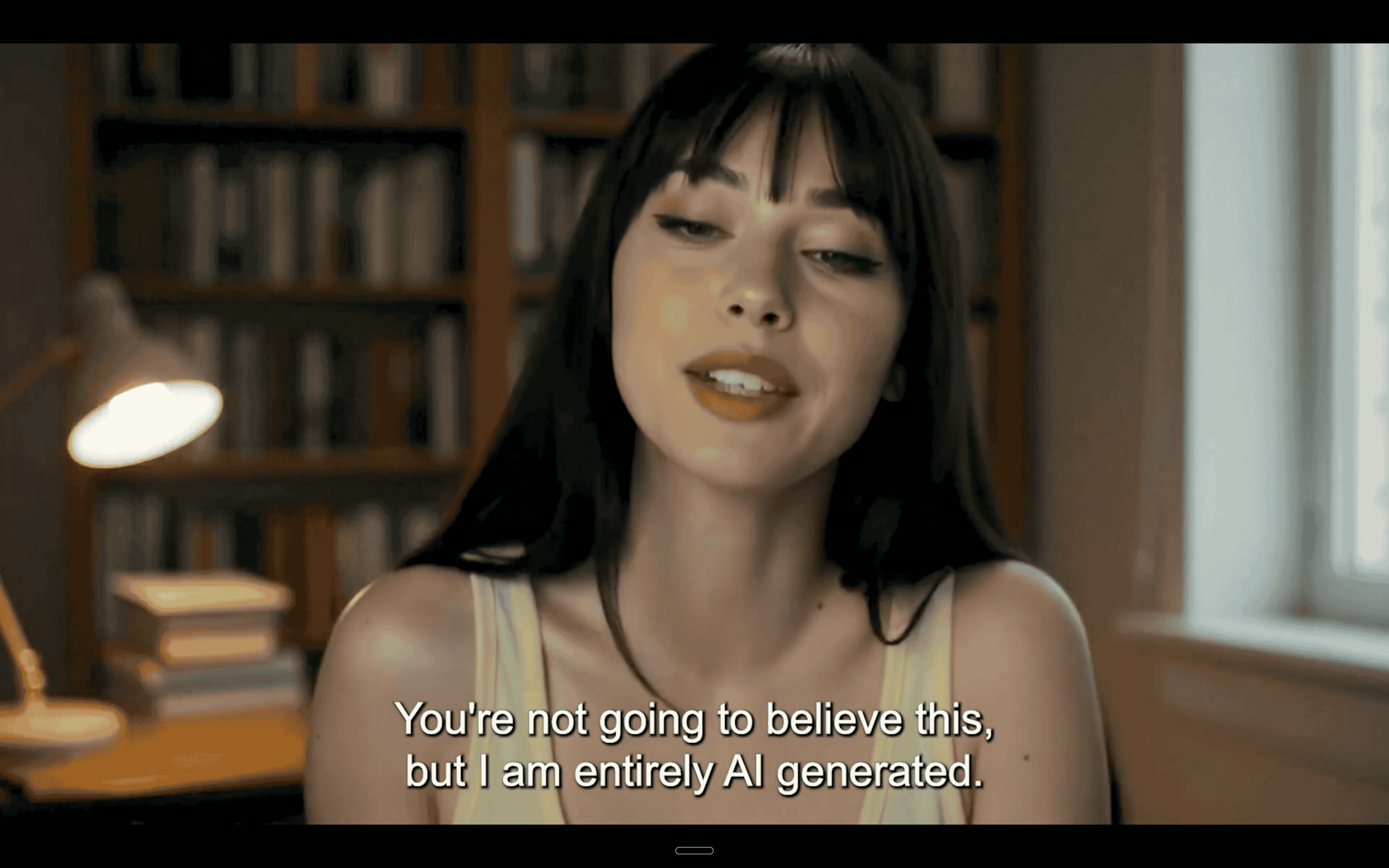
You have a product photo. A headshot. A screenshot of your app. Now you need it to move, speak, and hold someone's attention for 30 seconds on TikTok. That's the promise of AI image-to-video generators, and the category has exploded in the past year.
But not all of these tools solve the same problem. Some generate cinematic animations from any image. Others create talking-head videos from a selfie. Some are built for creative experimentation, others are built for content creators who need to produce video at scale without being on camera every day.
The right tool depends entirely on what you need. This guide breaks down the five best options in 2026, with honest assessments of what each does well and where they fall short.
What Is an AI Image-to-Video Generator?
An AI image-to-video generator takes a static image and transforms it into a video clip. The technology used here varies by tool: some platforms use diffusion models to animate movement frame by frame, others use motion generation to create camera movement and scene dynamics, and a subset use facial mapping to make a still photo speak.
The use cases have moved well beyond novelty. E-commerce brands use these tools to turn product shots into video ads. Content creators use them to generate short-form videos from a single selfie. Personal brand builders use them to maintain a consistent video presence without filming daily. Real estate agents use them to create AI-powered property walkthroughs from listing photos.
The demand for video keeps growing, but the production overhead hasn't shrunk. AI image-to-video tools are closing that gap.
Top 5 AI Image-to-Video Generators Compared
1. Argil
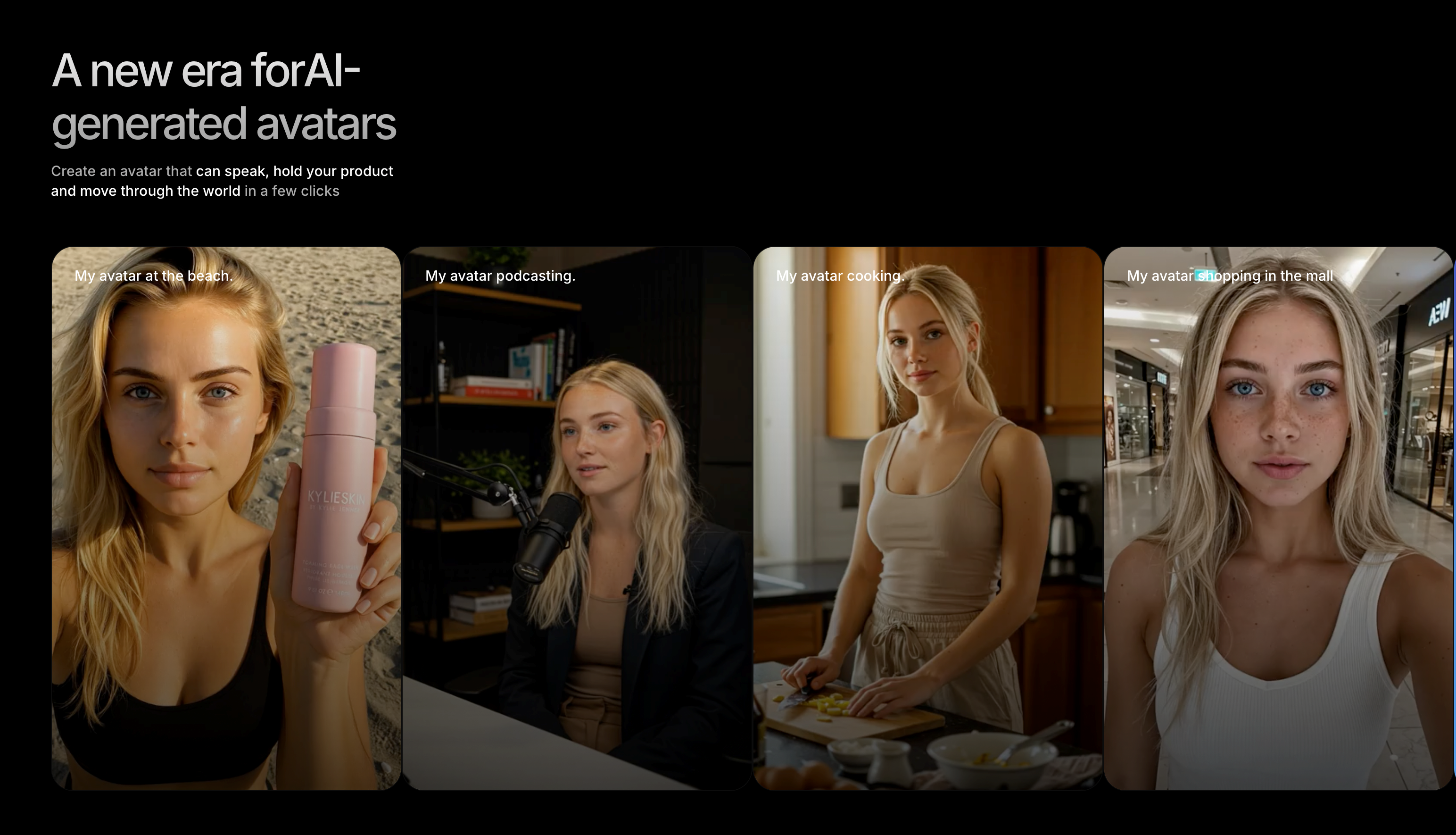
Argil takes a completely unique approach compared to the other tools on this list. Instead of generating generic animations from any image, Argil creates videos featuring your actual face and voice. This works by you uploading a 2-minute training video of yourself. The platform then builds a digital clone that generates fully-edited short-form videos from scripts.
Core features:
- AI clone trained on your likeness, expressions, and voice
- All-in-one editing pipeline: captions, AI b-roll, transitions, all automated
- Script-to-video workflow: paste a script, get a complete video
- A/B testing built in: test different hooks, avatars, or languages from one script
- Multilingual support across 50+ languages
- No camera needed after the initial 2-minute training video
Pricing: Free plan with 2 video minutes. Classic plan at $39/month (1 avatar, 25 minutes). Pro plan at $149/month, Seedance 2.0 videos, 100 minutes). Enterprise pricing is also available.
Best for: Content creators and personal brand builders who want their own face in every video without filming every day. If your content strategy depends on being recognizable, Argil is the only tool here that solves for that.
Limitations: Requires the initial training video. Not designed for abstract creative generation. Works best for creators with a defined brand and voice.
2. Runway
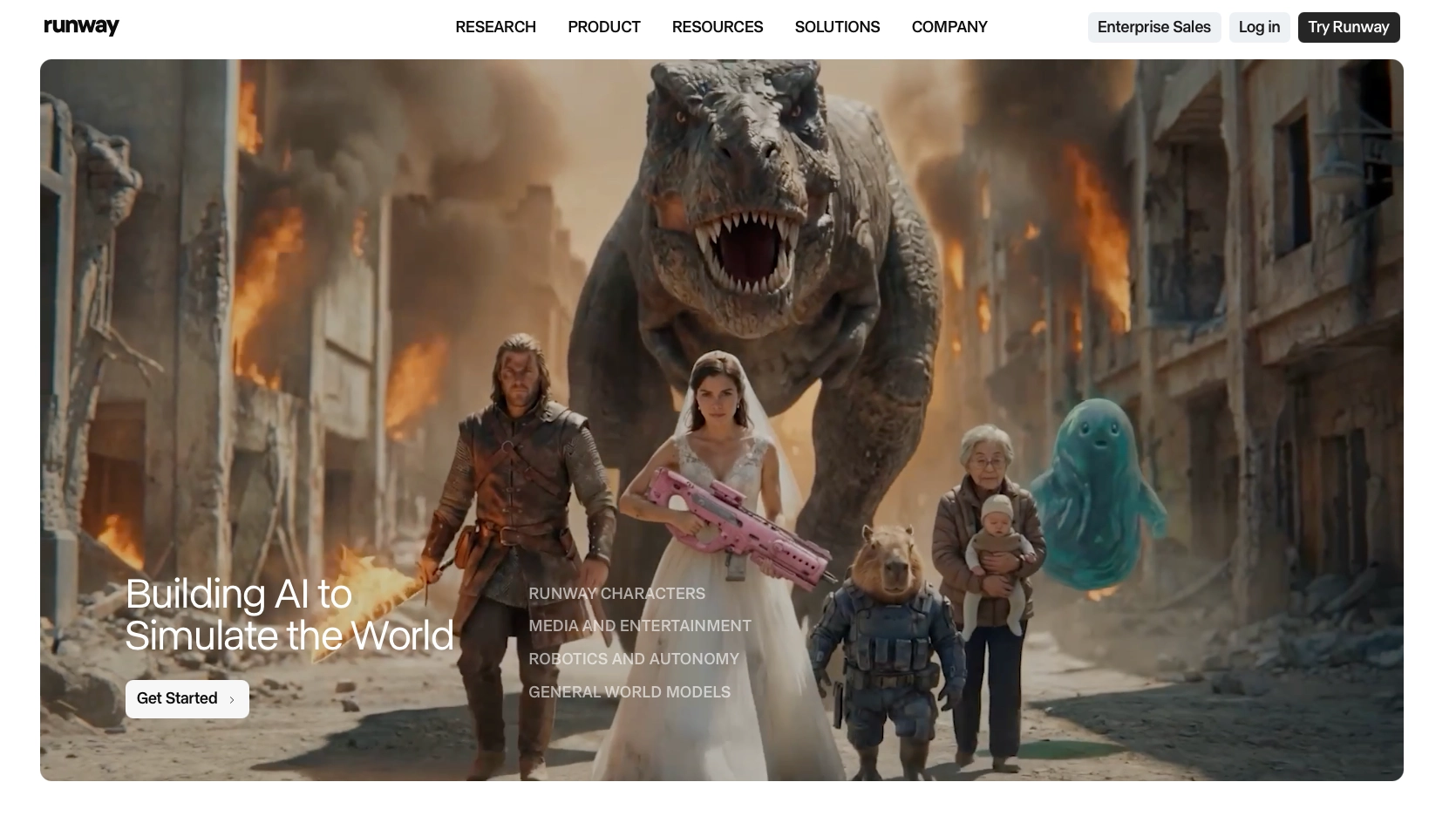
Runway is the creative powerhouse of the AI video space. Its Gen-3 Alpha and newer Gen-4 models produce some of the highest quality AI-generated video available today. The platform supports text-to-video, image-to-video, and video-to-video workflows with granular creative controls.
Core features:
- Gen-4 and Gen-4.5 models with industry-leading visual quality
- Image-to-video with motion generation and camera controls
- Keyframing for precise control over movement
- Text-to-video from detailed prompts
- Video-to-video style transfer
Pricing: Free plan with 125 one-time credits. Standard at $12/month (625 credits). Pro plan with 2,250 credits. Unlimited plan for heavy users. Gen-3 Alpha costs 10 credits per second of video.
Best for: Filmmakers, creative professionals, and anyone who needs cinematic-quality AI video with precise creative control.
Limitations: No personalized avatars. You can't put your own face in the output. Expensive at scale because credits are consumed per second of video. Credits don't roll over.
3. Pika
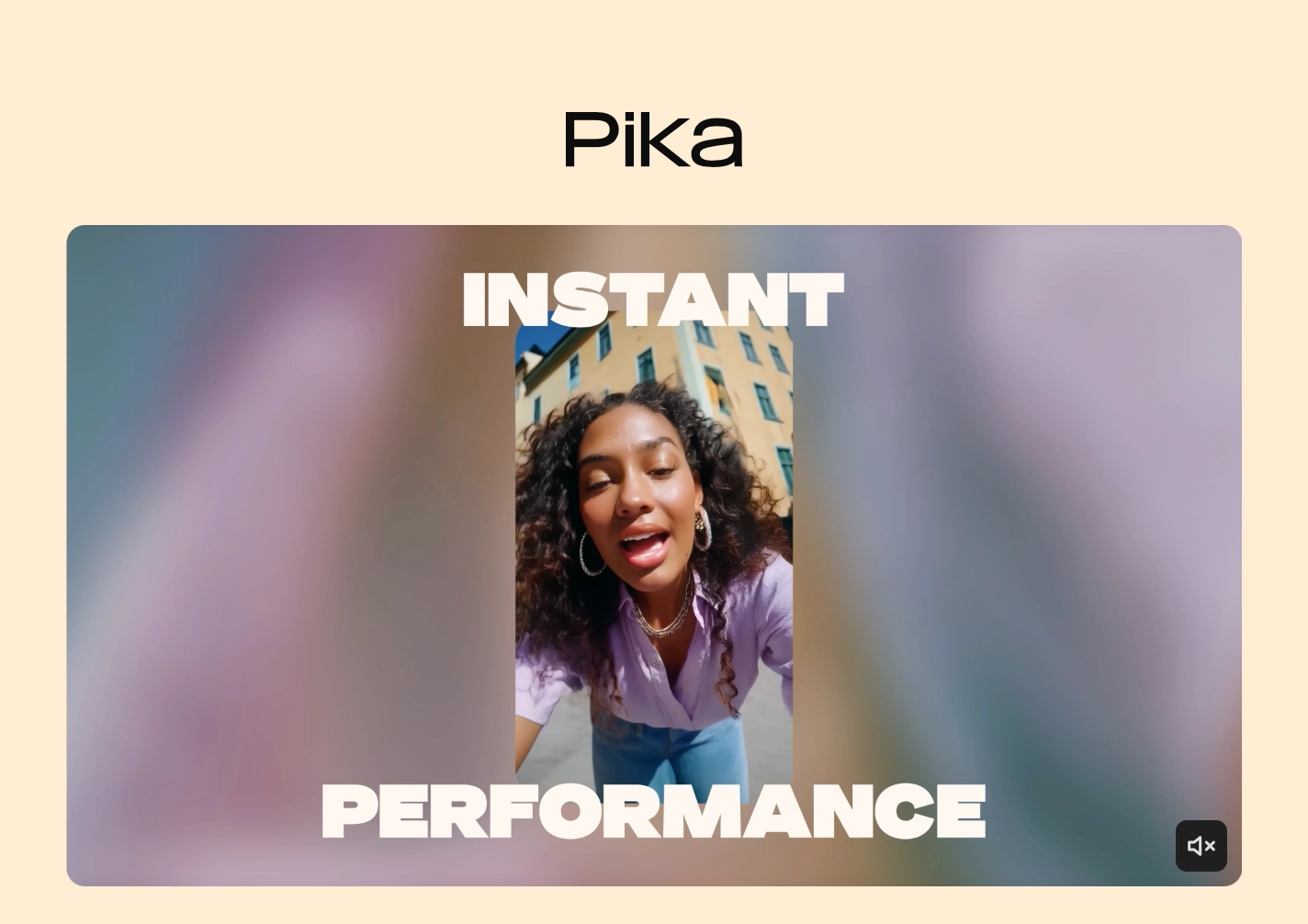
Pika has carved out a niche as the fast, accessible option for image-to-video generation. The platform is designed for quick experimentation: upload an image, add a prompt, and get an animated clip in seconds. Pika 2.2 significantly reduced credit costs compared to earlier versions.
Core features:
- Image-to-video and text-to-video generation
- Pikadditions (add new objects to scenes), Pikaswaps (change elements), Pikatwists (add motion effects)
- Fast generation times
- Stylistic variety: realistic, artistic, and abstract options
Pricing: Free plan with 80 credits. Standard at $8/month (700 credits). Pro at $28/month (2,300 credits, commercial use). Image-to-video costs 6 to 18 credits per generation on the 2.2 model.
Best for: Quick creative experiments and social media content where speed matters more than personalisation.
Limitations: Output limited to short clips. No voice cloning or lip sync. No personalised avatars. Not designed for consistent, branded content series.
4. Kling AI
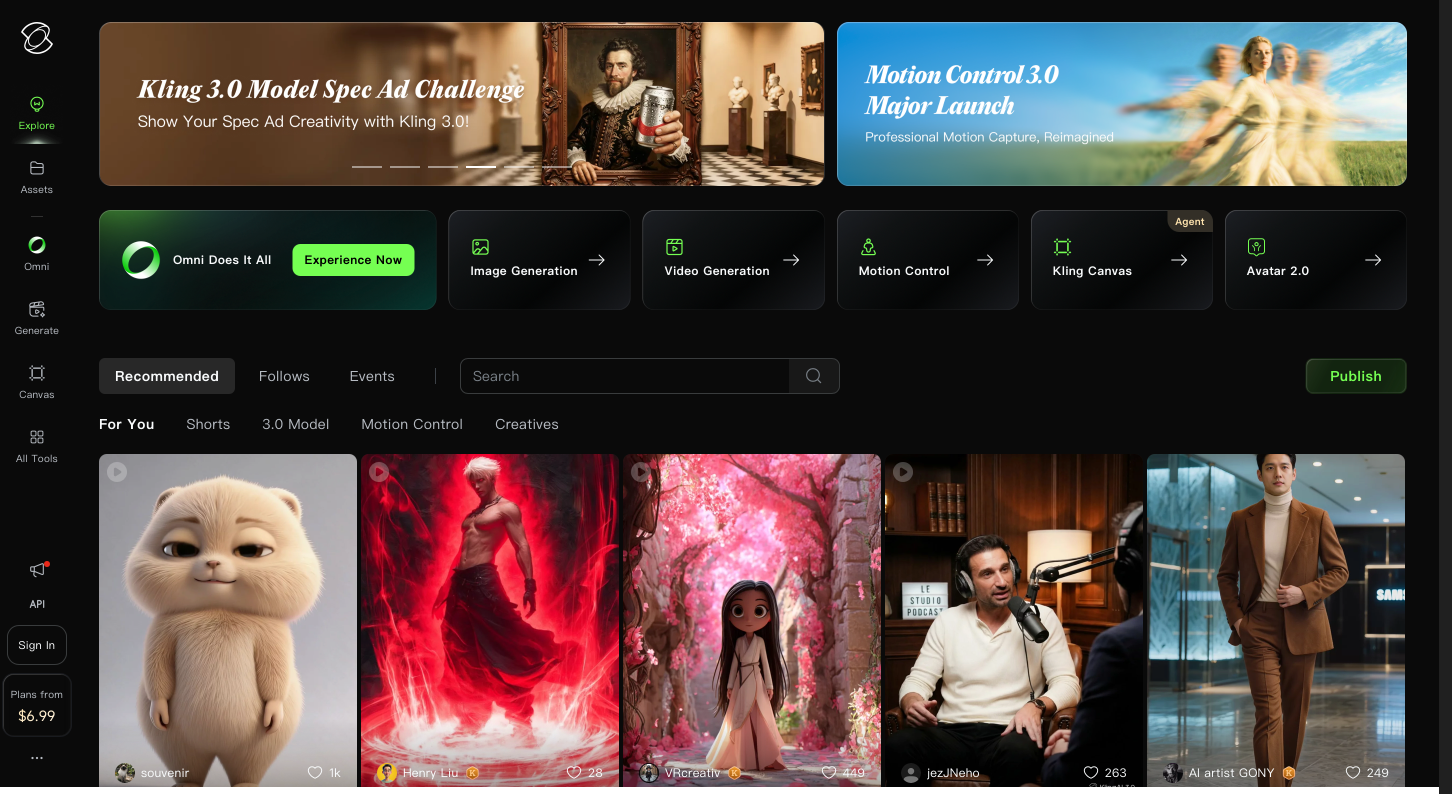
Kling AI, built by Kuaishou, has rapidly become a serious competitor in image-to-video generation. The platform's strength is longer output and character consistency. Kling 3.0 introduced native 4K output and simultaneous audio-visual generation.
Core features:
- Multi-modal architecture processing text, images, audio, and video together
- Up to 3-minute extended videos (longer than most competitors)
- Character consistency through a 4-image Elements system
- 1080p and 4K output at up to 48 FPS
- Camera controls for professional cinematography
- Built-in audio generation (voiceovers, dialogue, sound effects)
Pricing: Free plan with 66 daily credits (720p, watermarked). Standard at $6.99/month (660 credits). Pro at $29.99/month (3,000 credits). Annual plans save roughly 34%.
Best for: Creators who need longer AI-generated clips with consistent characters across scenes.
Limitations: Facial consistency can still be patchy when it comes to real people's faces. Not designed for personalised avatar content. Best results come from stylized or fictional subjects.
5. HeyGen
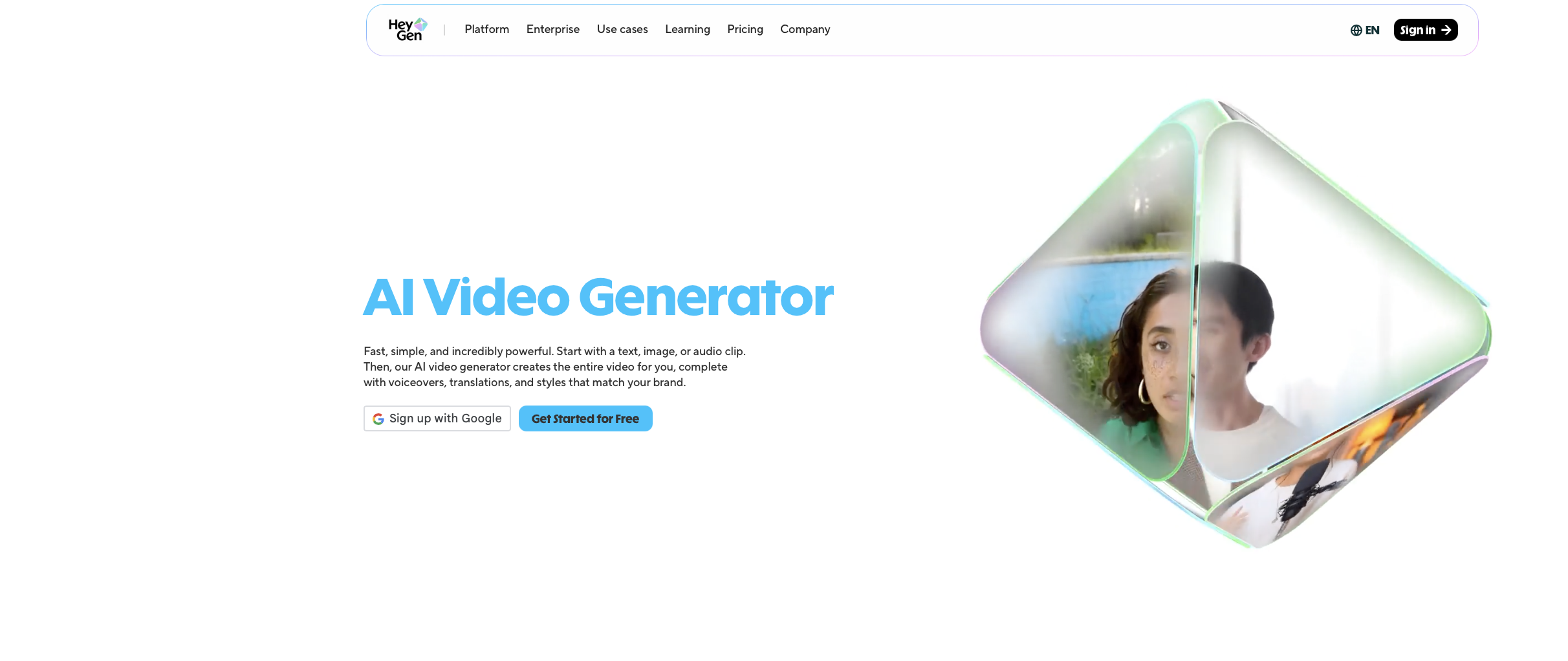
HeyGen is the enterprise-focused option with the largest library of stock AI avatars. The platform excels at creating talking-head videos in multiple languages, making it popular for corporate training, product demos, and multilingual marketing.
Core features:
- 700+ stock AI avatars with realistic lip sync and micro-expressions (Avatar IV)
- Voice cloning across 175+ languages
- Script-to-video workflow
- Translation and localization tools
- API access for integration
Pricing: Free plan with 3 videos/month. Creator at $29/month (unlimited videos, 1080p). Pro at $99/month (4K, faster processing). Business at $149/month + $20/seat.
Best for: Companies that need stock avatars for corporate content, training videos, or multilingual campaigns.
Limitations: The avatars are stock characters, not you. They look polished but generic. For personal brands, using a HeyGen avatar is like having a stranger present your content. Premium features consume credits that run out faster than expected.
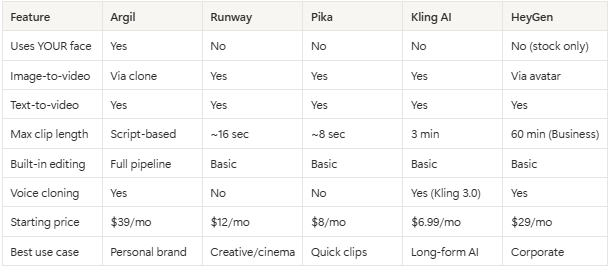
Comparison Table
How to Choose the Right Tool
The decision comes down to one question: do you need your own face in the video?
If yes, Argil is the only tool on this list that trains on your actual likeness. Every other tool either generates anonymous animations (Runway, Pika, Kling) or uses stock avatars that could be anyone (HeyGen). For creators building a personal brand, running a YouTube or TikTok channel, or creating UGC-style ads, this distinction matters enormously.
If you need cinematic creative generation from any image, Runway leads on quality and control. If you want fast, cheap experimentation, Pika is the most accessible entry point. If you need longer clips with character consistency, Kling 3.0 is the strongest option. If you’re looking for corporate-grade multilingual content with stock avatars, HeyGen has the broadest language coverage.
For most content creators, the challenge isn't generating a single impressive clip but producing consistent, branded video content. That's where the all-in-one approach (where scripting, avatar generation, editing, and publishing happen in one workflow) delivers the most value.
Ready to try creating videos with your own AI clone? Sign up for Argil's free plan and generate your first video in minutes.
FAQ
What is the best free AI image-to-video generator?
Kling AI offers the most generous free tier with 66 daily credits. Pika gives 80 one-time credits. Argil offers 2 free video minutes. For free creative experimentation, Kling's daily refresh gives the most runway.
Can AI image-to-video generators use my own face?
Most cannot. Runway, Pika, and Kling generate anonymous animations. HeyGen uses stock avatars. Argil is the only platform that trains an AI clone on your actual face and voice from a 2-minute video, then generates personalised content.
How long can AI-generated videos be?
This varies widely. Pika generates clips of around 8 seconds. Runway produces up to 16 seconds per generation. Kling can create up to 3 minutes. Argil and HeyGen are script-based and can produce longer videos depending on your plan.
Are AI-generated videos good enough for social media ads?
Yes, especially for TikTok and Instagram Reels where authentic, creator-style content outperforms polished studio ads. "UGC-style ads see 4x higher click-through rates than traditional branded ads." Tools like Argil produce videos that look like a real person filmed them, which is exactly what performs on these platforms.
What image formats work best as input?
Most tools accept JPG, PNG, and WebP. For best results, use high-resolution images (1080p minimum) with good lighting and clear subjects. For face-based tools like Argil, a well-lit frontal photo or video produces the most realistic output.
How much do AI image-to-video generators cost?
Pricing ranges from completely free (limited) to $149/month for professional plans. Kling and Pika offer the cheapest paid plans at $6.99 and $10/month respectively. Argil starts at $39/month. Runway starts at $12/month. HeyGen starts at $29/month.
Related Articles:
- What's Happening in the Creator Economy in 2025? Key Shifts, Tools, and Opportunities
- What's New in AI Video Generation? Key Trends and Tools to Watch in 2026
Top AI image to video generators compared for creators and brands in 2026