How to Use AI-Powered Video Repurposing to Scale Your Short-Form Content
Learn how to repurpose long-form content into short-form video using AI tools like OpusClip, Descript, and Argil. Step-by-step with pricing and platform tips.
How to Use OpusClip - AI-Powered Video Repurposing - to Scale Your Short-Form Content
- AI video repurposing turns one long-form piece into 10-15 short-form clips
- OpusClip automates clipping with virality scoring and captions
- Three methods: AI clipping, manual editing with AI, AI-generated originals
- Platform optimization for TikTok, YouTube Shorts, Reels, and LinkedIn
- Short-form video gets 2.5x more engagement than long-form content
- Argil creates short-form videos from scripts when source footage runs out
If you’re a content creator, chances are you already have hours of content sitting in your archive: podcast episodes, webinar recordings, YouTube tutorials, conference talks, but most of it is likely collecting dust. AI-powered video repurposing can solve that by turning one long-form piece into a week of short-form content across every platform. OpusClip popularized the concept, but the real opportunity is bigger than any single tool.
This guide walks through the full process: auditing what you have, choosing the right repurposing method, optimizing clips for each platform, and building a system that scales.
Why Repurpose Long-Form Content Into Short-Form Video?
One 60-minute podcast episode can yield 10-15 short-form clips, 3-5 quote graphics, 2-3 LinkedIn posts, and an email newsletter. Creating a short-form video from scratch takes 30-60 minutes. Repurposing a clip from existing footage with AI tools takes 5-10 minutes.
Short-form video gets 2.5x more engagement than long-form content on social platforms, according to 2025 data. YouTube Shorts alone pulls in roughly 70 billion daily views worldwide, more than double the 30 billion it generated when Shorts first launched. TikTok, Instagram Reels, and LinkedIn video are all algorithmically pushing short-form content to new audiences. Repurposing puts your existing ideas in front of people who would never find your original recording.
The question is not whether to repurpose but how to do it right, without spending your entire week on it. That’s where tools like OpusClip - AI-powered video repurposing- come in.
Step 1: Audit Your Existing Content for AI Video Repurposing
Most creators have more repurposable content than they realize. The first step is finding it.
Which Formats Repurpose Well?
Not all long-form content translates to short-form equally. Here is what works:
- Podcasts: strong statements, debate moments, unexpected insights. Any time a guest or host says something that makes you lean in, that is a clip.
- Webinars: audience Q&A answers, data reveals, key conclusions. These are already structured for standalone consumption.
- YouTube tutorials: individual tips or steps. Each step in a 20-minute tutorial is a potential 60-second Reel.
- Presentations: each key slide is a potential clip, especially when paired with the speaker's verbal explanation.
What to Look for in Repurposable Moments
The best clips share four qualities:
- Strong hooks that start mid-thought and create curiosity ("The biggest mistake I see founders make with video...")
- Standalone insights that land without needing 10 minutes of context
- Emotional moments with genuine disagreement, surprise, or strong conviction
- Data points with a clear "so what" attached
Building a Repurposing Calendar
Go through your archive month by month. Tag each piece with repurposable moments. Start with your 20 highest-performing long-form pieces. They have already proven audience resonance, which means clips from them are more likely to perform.
What Does NOT Repurpose Well
Save yourself time by skipping these:
- Highly contextual arguments that need 10 minutes of setup
- Content with poor audio quality (no AI tool fixes a bad mic)
- Talking-head content in distracting environments
- Time-sensitive or news-dependent takes that expire
Step 2: Choose Your AI-Powered Video Repurposing Method
Three distinct methods exist for turning long-form into short-form. Each trades off speed, control, and whether you need source footage at all.
Method A: AI Clipping Tools
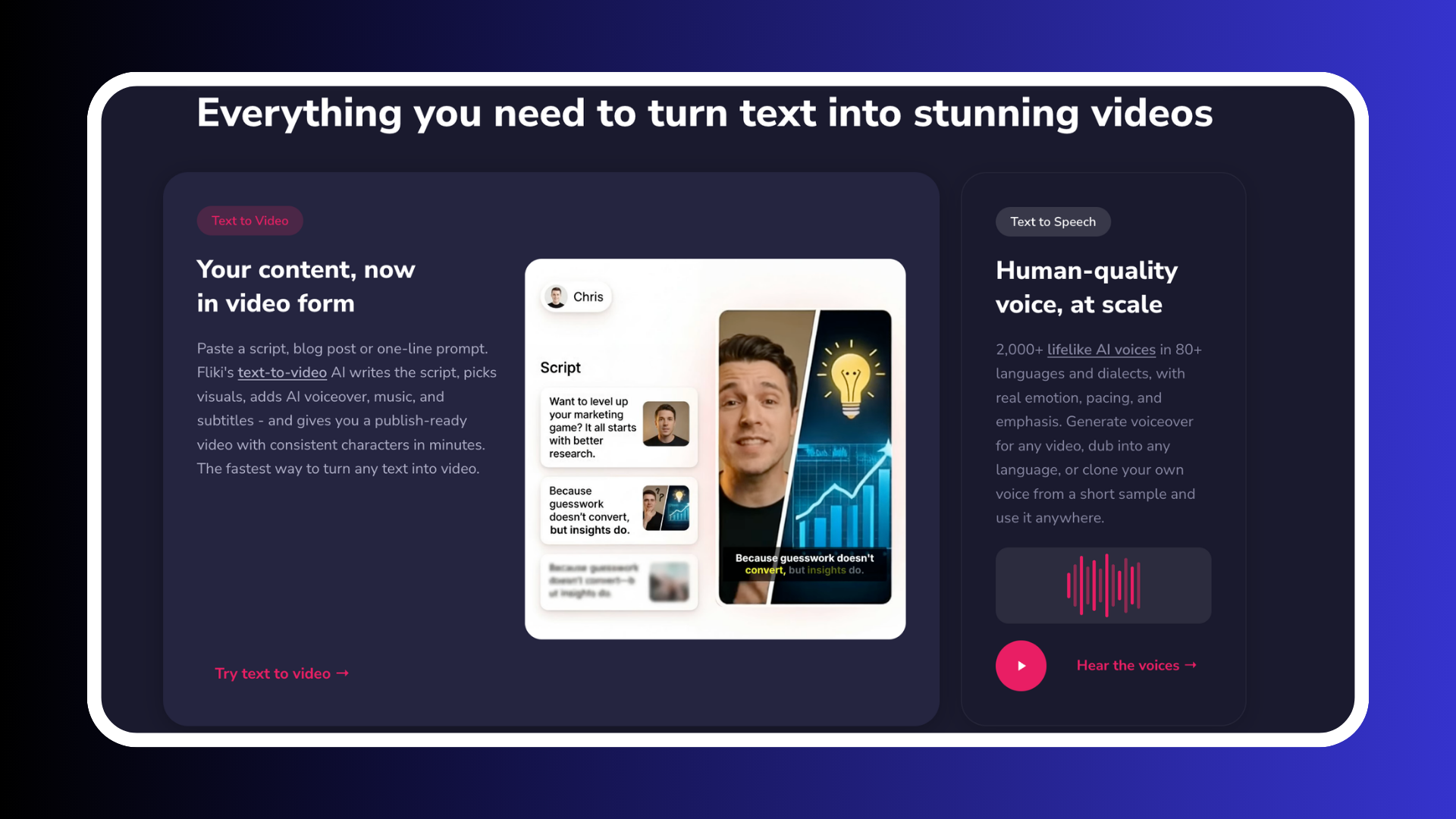
Tools like OpusClip and Vidyo.ai handle the entire process. Upload your video, and the AI identifies the best moments, generates clips with captions, and scores each one for potential virality.
This is the fastest method. OpusClip processes a 60-minute video in minutes and outputs 10-15 clips with auto-generated captions and aspect ratio formatting. The trade-off is less control over which moments get selected and how clips are framed.
OpusClip starts free (60 credits/month with watermark), with paid plans from $15/month (Starter) to $29/month (Pro). Vidyo.ai runs from free to $25/month for the Growth plan.
Best for: high-volume podcasters or YouTubers who need clips fast and have consistently strong source material.
Method B: Manual Editing With AI Assist
Tools like Descript and CapCut put you in the driver's seat. You select the moments. AI assists with cleanup: filler word removal, automatic captions, reframing, and audio enhancement.
Descript's transcript-based editing is particularly strong. You edit video by editing text, which makes finding and trimming moments faster than scrubbing through a timeline. CapCut offers mobile-first editing with templates and beat-sync features that work well for social-native content.
Descript starts at $16/month (Hobbyist) or $24/month (Creator). CapCut Pro runs from $19.99/month.
Best for: creators who care about clip quality and brand consistency more than raw speed.
Method C: AI-Generated Short-Form From Scripts
This is creation, not repurposing, and it serves a different function to tools OpusClip - AI-powered repurposing. When you do not have source footage, or when clips from existing content are not performing, you write a script and let an AI clone deliver it as a fully-edited video.
Argil works this way. Upload a 2-minute training video of yourself, and the platform creates an AI clone that can deliver any script you write. The output includes captions, b-roll, and transitions. No filming required. This approach is particularly useful for creators who want to test new content angles without committing to a full production session.
Argil starts at $39/month (Classic, 1,600 credits) with Pro at $149/month for higher volume.
Best for: creators who want purpose-built short-form content without filming, or anyone who needs video volume that does not depend on their recording schedule.
When to Combine Methods
The strongest approach uses all three. Method A for volume (10 clips auto-generated per episode). Method B to refine the top 3-5 clips before posting. Method C to fill gaps when long-form production is paused or when you want to test new formats without filming.
Step 3: Optimize Each Platform for AI-Repurposed Video
Posting the same clip everywhere with no changes is the fastest way to kill reach. Each platform has specific requirements that directly affect performance.
TikTok
- 9:16 aspect ratio, always
- 15-60 seconds performs best for new accounts, 60-90 seconds for established accounts
- Hook must land in the first 2 seconds before the thumb scrolls past
- Captions expected by the audience (85% watch with sound off initially)
- 3-5 relevant hashtags per post
YouTube Shorts
- 9:16, strictly under 60 seconds to qualify for the Shorts feed
- Title optimization matters more here than on TikTok since Shorts are discoverable via search
- End with a channel CTA since Shorts drive subscribers back to long-form content
- Bold, high-contrast caption style for maximum readability
Instagram Reels
- 9:16, 15-90 seconds sweet spot
- Original audio outperforms trending audio for B2B and personal brand accounts
- First frame acts as a thumbnail. Cover text on the first frame increases stop rate
- Visual quality matters more here than on any other short-form platform
- 16:9 or 1:1 outperforms 9:16 (desktop-heavy platform)
- Subtitles are mandatory since roughly 80% of LinkedIn video is watched without sound
- Hook in the first 3 seconds, professional framing over casual
- Keep it under 90 seconds for the feed
Batch and Stagger Your Posts
Produce 10-15 clips in one session, then schedule across platforms over 2-3 weeks. Never post the same clip on the same day across all platforms. Stagger by 24-48 hours and vary hooks, captions, and CTA text per platform even when the core video is identical. This is where tools like the best clipping software for content creators can save you significant time.
Step 4: Scale Your Short-Form Video Production
Moving from occasional clips to a consistent content engine requires systems, not more effort.
Connect your podcast RSS feed to OpusClip via Zapier so new episodes are auto-processed the moment they publish. Set up a content library in Notion or Airtable to track clip status: generated, reviewed, scheduled, posted, performance tracked. This workflow takes about an hour to set up and saves you several hours every week.
For scheduling, Buffer handles multi-platform distribution well. Later works best for Instagram-heavy workflows. LinkedIn's native scheduler is sufficient for LinkedIn-only content. Batch a full week of posts in one sitting rather than publishing ad hoc.
After 30 days of posting, identify the 3 content patterns that drive the most follows or engagement. Produce more of those. Cut the formats that consistently underperform. This feedback loop is what separates creators who grow from those who stay stuck at the same audience size.
When source footage runs out or filming is paused, Argil fills the gap. Write a script based on your top-performing clip format, generate a new short with your AI clone, and your publishing calendar keeps moving. Your content volume no longer depends on your filming calendar.
Best Tools for AI Video Repurposing Compared
A quick reference for the tools covered in this guide, organized by category:
Clipping tools (source footage required):
- OpusClip - AI-powered video repurposing: Free to $29/mo. Automated clipping with virality scoring, captions, and multi-platform formatting. Best for high-volume creators who want speed over control.
- Vidyo.ai: Free to $25/mo. Similar to OpusClip with a LinkedIn focus. Best for B2B creators and professional content.
Editing tools (source footage required):
- Descript: Free to $50/mo. Transcript-based editing, filler word removal, studio sound enhancement. Best for creators who want precise control over clip selection.
- CapCut: Free to $19.99/mo. Mobile-first editor with templates, beat sync, and social-native formatting. Best for budget-conscious creators.
Creation tools (no source footage needed):
- Argil: $39/mo to $499/mo. AI clone generates fully-edited short-form videos from scripts. Best for creators who want consistent video output without filming.
FAQ
What is the best AI tool for repurposing video?
It depends on your workflow. OpusClip is the strongest option for fully automated clipping from existing footage. Descript wins if you want more control over clip selection and editing. Argil is the best choice when you need short-form video without existing source footage, since your AI clone generates videos directly from scripts.
How many short-form videos can you get from one long-form video?
A 60-minute podcast typically yields 8-15 usable clips with AI clipping tools. A 30-minute webinar yields 5-10. Quality drops if you chase maximum quantity, so curate the best 5-8 rather than posting everything the AI generates.
Is repurposed content penalized by algorithms?
No. Platforms do not penalize repurposed content. The real risk is audience fatigue if the same clip appears across platforms with no differentiation. Vary hooks, captions, and CTA text per platform, even if the video itself stays the same.
How do you repurpose without a long-form video?
Two paths. First, create short-form-first content designed directly for platforms like TikTok. Second, use an AI video creation tool like Argil to generate short-form videos from scripts using your AI clone. No long-form source content required. You can learn more about this approach in our guide to going viral on TikTok in 2026.
What is the best free video repurposing tool?
CapCut's free tier is the most capable no-cost option for manual editing and repurposing with templates. OpusClip's free tier handles automated clipping but limits you to 60 credits per month with a watermark on exports.
Related Articles
- The Best Clipping Software for Content Creators in 2026
- How to Go Viral on TikTok: The 2026 Guide That Actually Works
- Faceless Reels: 7 Methods to Create Viral Content Without Showing Your Face
AI-powered video repurposing tools and methods for content creators