What Is B-Roll? The Complete Guide for Video Creators in 2026
B-roll is the supplementary footage that makes video content look professional. Learn the types, how to source it, and how AI tools generate it automatically.

If you've ever watched a YouTube video that felt polished and engaging, then watched another that felt like a never-ending webcam recording, the difference was almost certainly the inclusion of b-roll. B-roll is one of those production elements that viewers never consciously notice, but immediately feel when it's missing.
The term refers to the supplementary footage layered over your primary video (called a-roll) to add visual variety, context, and pacing. Your a-roll is you talking to the camera or delivering the main content, while your b-roll is everything else: the close-up of a product you're discussing, the wide shot of your workspace, the screen recording showing the tool you're reviewing.
The term comes from traditional film editing, where editors would label their primary footage reel "A" and their supplementary reel "B." The concept hasn't changed, but how creators source and use b-roll has shifted dramatically.
Why B-Roll Matters More Than You Think
Here's a stat that should get your attention: YouTube's internal data shows that viewer retention drops significantly when a talking head runs uninterrupted for more than 10 to 15 seconds. That's not a lot of runway before your audience starts reaching for the scroll button.
B-roll gives the viewer's eyes something new to process while your voice continues delivering value. It breaks the visual monotony, reinforces your points with supporting imagery, and makes your content feel like a produced piece rather than a casual recording.
This isn't just a YouTube thing. On TikTok and Instagram Reels, the difference between a video that gets shared and one that gets scrolled past often comes down to visual variety in short-form content. B-roll clips, even 1 to 2 seconds long, signal to viewers that effort went into the production.
On LinkedIn, video posts with b-roll consistently outperform raw webcam clips. The platform's audience expects a baseline level of professionalism, and b-roll is the easiest way to clear that bar without a production budget.
For podcast creators publishing video episodes, b-roll transforms a static two-person conversation into something watchable. Cutaways to relevant visuals, product shots, or even simple graphics keep the audience engaged through longer episodes.
Types of B-Roll Every Video Creator Should Know
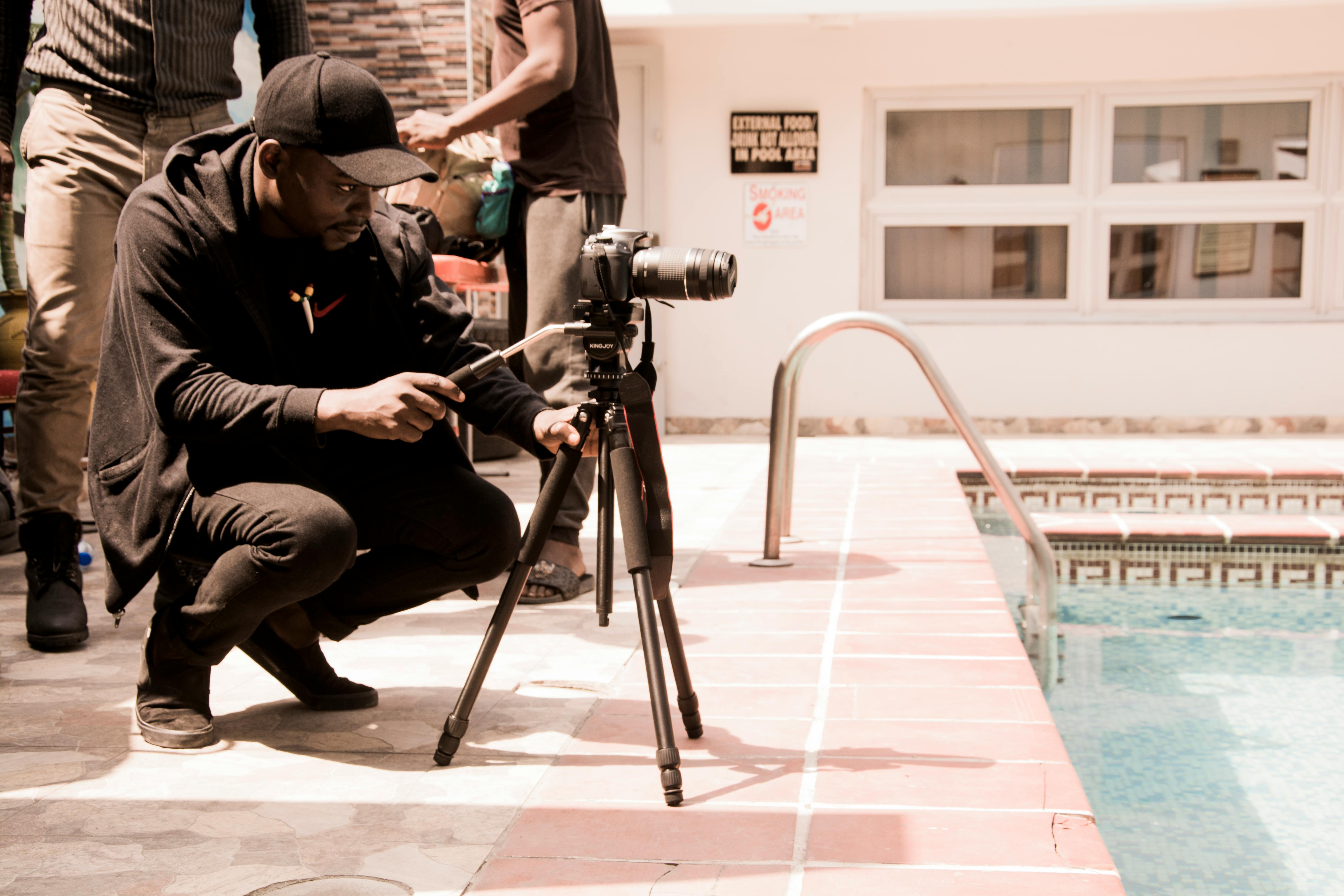
Not all b-roll serves the same purpose. Understanding the different types helps you choose the right footage for each moment in your video.
Cutaways
Cutaways are close-up shots of objects, products, or details you're discussing. If you're reviewing a software tool, a cutaway might show the interface. If you're talking about a product, it's the close-up of the packaging or the product in use.
Cutaways are the most common type of b-roll because they directly support what you're saying. They answer the viewer's natural question: "What does this actually look like?"
Establishing Shots
These are wider shots that set the scene and give the viewer context. An office exterior before an interview, a city skyline for a business-focused video, or your workspace before a tutorial.
Establishing shots work best at the beginning of sections or when transitioning between topics. They give the viewer a mental reset and signal that a new idea is coming.
Screen Recordings
For anyone creating content about software, tools, or digital workflows, screen recordings are essential b-roll. They show the actual interface, the actual process, the actual results.
Screen recordings build credibility because they prove you've actually used what you're discussing. "92% of consumers say they trust recommendations more when they can see the product in action."
Stock Footage
Generic clips that match your topic: technology montages, nature scenes, crowds, cityscapes. Stock footage fills gaps when you don't have your own supporting visuals.
The upside is convenience. The downside is that stock footage can feel disconnected from your content. Viewers who watch a lot of online video have developed a sense for when footage is "filler" rather than genuinely supporting the narrative.
Behind-the-Scenes
Process shots, your team working, the making-of your content. Behind-the-scenes b-roll is uniquely powerful because it builds authenticity. It shows the viewer the human side of your production and creates a connection that polished footage alone can't achieve.
This type works especially well for personal brand builders who want to differentiate through transparency.
The B-Roll Problem for Solo Creators
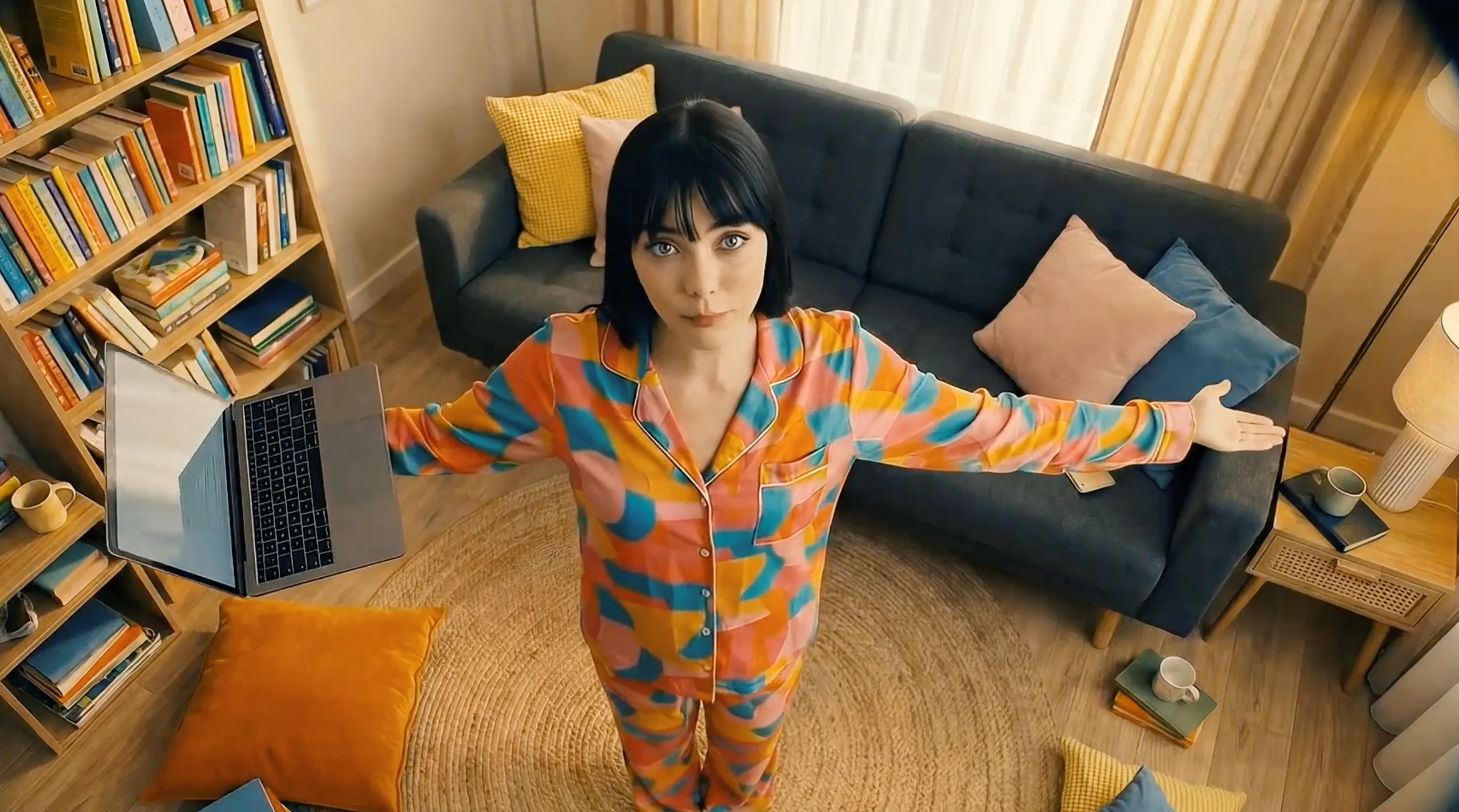
For a solo creator, filming b-roll means planning supplementary shots in advance, setting up different camera angles, recording additional footage that may or may not end up in the final edit. That's time most creators don't have, especially when they're already juggling scripting, filming, editing, and posting.
Stock footage is the obvious workaround, but it comes with its own issues. Generic clips feel disconnected from your actual content. They don't feature your environment, your products, or your face, and your audience can tell.
Building a personal b-roll library is the ideal solution, but this requires consistent effort over weeks and months. You’ll need to shoot footage of your workspace, your tools, your process, all before you know exactly how you'll use it. Most creators never build this habit because the payoff feels too distant.
This production barrier is the single biggest reason why many creators with excellent ideas and valuable knowledge still produce videos that look amateur. The content is strong, but the visual delivery undercuts it.
How AI B-Roll Has Revolutionized Video Creation
AI video tools have reached a point where they can generate contextual b-roll clips from text descriptions. Describe the scene you need, and the tool creates matching footage in seconds.
But there's an important distinction between types of AI b-roll. Most AI video generators create generic, stock-like clips. They're technically b-roll, but they carry the same disconnection problem as traditional stock footage. The clips don't feature you, your environment, or anything specific to your content.
Argil takes a fundamentally different approach. With our platform, all you need to do is upload a 2-minute training video of yourself, and Argil will learn your face, your expressions, and your mannerisms. When you create video content without being on camera, Argil generates clips that actually feature you. The b-roll isn't generic. It's contextual, personalized, and consistent with your brand.
The platform handles this as part of its end-to-end editing pipeline. When you feed in a script, Argil automatically suggests and generates b-roll clips, adds captions, applies transitions, and produces a complete video. You're not manually sourcing footage and dropping it into a timeline. The entire production process, including b-roll, is automated.
For creators who have been stuck in the cycle of talking-head videos because they don't have time to source b-roll, this changes the math completely. The production barrier that separated professional-looking content from amateur content is no longer a time or skill problem. It's a tool problem, and the tools now exist to solve it.
Argil's free plan lets you test this with 2 video minutes, with paid plans starting at $39/month for 25 minutes of video. You can try all features with a free sign-up.
How to Use B-Roll Effectively
Having b-roll is step one. Using it well is step two. Here are the practical rules that separate good b-roll usage from distracting b-roll usage.
- The 5-second rule: Cut to b-roll every 5 to 8 seconds in talking-head content. This creates a rhythm that keeps the viewer's attention without feeling choppy. If you go longer than 10 seconds without a visual change, you risk losing the viewer.
- Match b-roll to your words: The footage should directly support what you're saying at that moment. If you're talking about a product feature, show the feature. If you're discussing a problem, show the problem. Random b-roll that doesn't connect to the narration confuses viewers rather than engaging them.
- Keep clips short: Each b-roll clip should last 2 to 4 seconds. Longer clips start to feel like a different video rather than supporting footage. The exception is screen recordings, which can run longer when you're walking through a process.
- Use transitions intentionally: L-cuts (where the audio from the next clip starts before the visual changes) and J-cuts (where the visual changes before the audio) create smooth, professional transitions. Simple cuts work fine for most content, but learning these two techniques elevates your production immediately.
- Don't overdo it: B-roll should enhance your message, not replace it. If the viewer can't follow your point because the visuals are changing too rapidly, you've gone too far. The goal is visual variety, not visual chaos.
FAQ
What is the difference between a-roll and b-roll?
A-roll is your primary footage, typically you speaking directly to the camera or delivering the main content. B-roll is everything else: supplementary footage layered over the a-roll to add visual variety, context, and pacing.
How much b-roll do I need for a YouTube video?
A general rule is to have enough b-roll to cover 40 to 60% of your video's runtime. For a 10-minute video, that means 4 to 6 minutes of supplementary footage of 2-4 second clips.
Where can I find free b-roll footage?
Pexels, Pixabay, and Coverr offer free stock b-roll. However, stock footage often feels generic. AI tools like Argil can generate personalized b-roll featuring your own likeness, which solves the authenticity problem that stock footage creates.
Can AI generate b-roll automatically?
Yes. AI video tools can generate b-roll from text prompts. The quality varies significantly between tools. Generic AI b-roll has the same disconnection problem as stock footage. Tools like Argil generate b-roll that features your actual face and environment, making it indistinguishable from footage you filmed yourself.
What is the best aspect ratio for b-roll?
Match the aspect ratio of your main footage. For YouTube, that's 16:9 (landscape). For TikTok, Instagram Reels, and YouTube Shorts, it's 9:16 (vertical). Mixing aspect ratios within a video looks unprofessional. You can learn more about optimal aspect ratios for different platforms.
Do I need b-roll for short-form content like TikTok and Reels?
Absolutely. Short-form content moves fast, and b-roll is what keeps viewers watching past the first 2 seconds. Even quick 1-second cutaways add enough visual variety to hold attention on platforms where the competition for eyeballs is fierce.
Related Articles:
- What's Happening in the Creator Economy in 2025? Key Shifts, Tools, and Opportunities
- What's New in AI Video Generation? Key Trends and Tools to Watch in 2026
Everything creators need to know about b-roll and AI-powered video production in 2026