Fliki Review: Features, Limits and the Best Alternatives
An honest Fliki review covering features, credit based pricing, the real limitations, and the best alternatives for creators who need their own face on camera.
Article highlights
- Fliki turns scripts, blogs, and decks into narrated video
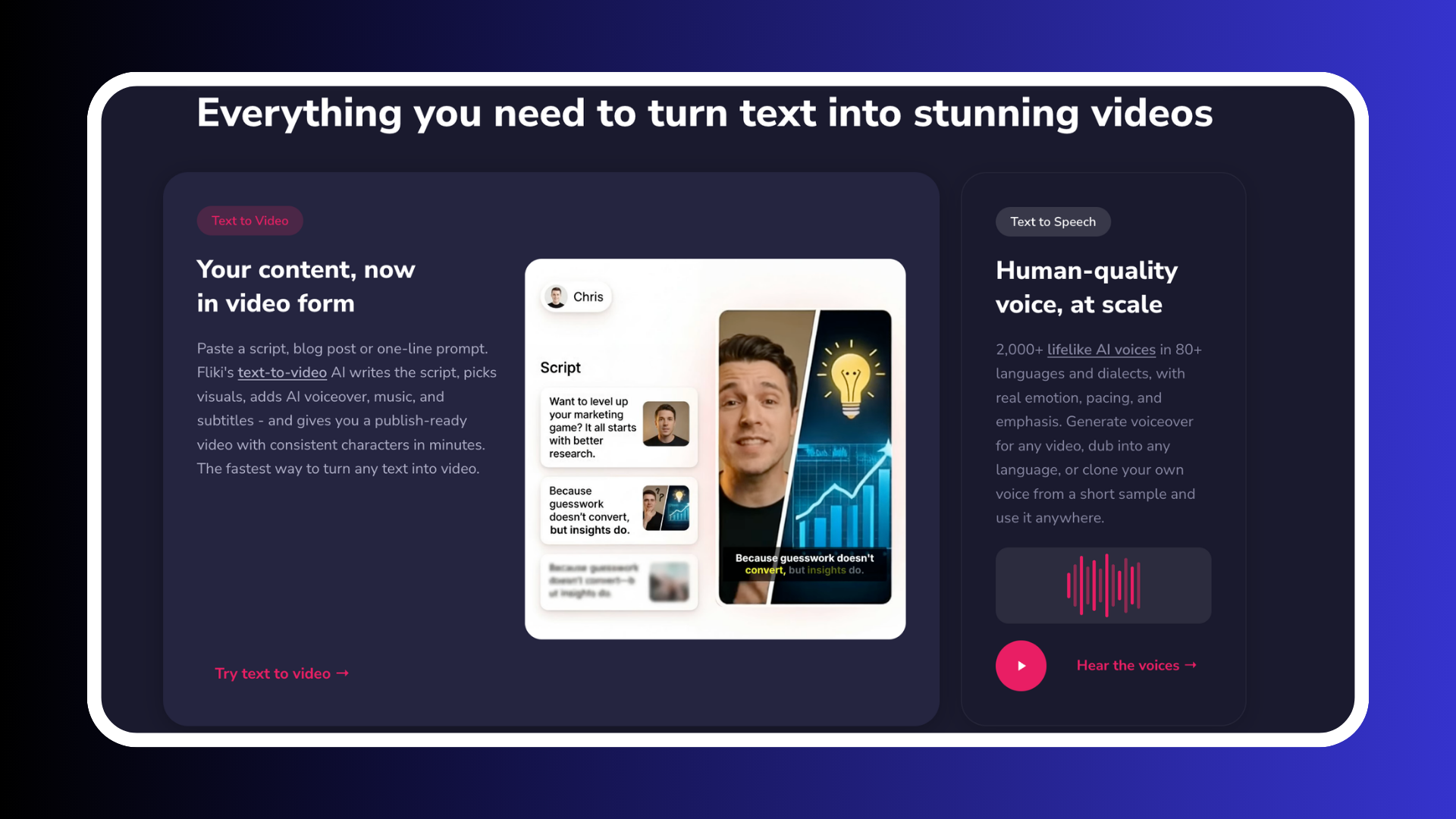
- 2,000+ AI voices across 80+ languages and dialects
- Fliki ships a digital twin from one 2 minute video
- How fast Fliki credits burn sets your real cost
- No refunds after you subscribe, per Fliki's own FAQ
- Argil costs $39 a month and finishes the edit for you
Fliki Review: Features, Limits and the Best Alternatives
(Feature image)
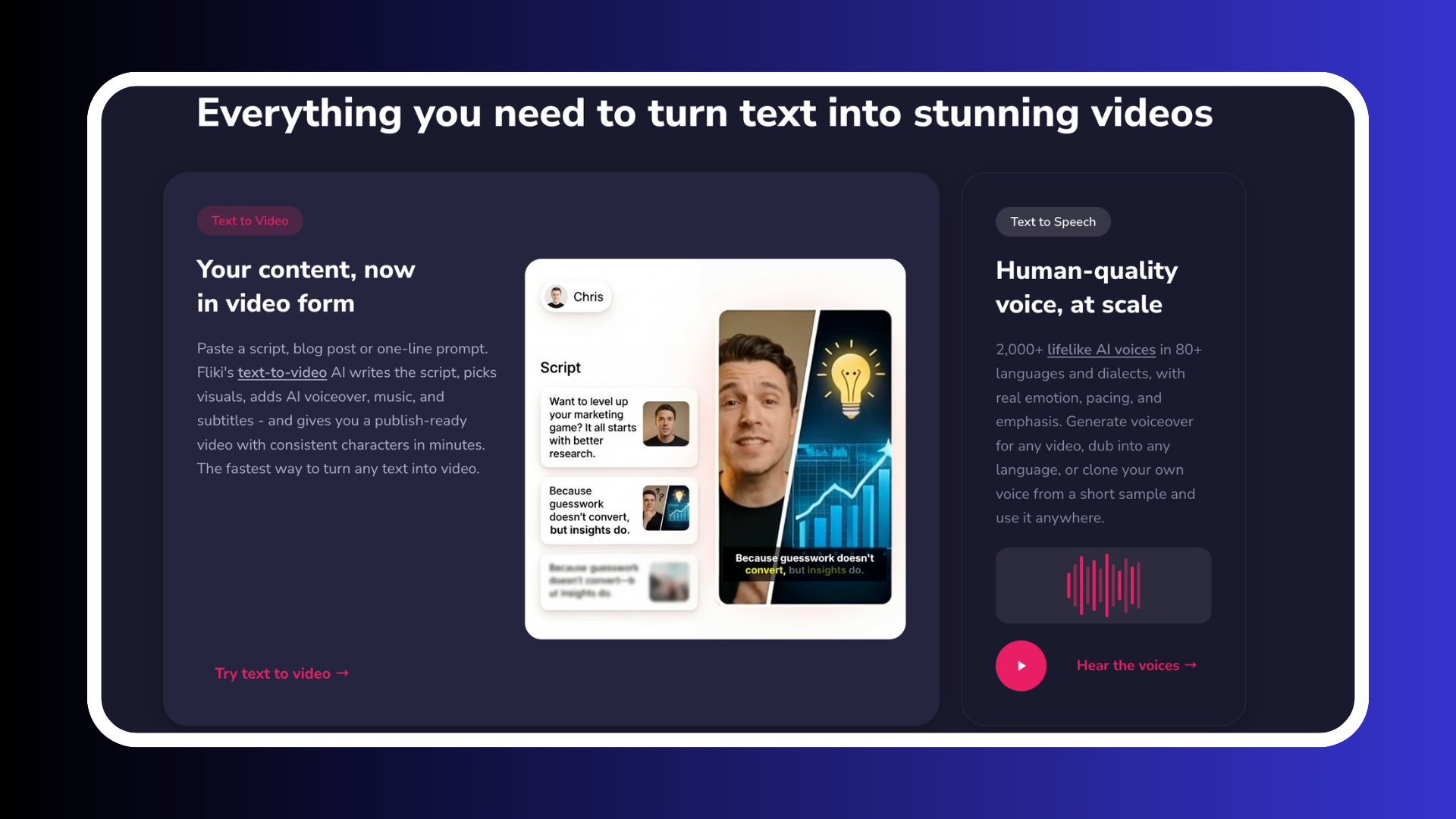
Fliki is a credit based AI video generator that turns a script, blog post, or slide deck into a narrated video with stock footage and captions. It ships 2,000+ voices across 80+ languages and a custom digital twin trained on a single 2 minute recording. It suits high volume narration work far better than it suits frame level editing.
What Fliki is and who it is built for
Fliki is a text to video and text to speech platform built around a script. You hand it an idea, a finished script, a blog URL, or a PowerPoint deck, and it splits the text into scenes, matches each scene to stock or generated visuals, records an AI voiceover, and burns in captions. Fliki's homepage claims 100M+ videos created, 12M+ users worldwide, and 80+ supported languages.
91% of businesses use video as a marketing tool and 63% of video marketers have used AI video tools to create or edit their videos, according to Wyzowl's Video Marketing Statistics 2026.
3 buyers show up for Fliki.
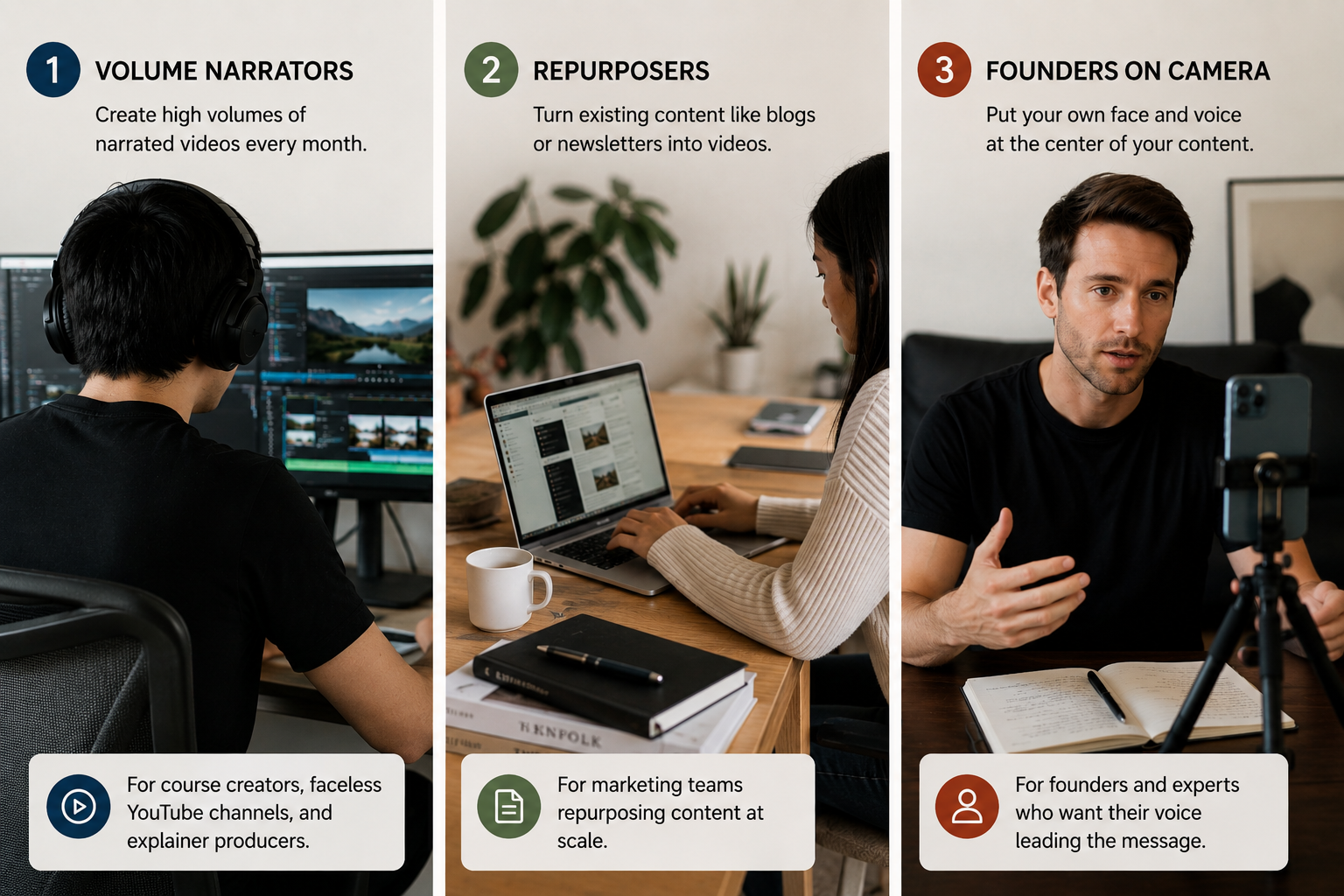
- Volume narrators: course creators, faceless YouTube channels, and explainer producers who need many finished minutes per month.
- Repurposers: marketing teams converting an existing blog library or newsletter archive into video.
- Founders on camera: people who want their own face and voice carrying the content.
Fliki is strongest for the first two.
Fliki features that hold up in practice
Text to video, blog to video, and PPT to video
Text to video is what Fliki is built for, and it delivers. Paste a URL and Fliki reads the article, writes a scene by scene script, picks visuals, and produces a narrated video with captions. The PPT path does the same to a deck, which is the fastest route from an internal training deck to something publishable.
The output looks like what it is, narration over stock footage and generated imagery. That level of production fits an explainer, a listicle video, or a course module.
The voice library and voice cloning
Voice is Fliki's strongest asset. The library runs to 2,000+ voices across 80+ languages and dialects, tiered into quality bands. Fliki holds a 4.7 out of 5 rating from 345 verified reviews on Capterra, where the summarized pros lead on ease of use, voice quality, and speed of creation.
One thing to check before you buy. Fliki's live plan comparison gives Standard a single voice clone and Premium 3, while Fliki's own FAQ still states that voice cloning requires Premium. The pricing page is the current entitlement, but if cloning is why you are subscribing, confirm it in the app before you commit to a year.
AI avatars and the digital twin
A lot of published Fliki reviews are out of date on this point. Several competitor written posts still claim Fliki cannot put a real presenter on screen. That is wrong. Fliki's avatar feature offers 70+ stock avatars, an OmniHuman 1.5 mode that animates a single still photo into a talking head with synced lips and head motion, and a custom digital twin trained on one 2 minute video of a founder or spokesperson. Custom twins are paid plans only, but they exist.
Training a clone on a 2 minute clip is table stakes across this category now, so the presence of an avatar says almost nothing about which tool to pick. What separates them is how much work is left once the render lands. Our roundup of expert reviewed AI avatar tools for explainer videos applies that same test across the category.
The rest of the toolkit
Fliki also bundles a Playground for comparing image and video models before you spend credits, a thumbnail creator, translation and dubbing, screen recording with automatic editing, and series planning. None of these are the reason to buy Fliki, but the Playground earns its place once you see how the pricing works.
Fliki pricing and how fast credits burn
The plan structure, from Fliki's pricing page, breaks down as follows.
- Free: 3 credits per month, 300 voices, exports capped at 1 minute, 720p, Fliki watermark, no commercial rights.
- Standard: 2,160 credits per year (180 per month) at $28 per user per month, 1,000 voices including 500 ultra realistic, 1080p, exports up to 15 minutes, 1 voice clone, limited stock avatars, commercial rights.
- Premium: 7,200 credits per year (600 per month), 2,000+ voices, exports up to 40 minutes, generative AI video clips, photo avatars, all AI avatars, 3 voice clones, and API access.
- Enterprise: custom credits, bulk discounts, personalized avatars, and a dedicated account manager.
Annual billing takes 25% off. The $28 Standard figure is Fliki's own, stated in the team billing worked example in its FAQ.
Credits are the part worth modeling before you subscribe. A month of them buys wildly different amounts of video depending on which features you switch on. Using Fliki's published credit guide, here is what one month of Standard credits, 180 of them, produces.
- Standard quality voiceover costs 0.5 credits per minute, so 180 credits is roughly 360 minutes of narrated video. That is genuinely cheap.
- Top band voices cost 2 credits per minute, cutting the same allowance to about 90 minutes.
- Stock avatars bill at 0.25 credits per second, so 180 credits is about 12 minutes of avatar footage. Clips under 8 seconds carry a flat 2 credit floor, which makes short social cuts disproportionately expensive.
- Generative AI video clips move to per second billing, from 0.1 credits per second on Seedance Pro Fast at 720p up to 6 credits per second on Google Veo 3.1 Fast at 4K. At the top model, a full month of Standard credits buys 30 seconds of finished footage.
That is a swing from 360 minutes to 30 seconds inside the same $28 subscription, and it is what decides whether Fliki is cheap or expensive for you.
Which means you should work out which of Fliki's 2 products you are buying before you subscribe. If you want narration over stock footage, Fliki is one of the cheapest ways to produce volume in this category and the plan price is close to your real cost. If you intend to use the generative video models, treat the subscription as a credit float you budget per finished minute instead of an allowance you draw down. Buyers who choose on the sticker price alone find out when the credits run dry. The same trap runs across the category, which is why we broke down how AI video pricing compares across HeyGen, Synthesia, and Argil.
Where Fliki falls short
Cost predictability is the top limitation. Per second generative billing makes a monthly spend hard to forecast, and there is no way to see the bill coming other than modeling it yourself in the Playground first.
Edit control comes next, and it is structural. Fliki is built around a script and a scene timeline, which is what makes it fast, and it means you direct one step up from the frame. A team shipping 5 explainers a week will take that trade every time. A studio producing a single high production brand film hits the ceiling on day one, and no amount of credits moves it.
Tier gating catches people out too. Generative AI video clips, photo avatars, and full avatar access all sit on Premium, and Standard is capped at limited stock avatars and 1 voice clone. A buyer on Standard at $28 does not get the feature set the marketing implies, so map the features you need to a tier before comparing Fliki's entry price to anything else.
Then there is the refund policy. Fliki states in its FAQ that it cannot issue refunds once you have subscribed to a paid plan, and Capterra reviewers raise support declining to restore credits when generation fails. So spend the free plan's 3 credits on the exact workflow and quality tier you intend to buy before you pay for anything, because you cannot unwind the decision afterwards.
The best Fliki alternatives
Argil, for founder led video where the edit matters
Fliki does offer a digital twin, so the comparison that matters sits downstream of the render. Argil trains a clone from a 2 minute recording and runs a full finishing pipeline around it, so captions, b roll, and transitions arrive as part of the output instead of waiting for you in an editor. Its Director surface carries an idea through to a finished cut. Argil publishes Classic at $39 per month for 1,600 credits, which it puts at roughly 25 minutes of video.
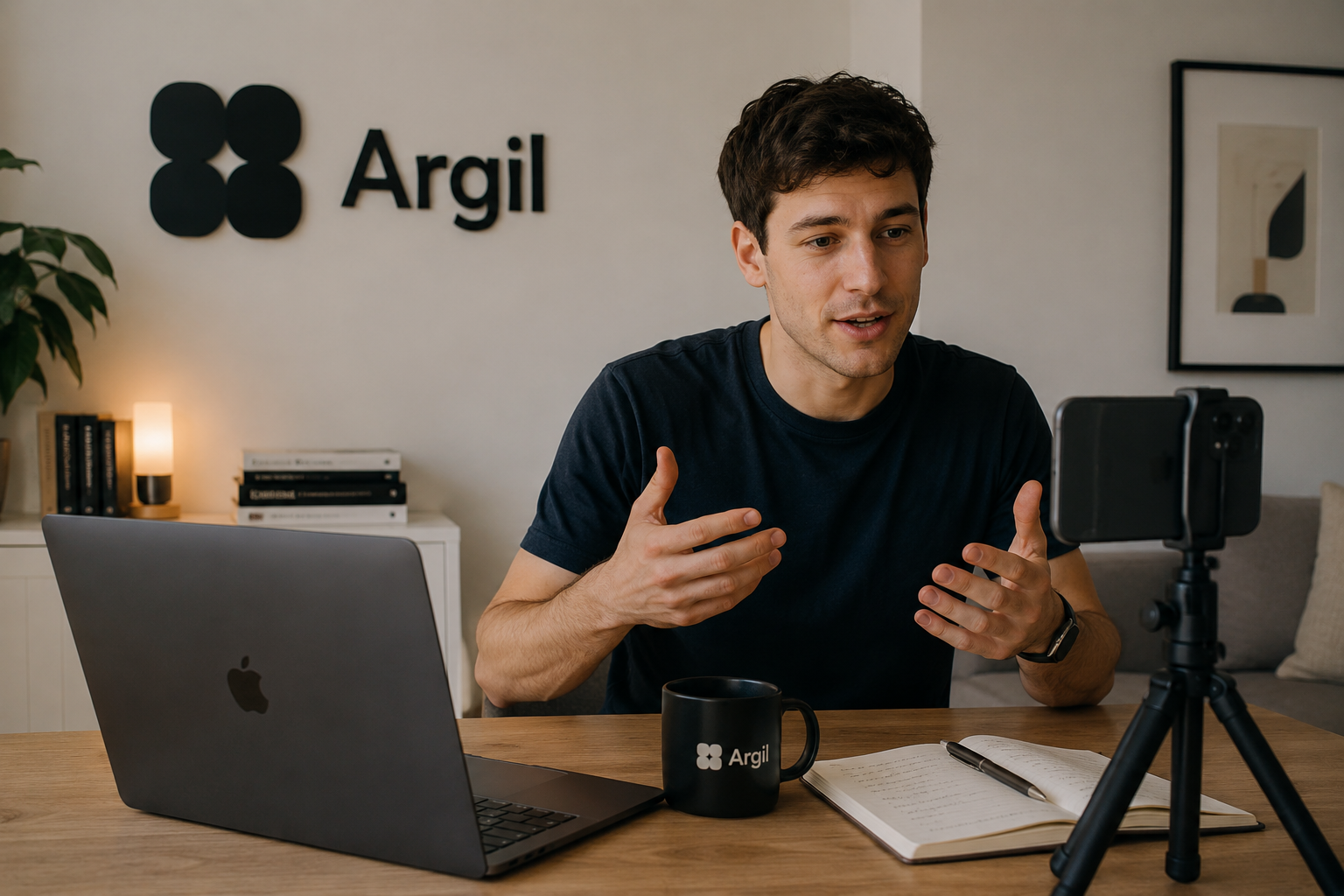
Best for the founder or creator publishing on a cadence who wants to appear in every video without opening an editor afterwards.
HeyGen, for avatar breadth and translation
HeyGen wins when you need many faces or the same video in many languages. Its Creator plan is $29 per month, or $24 billed annually, for 600 credits with voice cloning and 1080p export, and even the free tier includes 1 custom digital twin alongside 500+ stock avatars. Lip synced translation costs 5 credits per minute.
Best for teams localizing one video across markets. We compared it head to head in our Revid versus HeyGen breakdown.
Synthesia, for enterprise training and localization
Synthesia sells Starter at $29 per month, or $18 billed yearly, for 120 minutes per year and 3 personal avatars, and Creator at $89 per month, or $64 yearly, for 360 minutes and 5 personal avatars across 160+ languages.
Best for learning and development and compliance video at scale. Its allowances are annual, which rewards steady enterprise output and punishes bursty creator workflows.
Descript, for people who want to edit instead of generate
Descript is the direct answer to Fliki's edit control limitation. Creator is $24 per month for 1,800 minutes with custom voice clones, and Business at $50 per month adds avatars from a photo upload, with transcription in 25 languages. You edit video by editing the transcript.
Best for podcasters and anyone cutting real recorded footage.
Pictory, the closest equivalent on blog to video
Pictory competes with Fliki most directly. Starter is $29 monthly or $25 billed annually for 200 minutes, and Professional is $59 monthly or $35 billed annually with custom avatars and voice cloning, drawing on 5 million Getty Images and Storyblocks videos.
Best for a marketing team converting a blog library on a fixed minute budget rather than a fluctuating credit budget. Our AutoShorts review and alternatives covers the same short form repurposing category.
How to choose between Fliki and the alternatives
Match the tool to which of the 3 buyers you are, and let the cost model break the tie.
- If you are a volume narrator producing many minutes of explainer or course content, buy Fliki Standard and keep generative video switched off. Nothing on this list produces narrated minutes more cheaply.
- If you are a repurposer converting an existing content library, compare Fliki against Pictory on cost per finished minute. Credits punish the months you experiment.
- If you are a founder who needs to be on camera in every video and wants a finished cut rather than a raw render, Argil is the closer fit at $39 a month.
Frequently asked questions
Is Fliki free?
Fliki has a permanently free plan giving you 3 credits per month, 300 voices, and exports capped at 1 minute in 720p with a Fliki watermark. It carries no commercial rights, so it works as a demo of the workflow and not as a production tier.
Does Fliki have AI avatars?
Yes. Fliki offers 70+ stock AI avatars, a talking photo mode that animates a single still image, and a custom digital twin trained on one 2 minute video of you. Custom twins are paid plans only, and reviews claiming Fliki has no presenter likeness are out of date.
How much does Fliki cost?
Fliki's Standard plan is $28 per user per month, with 25% off annually, and Premium sits above it with 7,200 credits per year and API access. The plan price is half the picture, because generative AI video is billed per second and can consume a month of credits in under a minute of footage.
Can you use Fliki videos commercially?
Yes, on any paid plan. Fliki's FAQ states that the media it provides is licensed or royalty free and that paid plan users hold commercial rights to what they create. The free plan does not, so monetized channels and client work need a paid tier.
Related articles
- Which AI avatar platform is easiest to use, comparing HeyGen, Synthesia, Argil, D-ID, Veo 3 and Sora
- 5 best Opus Clip alternatives for content creators
- Seedance vs Arcads vs HeyGen, a performance marketer's honest tool comparison
Fliki review of features, credit pricing, and the best AI video alternatives for 2026